Installing theCab Components 7
l Connect the control box to the system harness
l Validate the connection
7.3.1 Mount and connect the control box
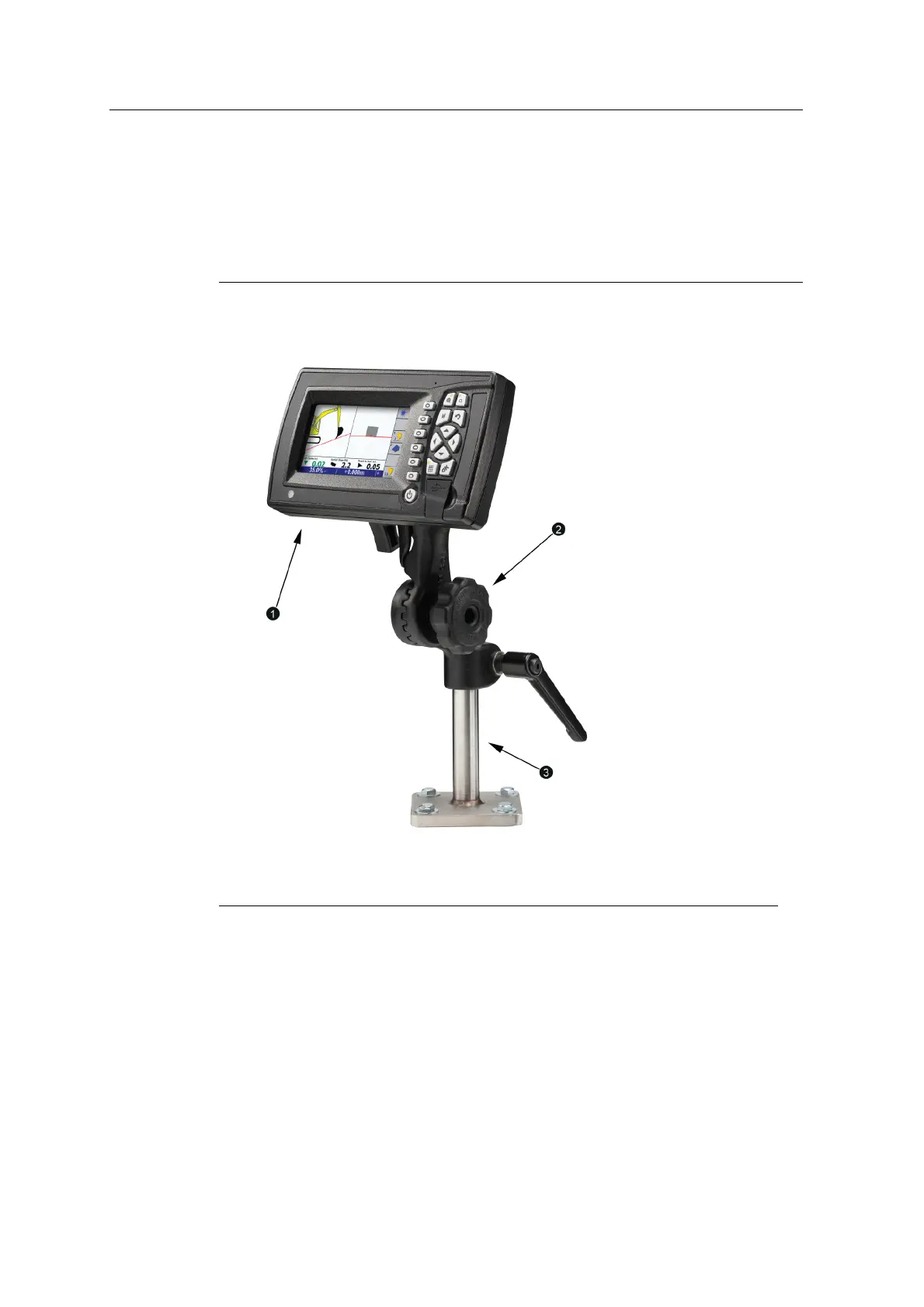
1
Control box
2
RAMmount
3
Pole bracket
Figure 7.1 Control box mounted on the generic mount
To mount and connect the control box:
1. Use the M5 screws and flat washers to attach the ball mount to the control box.
2. Fasten the RAM mount to the pole bracket.
3. Insert the ball mount into the RAM mount socket and fasten.
4. Connect the display harness to the control box.
GCS900 Grade Control System for Excavators Installation Manual 69



 To Next Page