SetupMenus A
To get these values, refer to the documentation for your radio. The system supports
baud rates up to 38400.
As a guideline, the default values for the SNR900 or SiteNet450 are:
l Baud rate: 38400
l Parity: None
For the SNM940 cellular modem
If you connected to the ... Use this port number ...
Brown (Data Radio)
rooftop
connector
COM1
Black (Expansion)
rooftop
connector
COM3
To receive VRS corrections, set:
l COM1 as the Port Number
A.11 GNSS receiver configuration
A correctly configured GNSSreceiver is a pre-requisite for performing the GNSS
body vector measurements.
Note – Ensure that the configuration file is on the control box's system memory,
using USBSync if necessary. The *.cfg file path on the USB flash drive is
//Machine Control Data/ All/*.cfg.
For more information, see the GCS900 Grade Control System Operator's Manual.
Note – You cannot send the configuration file to the GNSS receiver when the GNSS
measure-up cable is in use. To send the configuration file to the GNSS receiver,
connect the GNSS receiver to one of the GNSS connectors on the body harness.
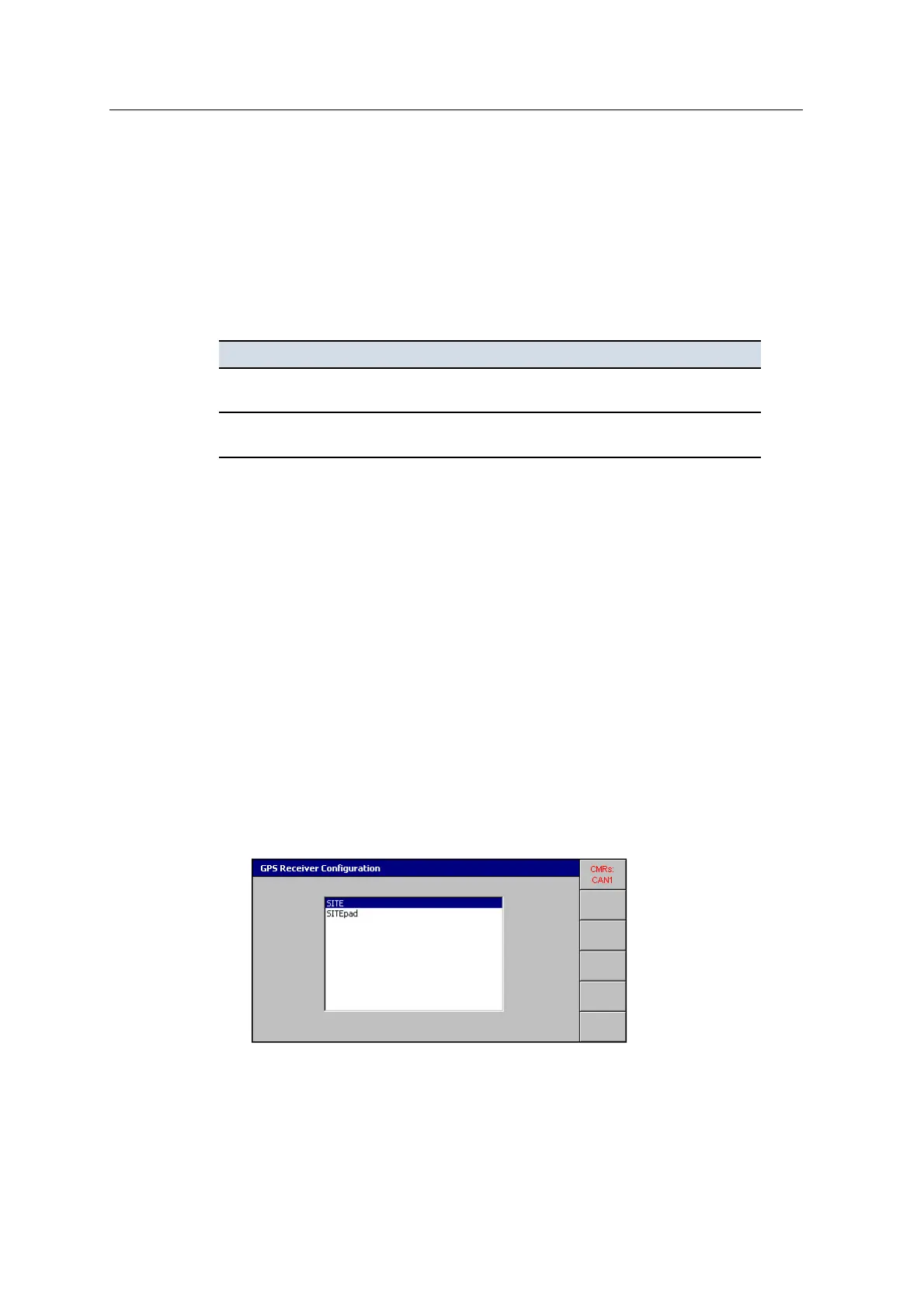
1. From Setup Menu – Configuration, select GNSS Receiver Configuration:
GCS900 Grade Control System for Excavators Installation Manual 151



 To Next Page