9 2D system measurements
Note – When the bucket sensor is located on the bucket/ quick coupler, the Bucket
Sensor Calibration option is not available, as the system automatically calibrates
the sensor at the time of bucket creation.
9.15.1 Body sensor calibration
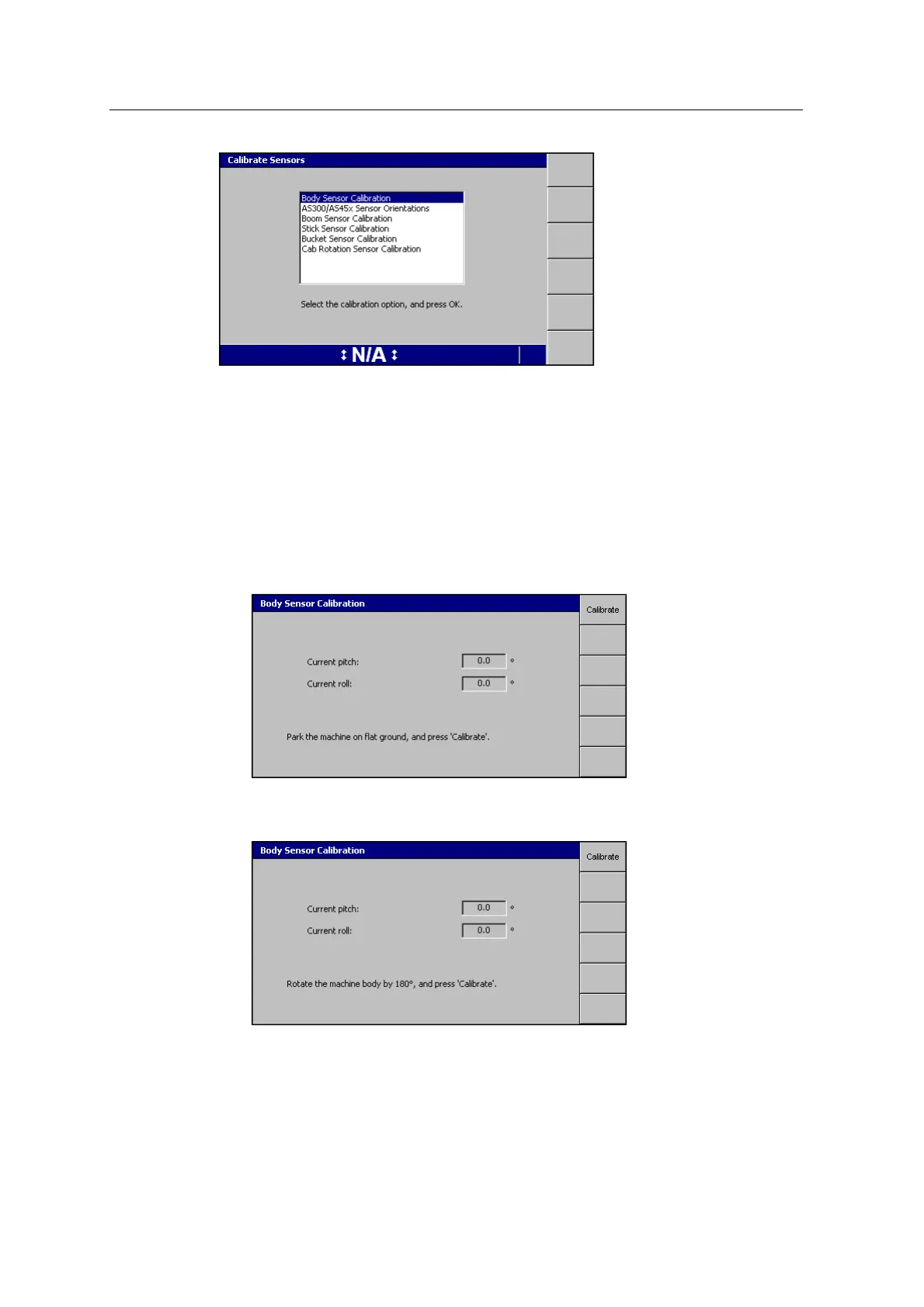
1. Park the excavator on flat ground, where you can rotate it 180° without moving
its tracks.
2. Select Body Sensor Calibration:
3. Press Calibrate. A ‘Calibrating Sensor’ message appears, followed by the Body
Sensor Calibration dialog:
4. Rotate the excavator body 180° without moving the tracks.
5. Press Calibrate.
116 GCS900 GradeControl System for Excavators Installation Manual



 To Next Page