6 Welding andFitting Tasks
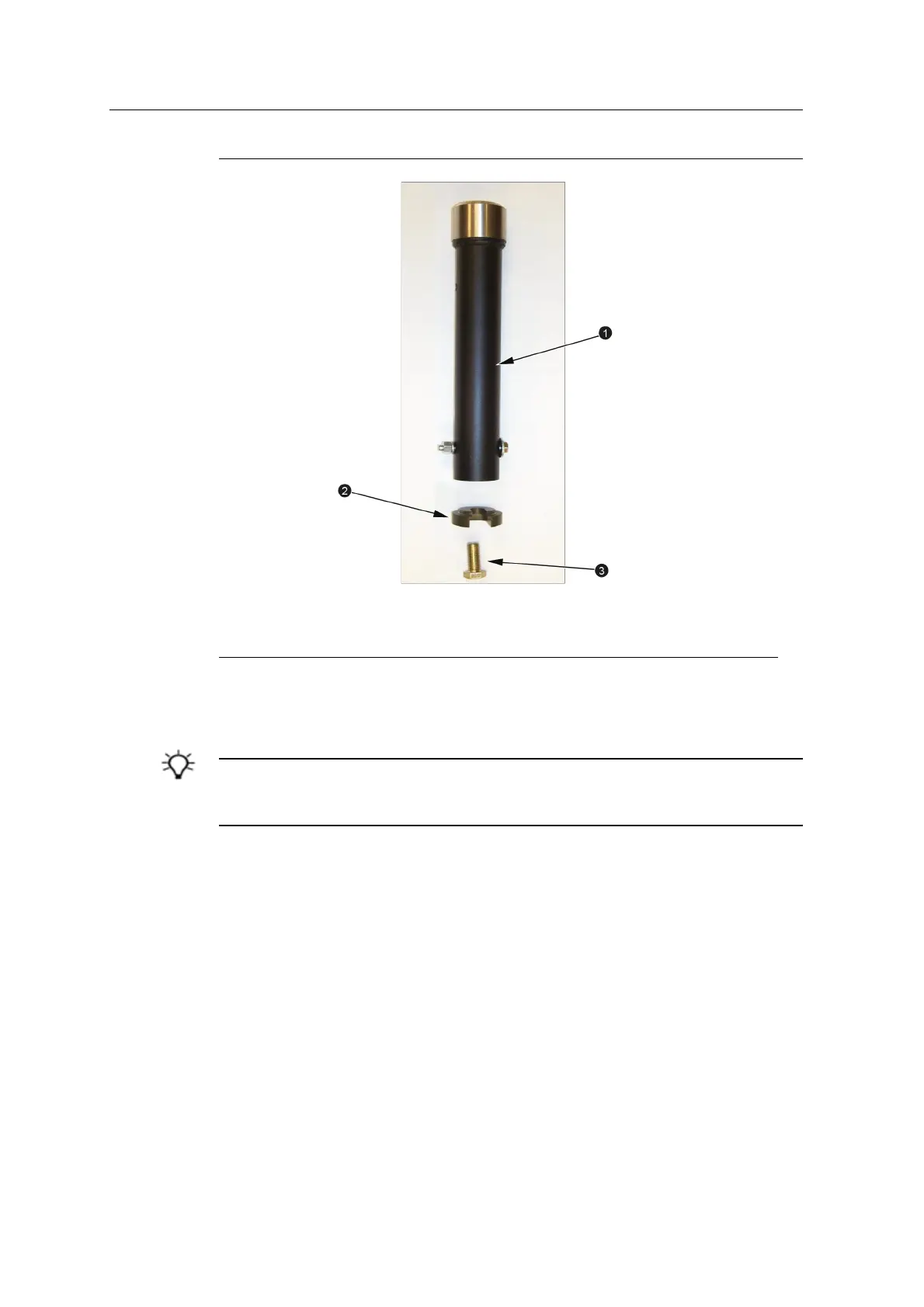
1
Mast
2
Mounting bracket
3
High-tensile grade 8 bolt
(supplied)
Figure 6.3 GNSSreceiver or UTStarget mast components
6.10.1 Select a location for the masts
TIP – During installation and measure-up reference is made to the center of rotation of the
excavator body. It is helpful to find, and mark, the center of rotation. On most machines the
center of rotation is not the same as the center of the hydraswivel.
Position the mast so that:
l the mast is as far away from the center of rotation of the excavator body as
possible.
l they are as far behind the center of rotation of the excavator body as possible.
l for a dual-GNSS system, the line between the masts is as perpendicular as
possible to the long axis of the arm.
l for a single GNSS system or a UTS system, the mast is in the same location as
one mast (preferably the left mast) in a dual GNSS system. This provides an
easier upgrade path to a dual GNSS system.
Make sure that when installed:
56 GCS900 Grade Control System for Excavators Installation Manual



 To Next Page