SetupMenus A
The Laser Catcher Support menu item is only available if you configure a laser
catcher in the Machine Settings wizard, and have set the Mode softkey to 2D.
To turn the laser catcher on or off:
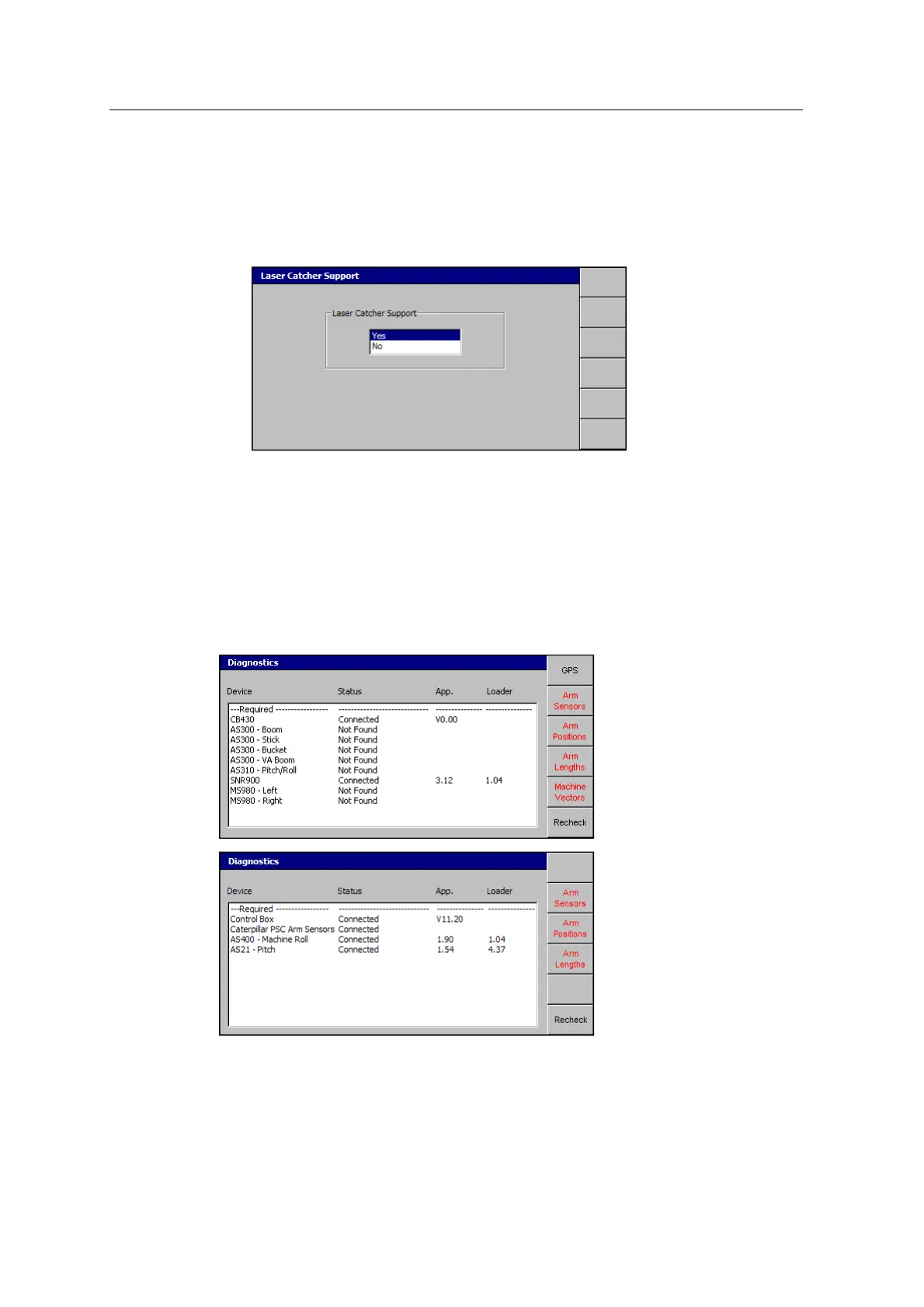
1. From Setup Menu – Installation, select Laser Catcher Support:
2. To enable laser catcher support, select Yes.
3.
Press \.
A.15 Diagnostics
The Diagnostics dialog reports the status of the system components.
From Setup Menu – Configuration, select Diagnostics:
To view additional information about your system, press the appropriate softkey:
GCS900 Grade Control System for Excavators Installation Manual 155



 To Next Page