Using a USBFlashDrive for File Transfer D
1
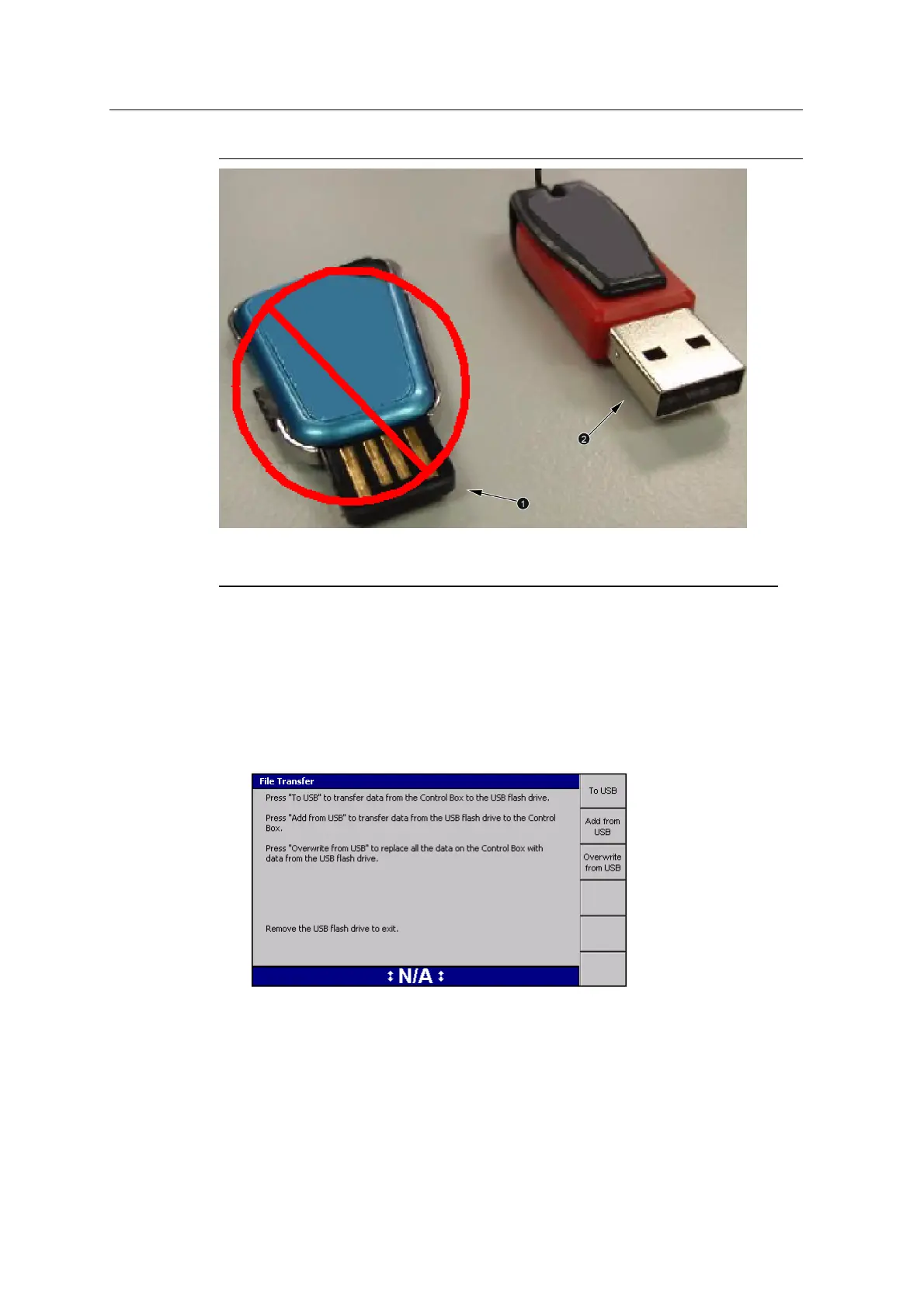
No metal surround on the connector
(NOT recommended)
2
Metal surround on the connector
(recommended)
Figure D.1 USB flash drive connector examples
D.2 Transferring data to and from the control box
1. Start the control box.
2. Insert the USB flash drive into to the control box USB port. The File Transfer
dialog appears:
GCS900 Grade Control System for Excavators Installation Manual 173



 To Next Page