2D system measurements 9
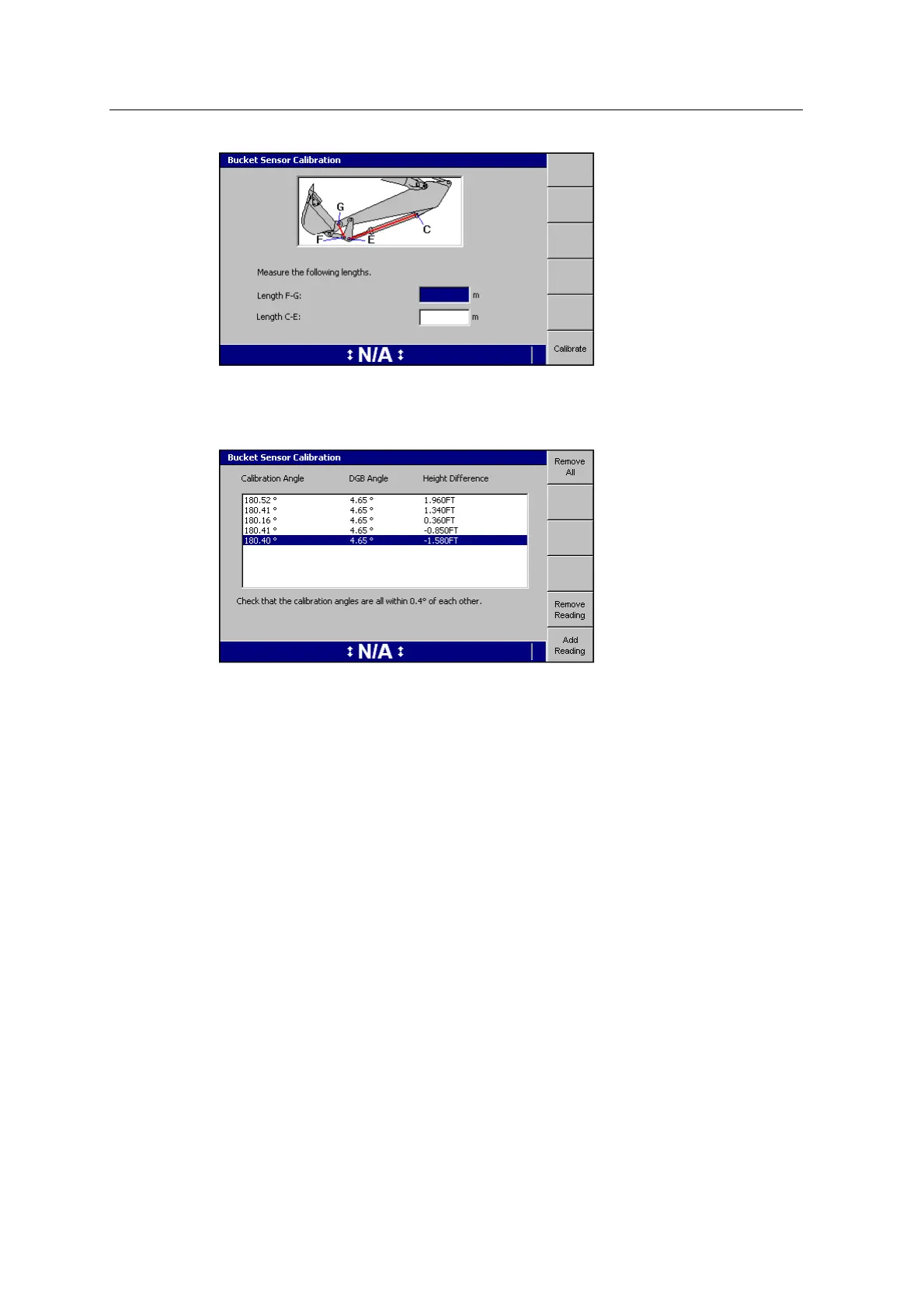
Once the calibration is done, the Bucket Sensor Calibration summary screen
displays the DGBangle, to indicate any problems with the length F-G
measurements:
9.15.3 Cab rotation sensor calibration
You must calibrate the cab rotation sensor when it is installed, or if you remove the
sensor and re-install the sensor.
1. Move the machine onto firm, level ground, with enough surrounding space to
swing the machine 360°, and to extend the arm.
2. From Calibrate Sensors, select Cab Rotation Sensor Calibration. The following
warning appears:
GCS900 Grade Control System for Excavators Installation Manual 121



 To Next Page