9 2D system measurements
Note – If you proceed from this point and then escape out of this calibration
wizard, the system will not give guidance as you did not complete the full cab
rotation sensor calibration.
Press \ to continue.
3. At each step in the Cab Rotation Sensor Calibration wizard:
a. Follow the instructions displayed in the dialog; and then
b. Press Calibrate.
Note – The Calibrate softkey becomes available only after you performed
the required action (for example, rotate the cab until the rotation value is
100%), and the system detects it has the information it needs. An action
message screen displaying "Calibrating Sensor" or a progress screen is
displayed every time the system performs calculations after you pressed
Calibrate.
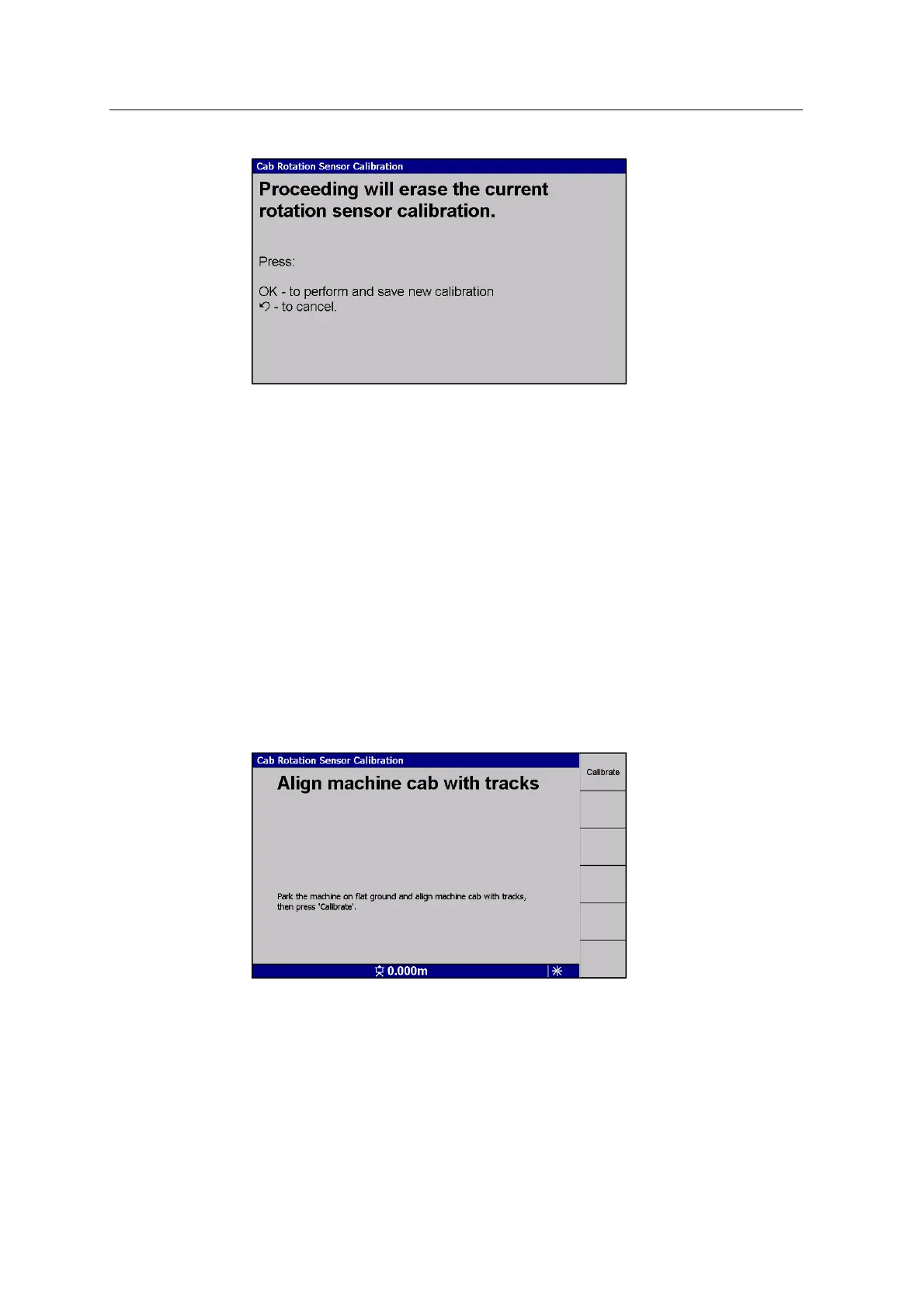
4. Align the cab with the tracks:
Press Calibrate.
5. Without moving the tracks, rotate the cab 180°:
122 GCS900 GradeControl System for Excavators Installation Manual



 To Next Page