2D system measurements 9
Press Calibrate.
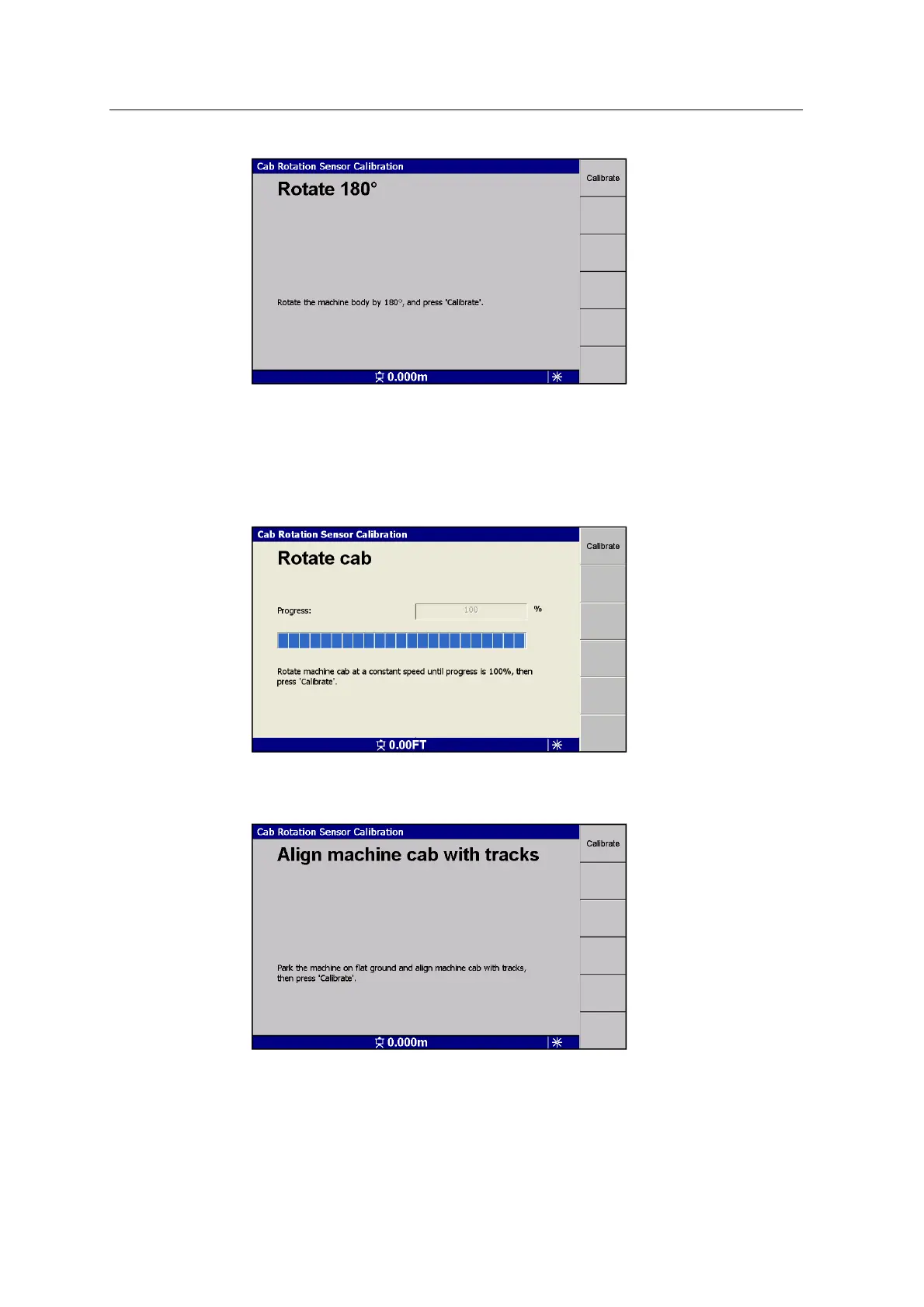
6. Without moving the tracks, rotate the cab until the displayed Progress value is
100%.
Note – Make sure you rotate at a constant speed. You will need to rotate more
than a full 360° to achieve a 100% rotation value.
Press Calibrate.
7. Without moving the tracks, align the cab with the tracks:
Press Calibrate.
GCS900 Grade Control System for Excavators Installation Manual 123



 To Next Page