9 2D system measurements
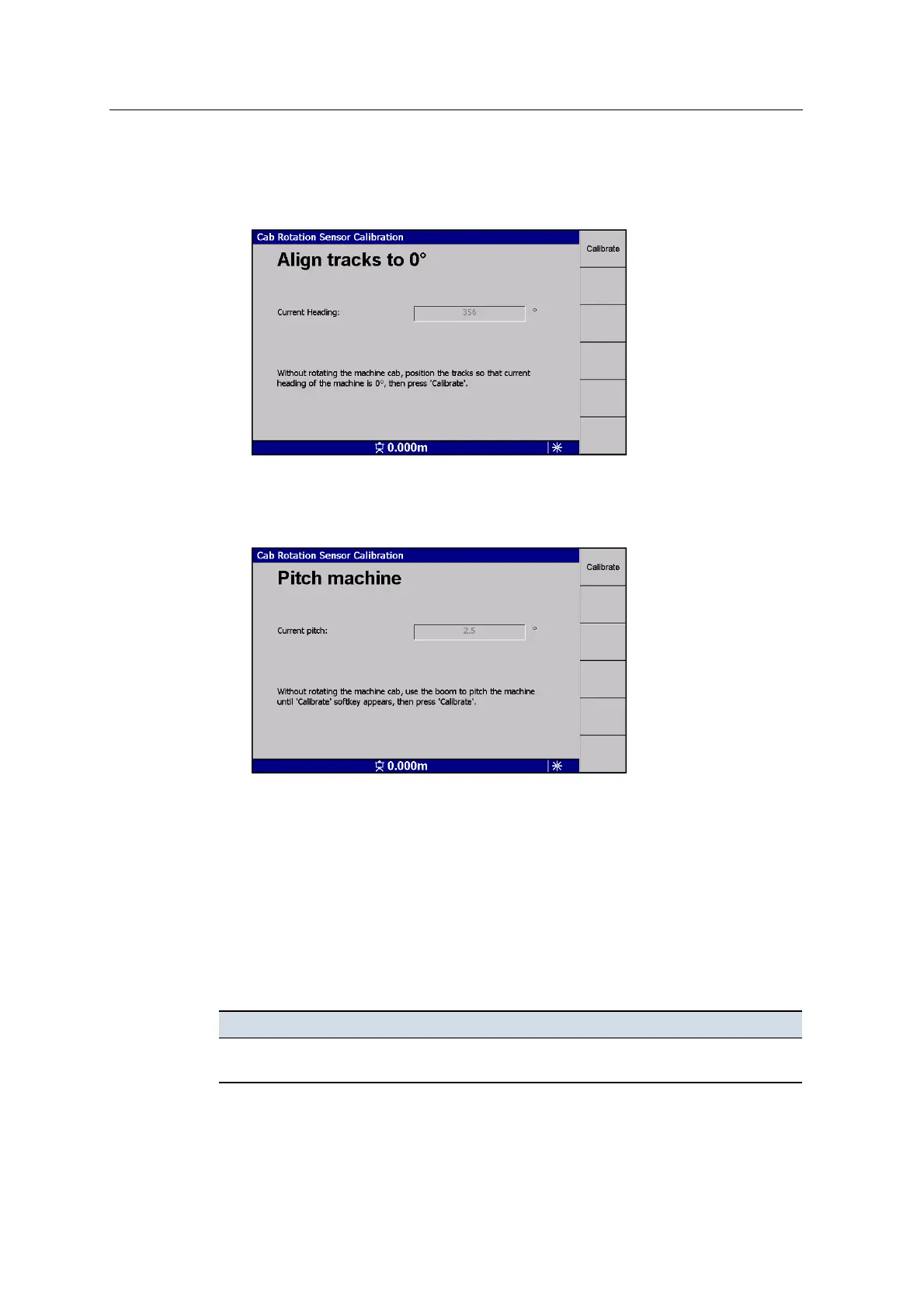
8. Without rotating the cab, move the tracks in opposite directions keeping the
machine centered in roughly the same position, until the displayed Current
Heading value is 0°:
Press Calibrate.
9. Without rotating the cab, ground the bucket, and use the boom to slowly pitch
the excavator backwards until the Calibrate softkey appears:
This raises the front of the machine by approximately 0.15 – 0.3 m (6 – 12 in),
depending on the machine size.
Press Calibrate.
10. If successful, the system reports that the calibration is completed. Press
Finished!.
If the calibration was not successful, a warning message is displayed, and you
are returned to the failed step.
The following problem may occur when you try to calibrate the cab rotation sensor:
Problem Action
No rotation sensor
calibration option
The system may not be configured to use the rotation sensor. Follow the
procedure in
A.5 Cab rotation sensor configuration
.
124 GCS900 GradeControl System for Excavators Installation Manual



 To Next Page