6 Welding andFitting Tasks
6.4 Tilt bucket sensor bracket
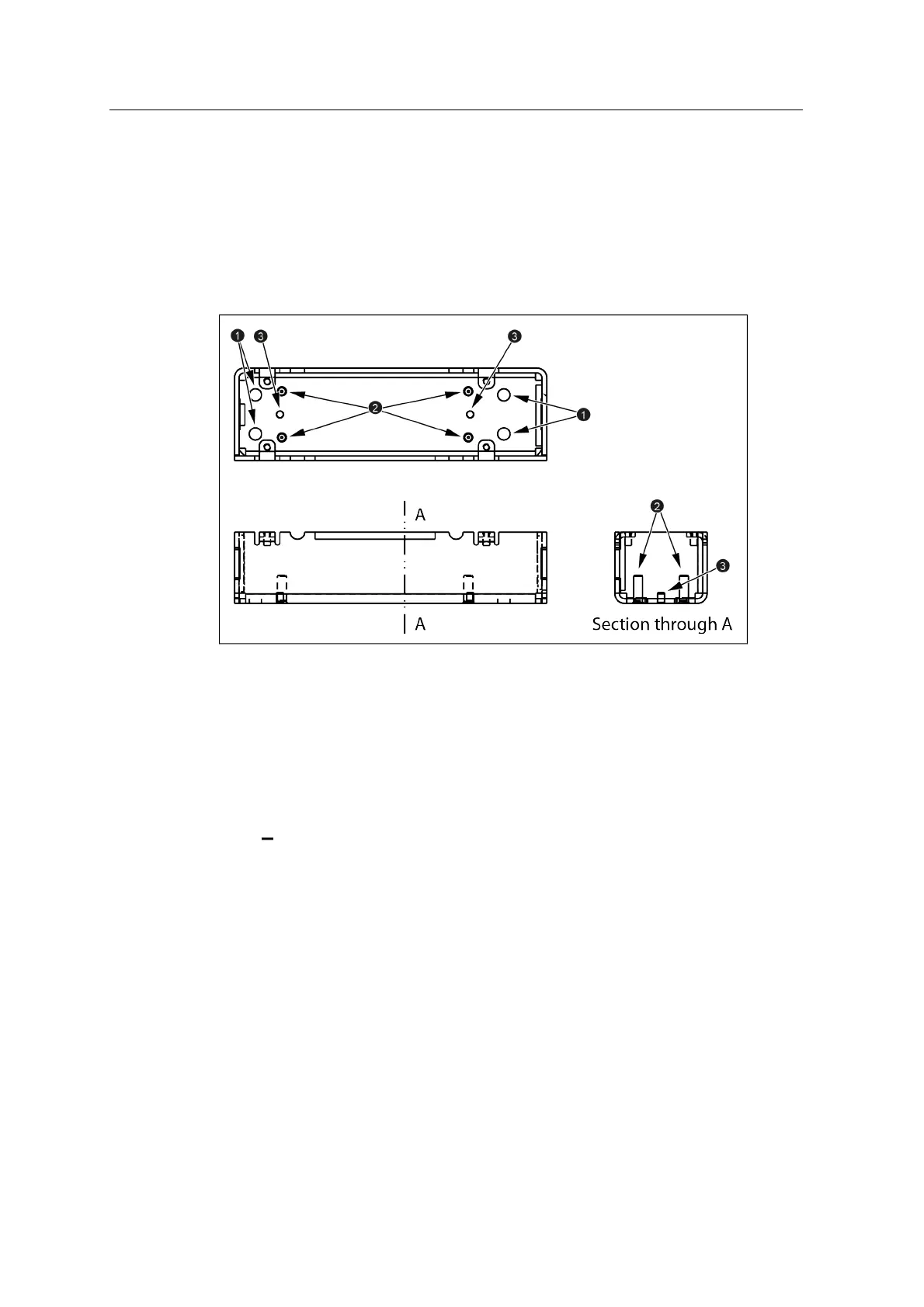
The AS450 tilt bucket angle sensor brackets can be welded directly to the machine
or bolted to a plate or weld bosses using the bolt holes (1) on the horizontal face.
The sensor is secured to the bracket using the studs (2) and aligned by the locating
pins (3).
6.4.1 Select a location for the tilt bucket sensor bracket
Mount the bracket either on the bucket or the tilting mechanism. When you select a
position, consider the following:
l Face the sensor connector towards the tilt axis.
l You must ensure that when mounted:
the vertical plane of the sensor is perpendicular to a vertical plane through
the axis of the bucket tilt pin:
44 GCS900 Grade Control System for Excavators Installation Manual



 To Next Page