8 Installing Fixed Sensor Components
8.1 Introduction
The following sections provide detailed information on installing the system's fixed
sensors.
8.2 Arm and body angle sensors
1. Check the installation of the sensor bracket.
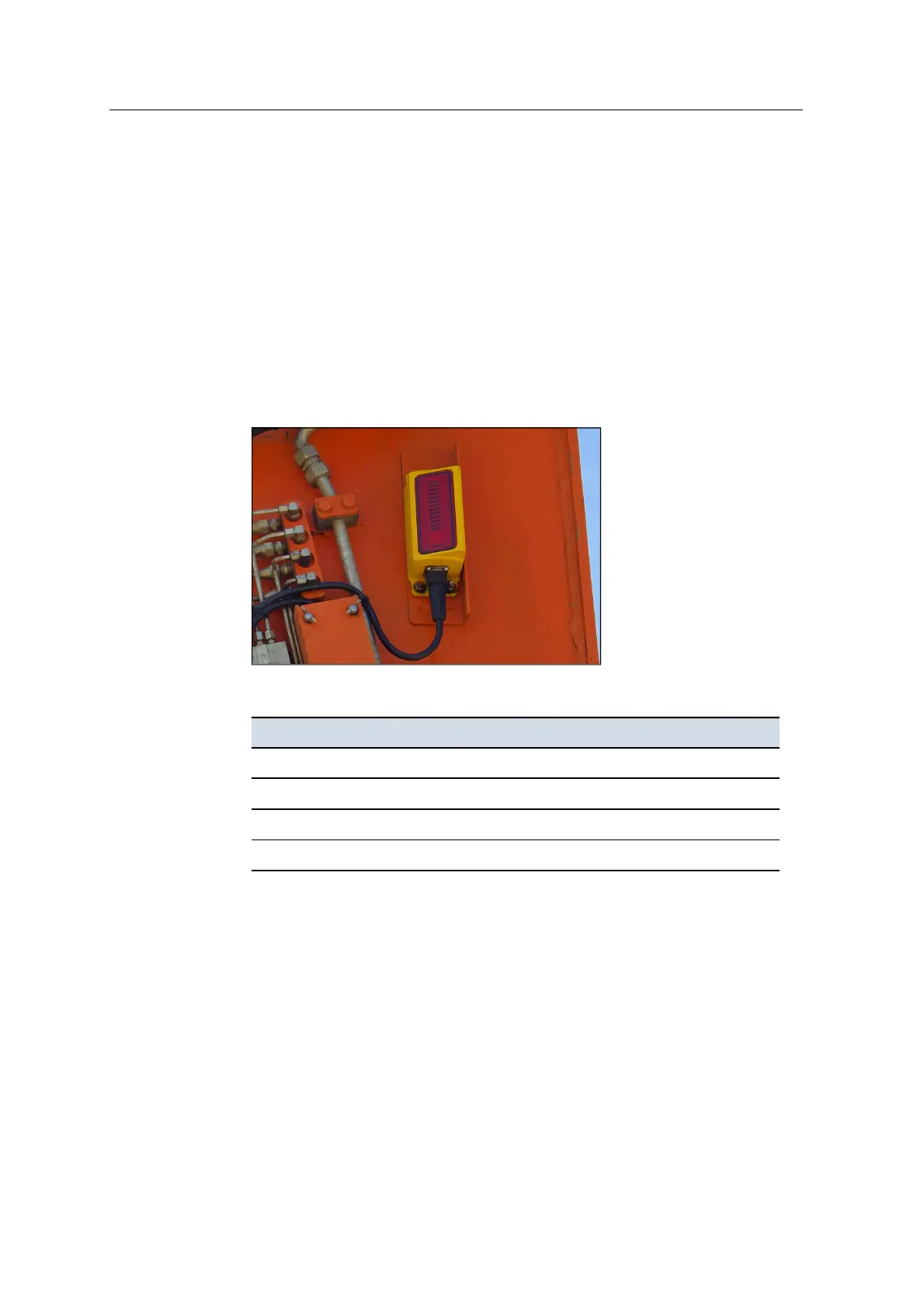
2. Bolt the sensor to the mounting bracket. For an LC450 laser catcher, install the
sensor so that the sloping window is facing forwards:
3. Tighten as follows:
For this sensor... Torque the bolts to ...
AS460 16.5±2N·m (12±1.5lb-ft)
AS455 6.2±0.6N·m (4.6±0.5lb-ft)
AS450 16.3±2N·m (12±1.5lb-ft)
LC450 12±1N·m (9±1lb-ft)
4. Use Loctite to secure the bolts.
5. Connect the harness cable to the sensor.
8.3 Install the masts
Note – To ensure accurate guidance, you must fully insert the mast into the mast
mounting bracket.
78 GCS900 Grade Control System for Excavators Installation Manual



 To Next Page