Installing Fixed Sensor Components 8
1. Ensure that the mast and the mounting bracket are free from dirt.
2. Slide a high-tensile grade 8 bolt into the mast mounting bracket.
3. Apply anti-seize compound to the bolt thread.
4. Spin the mast onto the bolt thread until it is firmly connected to the bracket.
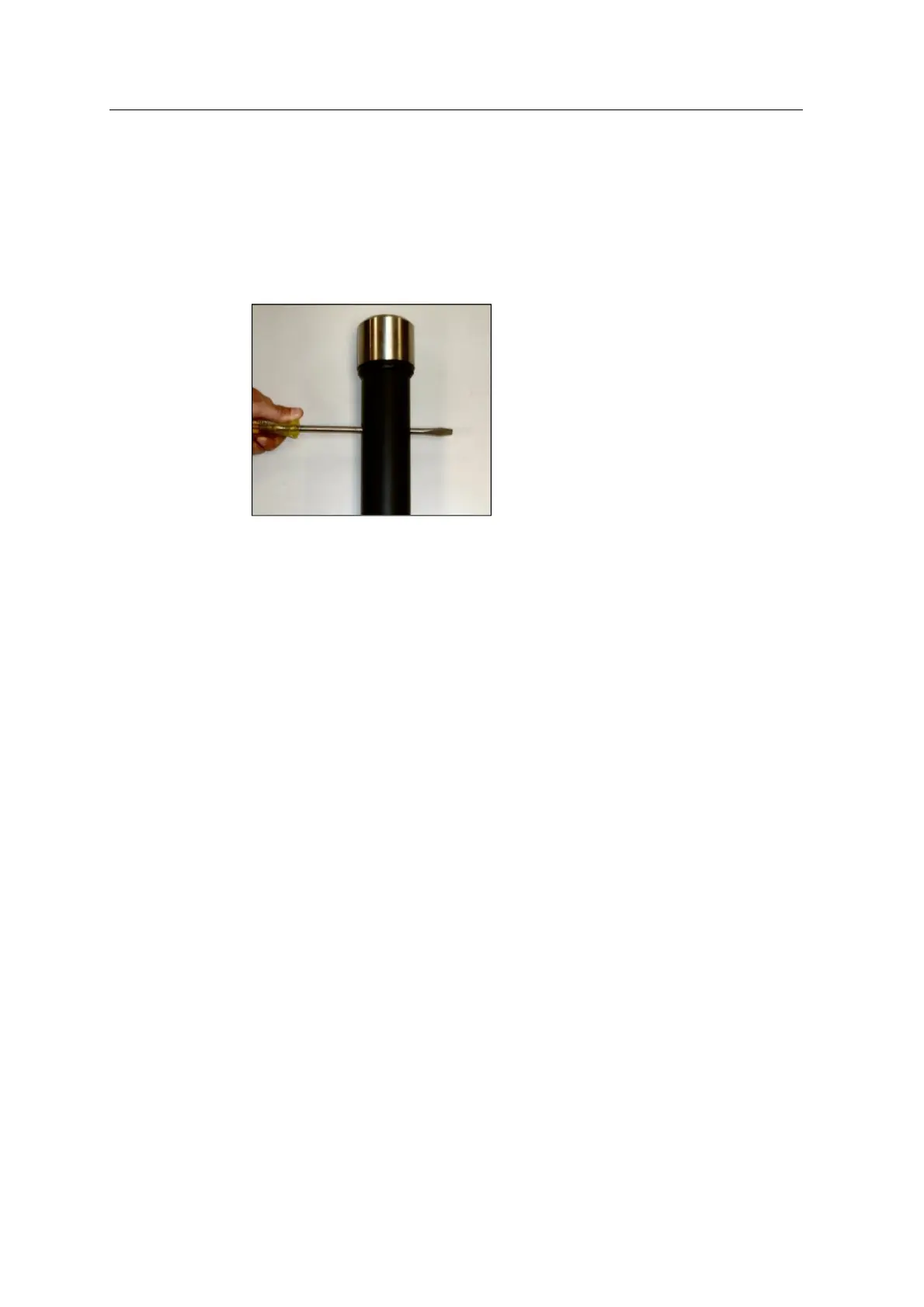
5. Insert a large screwdriver into the mast and torque the mast onto the bracket:
GCS900 Grade Control System for Excavators Installation Manual 79



 To Next Page