6 Welding andFitting Tasks
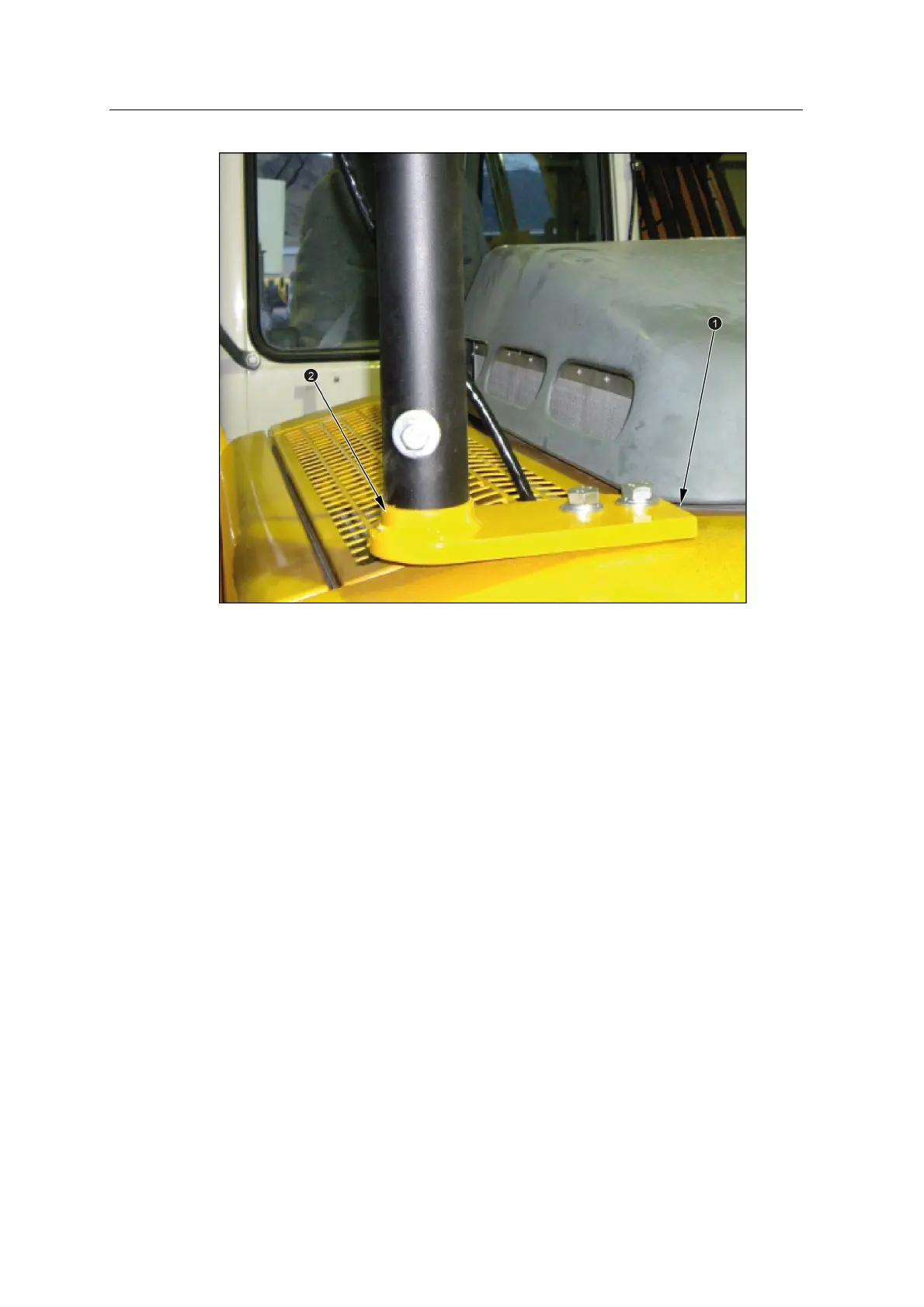
Check that the mounting brackets are level in both the forward and back, and left
and right directions. This ensures that the masts and receiver/target will mount
vertically.
6.10.3 Install the masts
Note – To ensure accurate guidance, you must fully insert the mast into the mast
mounting bracket.
1. Ensure that the mast and the mounting bracket are free from dirt.
2. Slide a high-tensile grade 8 bolt into the mast mounting bracket.
3. Apply anti-seize compound to the bolt thread.
4. Spin the mast onto the bolt thread until it is firmly connected to the bracket.
58 GCS900 Grade Control System for Excavators Installation Manual



 To Next Page