Welding andFitting Tasks 6
l the sensor is clear of the exhaust plume.
l a GNSS receiver is high enough to receive clear signals from the satellites.
l a UTS target is clearly visible over a wide range of body rotation.
l the sensor will clear any potential obstructions and areas of restricted height
clearance, such as a workshop door.
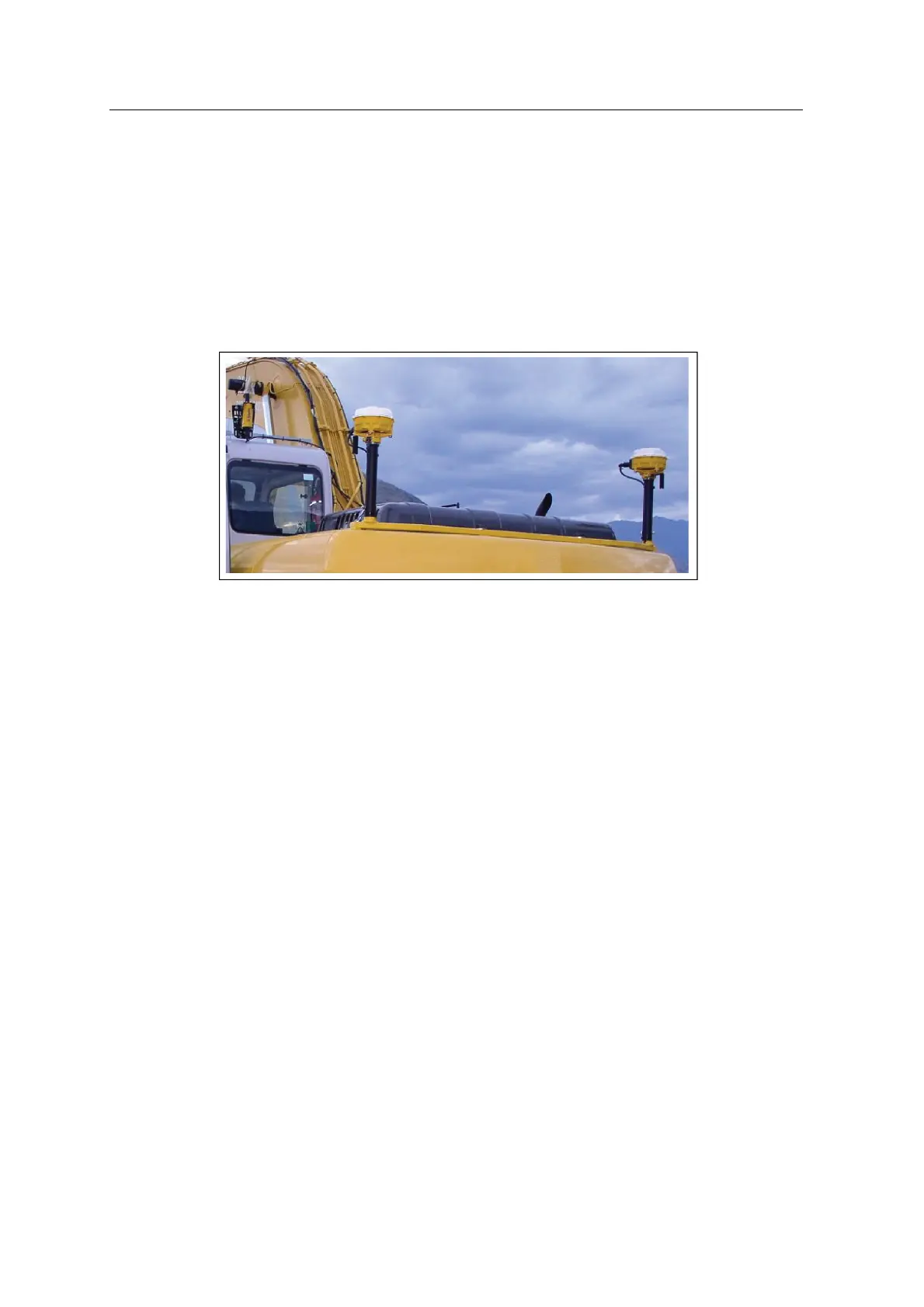
The following image shows dual GNSS receivers and masts mounted on an
excavator:
6.10.2 Install the mast brackets
If suitable, securely weld the mounting brackets directly to the counterbalance.
Otherwise, fabricate a gusset or similar platform to provide a level surface onto
which you can weld the brackets.
The following image shows an example of a custom mounting plate (1) bolted to
the counterweight cowling, with the bracket (painted) (2) welded on:
GCS900 Grade Control System for Excavators Installation Manual 57



 To Next Page