2D system measurements 9
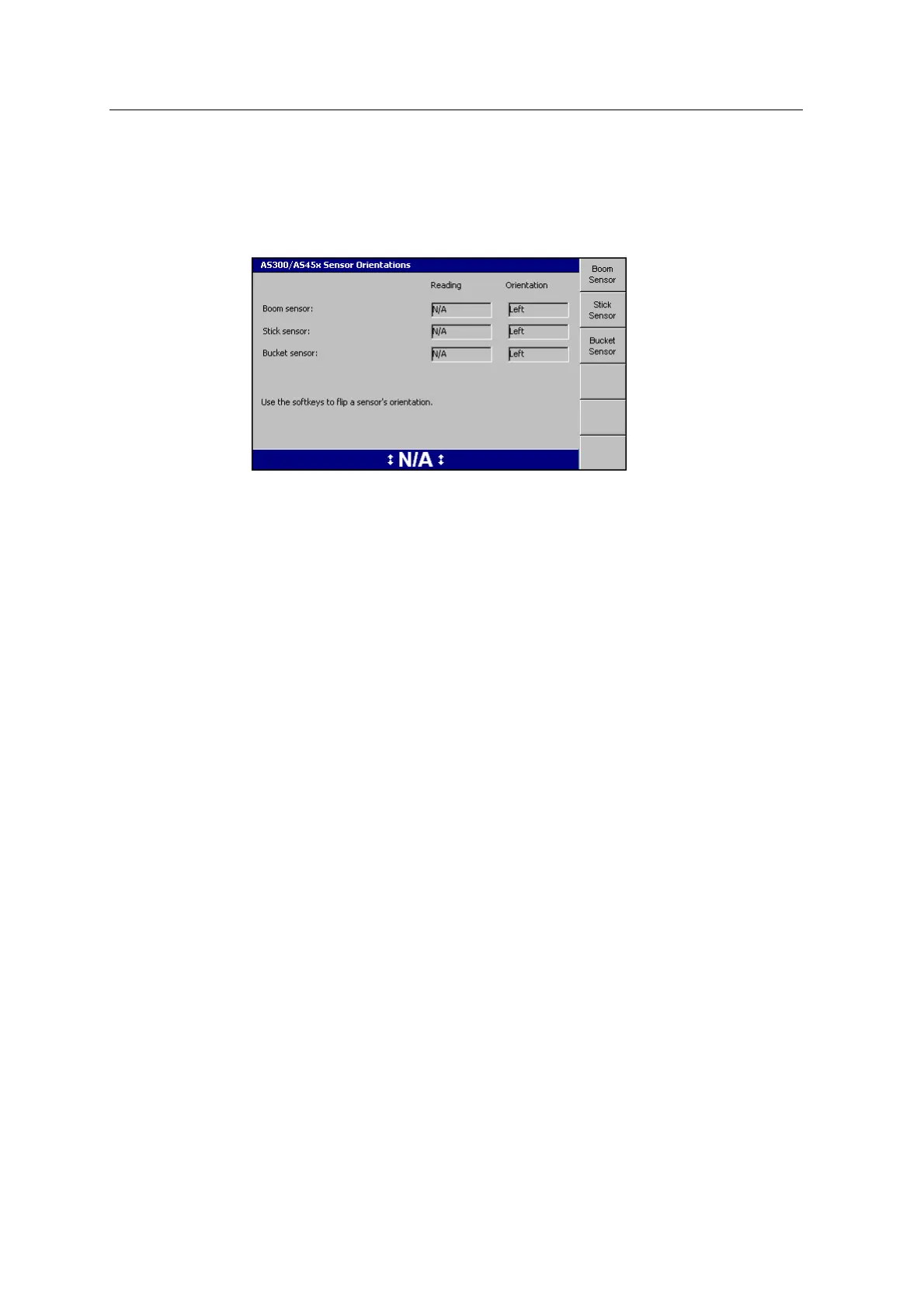
9.14 AS300 / AS45x Sensor Orientation
1. Select AS300/AS45x Sensor Orientation:
2. Use the softkeys to set the correct orientation for each angle sensor.
Note – "Orientation": the side of the arm that the sensor is mounted on;"Left":
the left side of the machine when looking forward from the cab.
3.
Once you have set the orientation for each sensor, press \.
9.15 Calibrate sensors
Use the Calibrate Sensors wizard to:
l calibrate the body sensors
l set the angle sensor orientation (the direction that the top of the sensor faces)
l calibrate the angle sensors (boom, stick and bucket sensors)
l calibrate the cab rotation sensor
Note – You must set the angle sensor orientation before you calibrate the angle
sensors. This ensures that the calibration results are valid, and that the bucket
guidance is accurate.
From Setup Menu – Installation, select Calibrate Sensors:
GCS900 Grade Control System for Excavators Installation Manual 115



 To Next Page