A SetupMenus
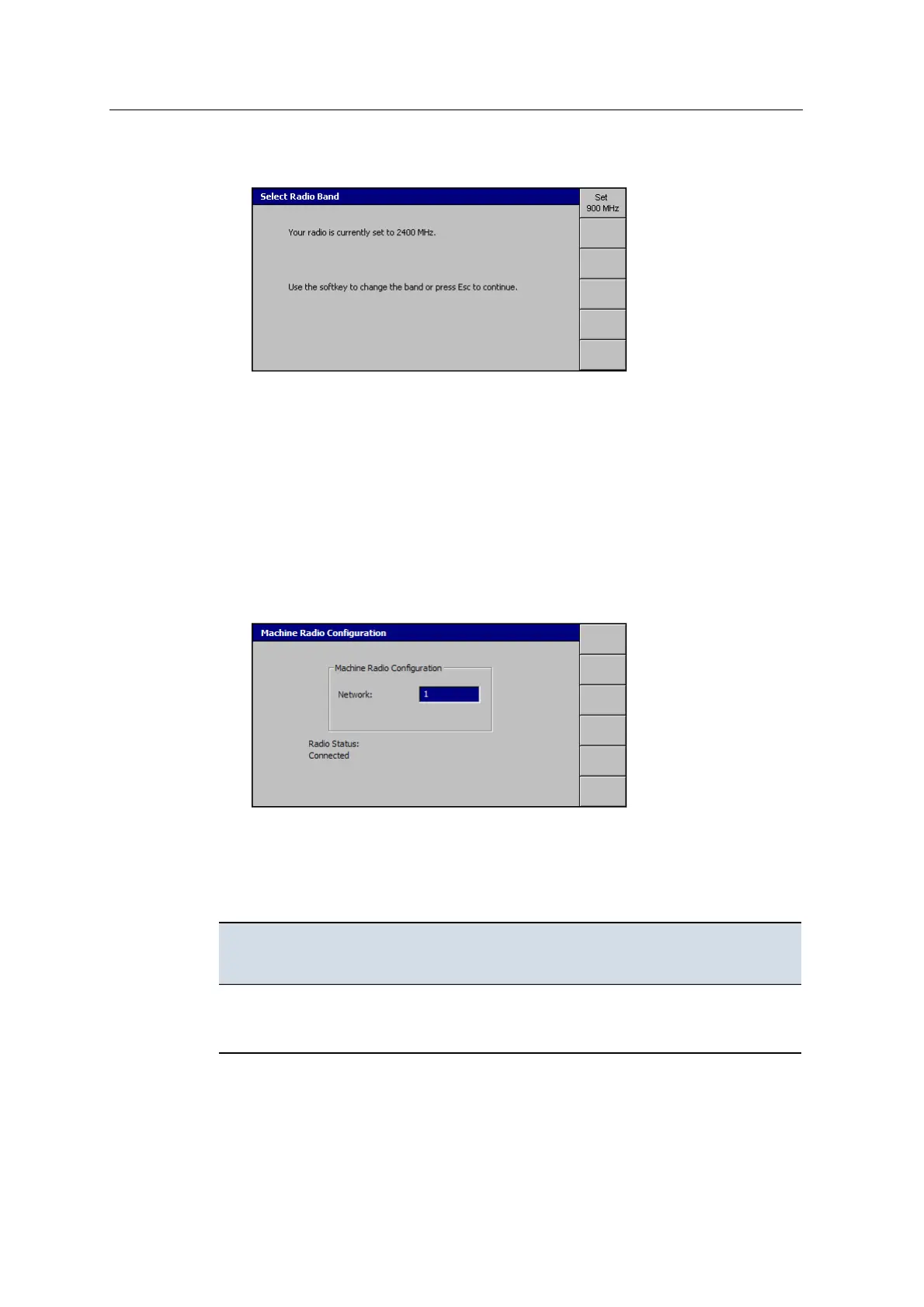
1. From Setup Menu – Configuration, select Select Radio Band:
2. To change the radio band, press Set <x00 > MHz.
3.
Press \.
A.8 Machine radio configuration
To set either the network or channel that both the system and UTS or GNSS
communicate over:
1. From Setup Menu – Installation, select Machine Radio Configuration. The
system searches for a radio, and a dialog similar to the following appears:
2. Use the arrow keys to change the network number.
3.
To save the changes, press \.
The following table outlines how to configure your machine radio:
To configure this
radio ...
Enter this number into the
Machine Radio Configuration
dialog ...
Enter the same number into the ...
SNR900
SNR9xx/ SNR920
A network between 1-40 SNB900 radio (via the base station
radio display).
146 GCS900 GradeControl System for Excavators Installation Manual



 To Next Page