A SetupMenus
Press ... To view the ...
GNSS
Output from the GNSS receiver
Arm Sensors
Output from the sensors
Arm Positions
Positions of the pin points and bucket linkages
Arm Lengths
Distances between the pins and the bucket tips
Machine Vectors
Vectors between the:
l
bucket center and GNSS receiver
l
boom pin and receiver
l
two GNSS receivers on a Dual GNSS system
During the installation, if your machine settings are correct, save the system
settings. For more information, see A.16 Saving the settings.
A.16 Saving the settings
1. From Setup Menu – Configuration, select Save Settings.
2. Select either Display Settings or Machine Settings.
3.
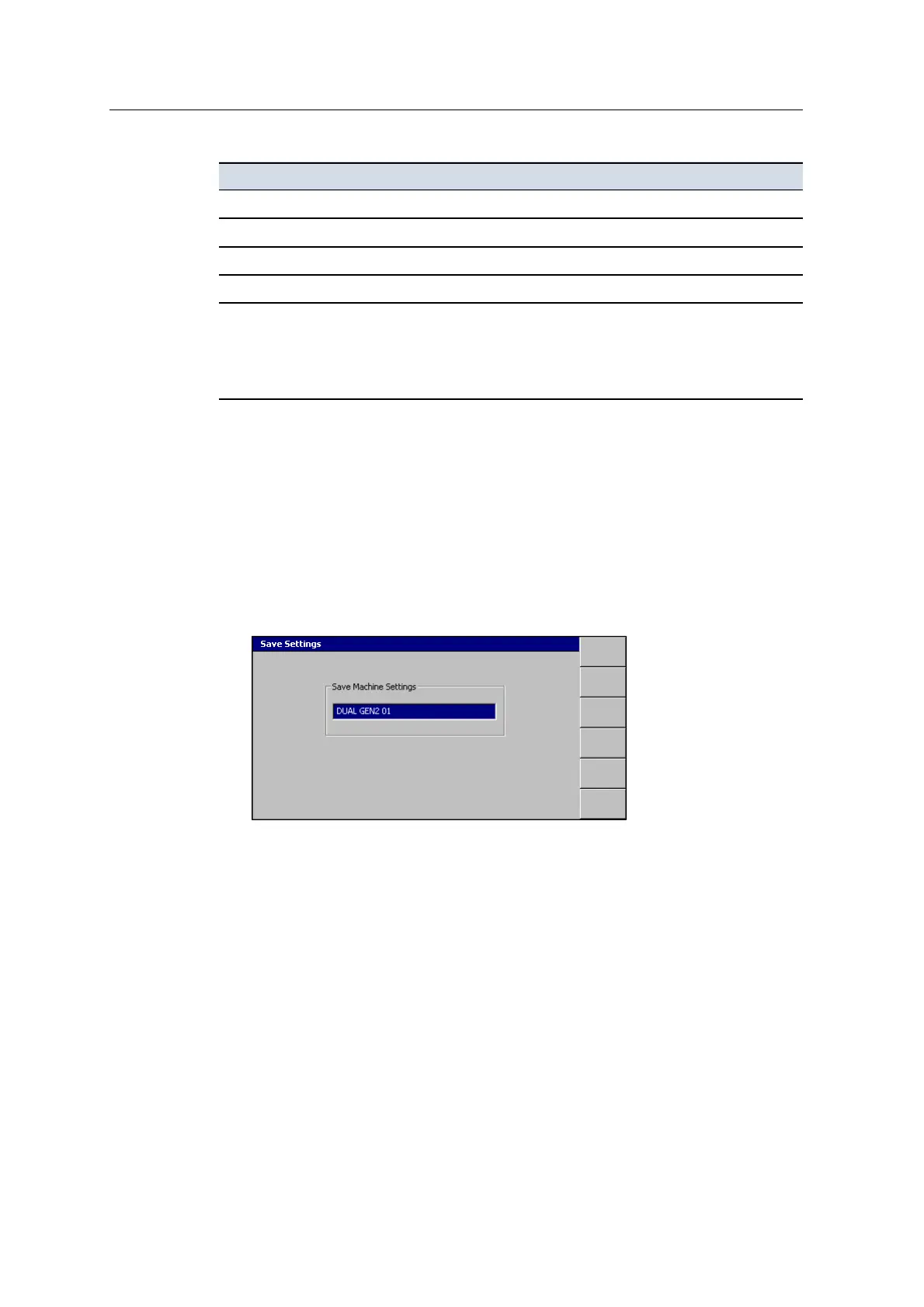
Press \. A dialog similar to the following appears:
4. Use the arrow keys to change the name as required.
5.
Press \.
Note – You cannot overwrite an existing display or machine settings file.
156 GCS900 GradeControl System for Excavators Installation Manual



 To Next Page