Welding andFitting Tasks 6
1
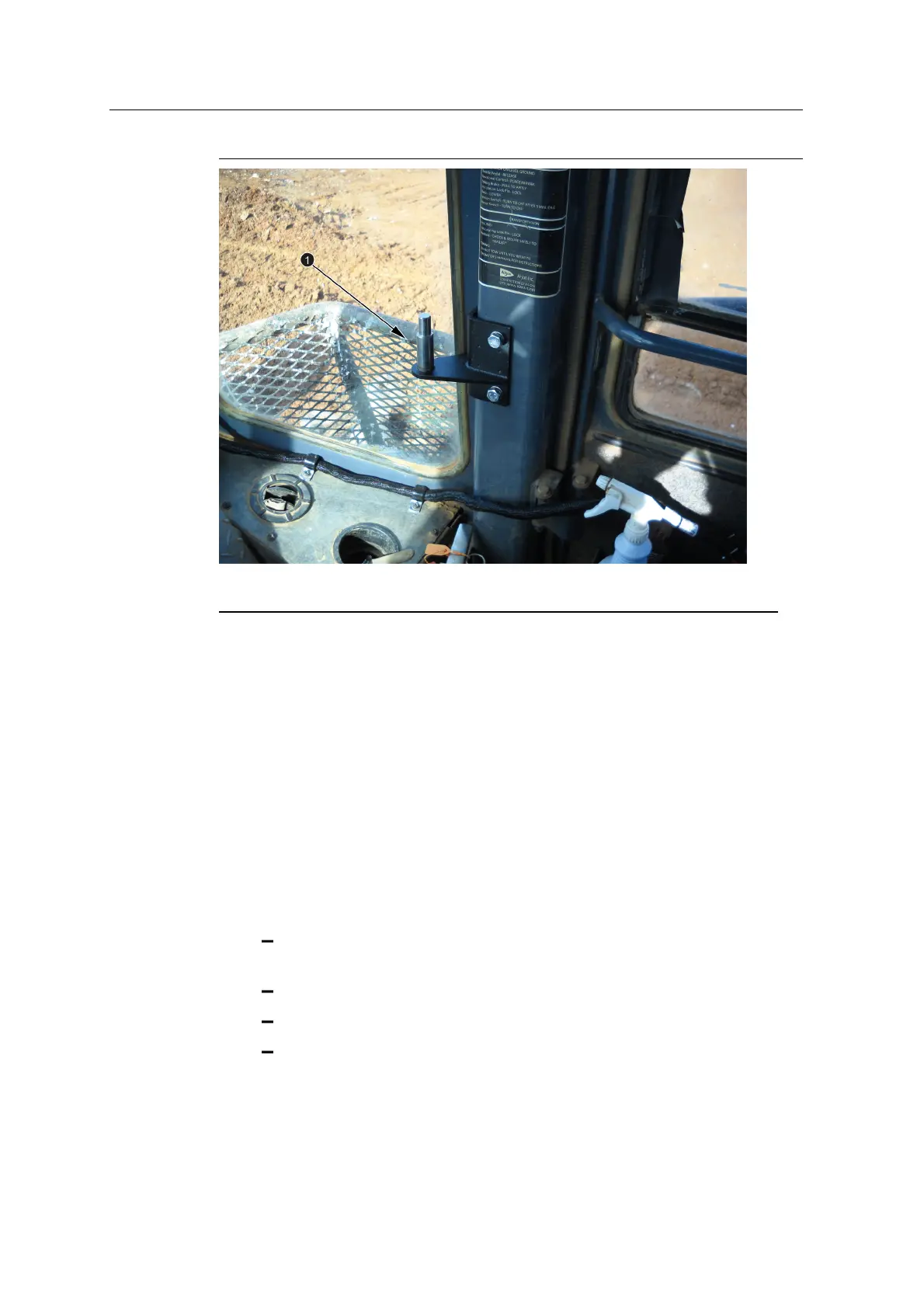
Control box mount
Figure 6.7 Machine specific control box mount
6.13 SNRxxx data radio bracket
6.13.1 Select a location for the radio bracket
When you select a location for the radio, consider the following:
l To reduce damage from shock and vibration, position the radio on a solid part
of the cab.
l For optimum performance, choose a position above the roofline that has an
uninterrupted view.
l To prevent signal interference, keep the radio away from:
other antennas, particularly if one of the other antennas is for a two-way
radio
rotating beacons
air conditioning fans
strobe lights
l The radio cable must reach from the main harness cable to the data radio.
GCS900 Grade Control System for Excavators Installation Manual 63



 To Next Page