SetupMenus A
A.13 Bucket wear
You must regularly check the changes in the cutting edge measurements caused by
bucket wear, or as instructed by your site supervisor. To check and/ or set the
bucket wear compensation:
1. Measure the cutting edge height to the center of the bolt holes.
If the bucket wears unevenly, use an average value. However, guidance will
never be better than the range of the differences in cutting edge height.
2. From Setup Menu – Configuration, select Bucket Wear.
Note – The Bucket Wear option is only available if there is already an active
bucket. If there are no buckets created OR there is no active bucket, this
option is not available.
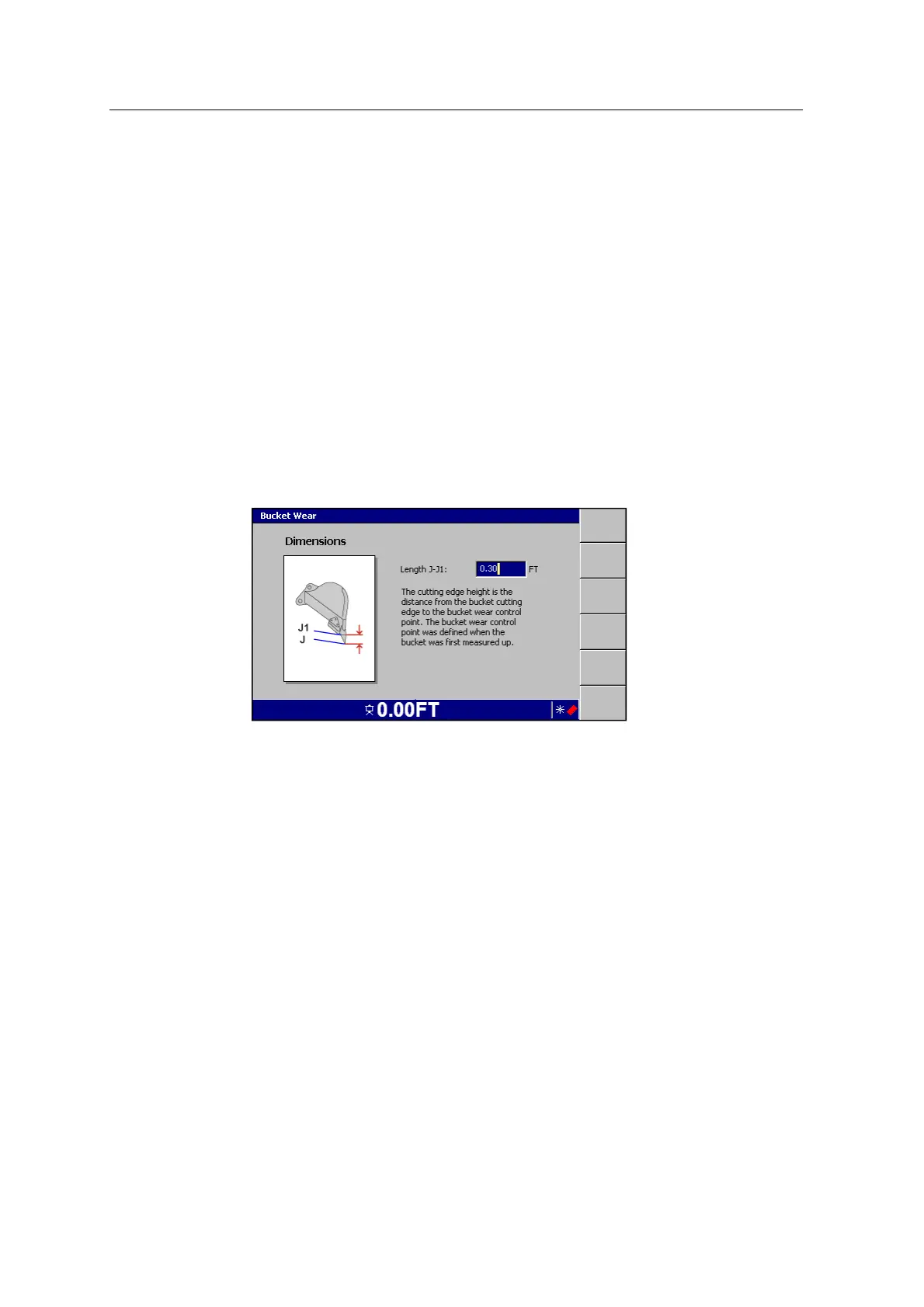
The Bucket Wear Dimensions screen appears:
The cutting edge height is the distance from the bucket cutting edge to the
bucket wear control point. The bucket wear control point was defined when the
bucket was first measured up.
3. If required, edit the Length J-J1 field.
4.
To confirm the settings, press \; to exit without saving changes, press =.
The changes take effect immediately.
For systems that have upgraded and the active bucket has no bucket wear values,
after selecting Bucket Wear, the following message will appear:
GCS900 Grade Control System for Excavators Installation Manual 153



 To Next Page