8 Installing Fixed Sensor Components
8.6 Introduction
The following sections provide detailed information on installing the system's
removable sensors.
Tip – If you remove the GPS receiver or MT900 machine target from the machine, store it in
the foam-lined case for protection.
8.7 GNSS receiver
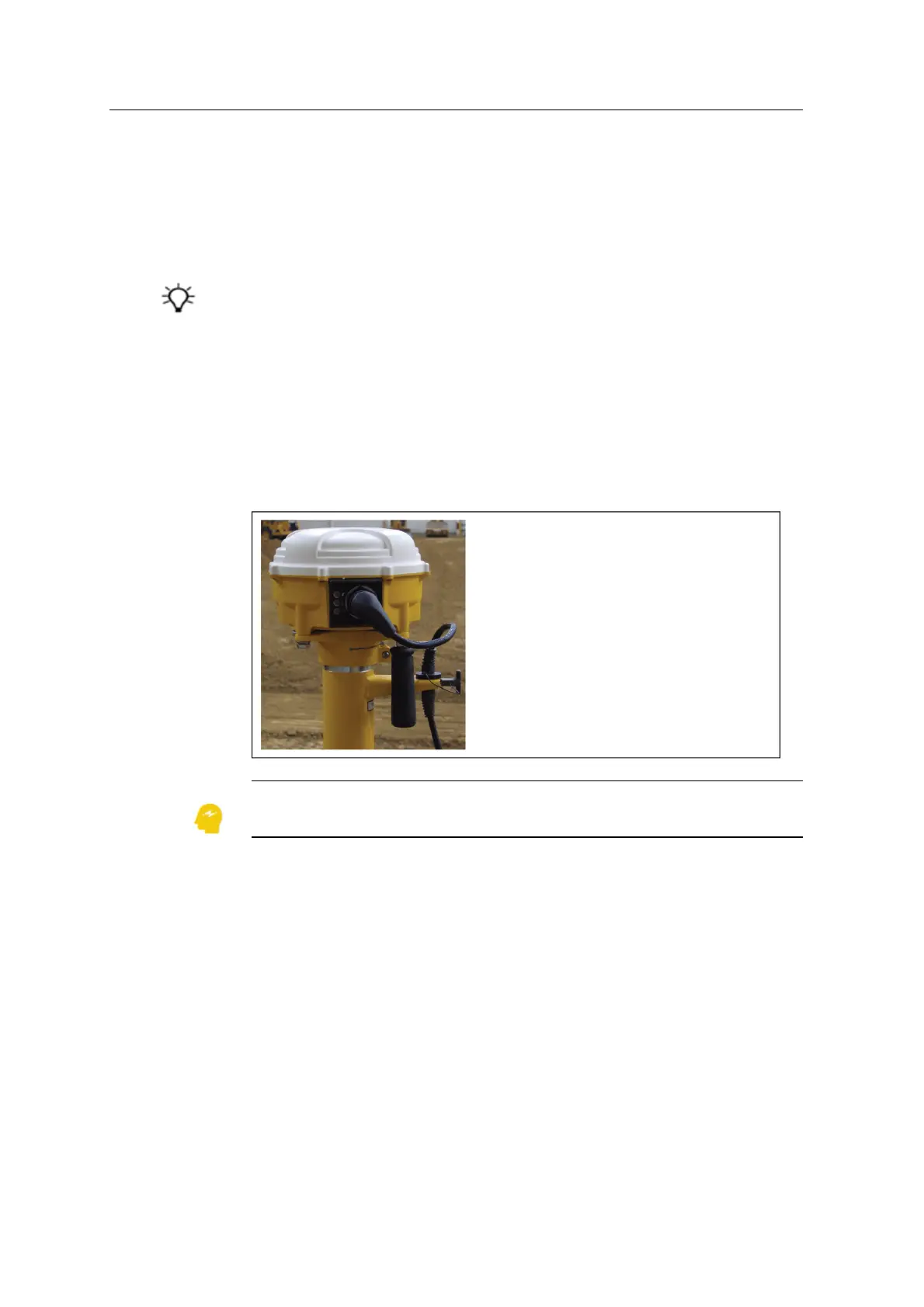
Before you install the GNSS receiver, check that the top of the mast is free of dirt.
To install the GNSS receiver on a mast:
1. Slide the GNSS receiver and mounting bracket onto the top of the mast, and
tighten the clamp.
ATTENTION — To ensure system accuracy, you must fully insert the GNSS mounting
bracket onto the mast .
2. Torque the quick disconnect bracket bolts that secure the GNSS receiver to the
bracket to 41 N·m (30 lb-ft).
3. Firmly tighten the quick disconnect bracket lever.
4. Use the strain relief bracket to secure the GNSS receiver cable.
8.8 MT900 machine target
To install the MT900 machine target on a fixed mast:
84 GCS900 Grade Control System for Excavators Installation Manual



 To Next Page