A SetupMenus
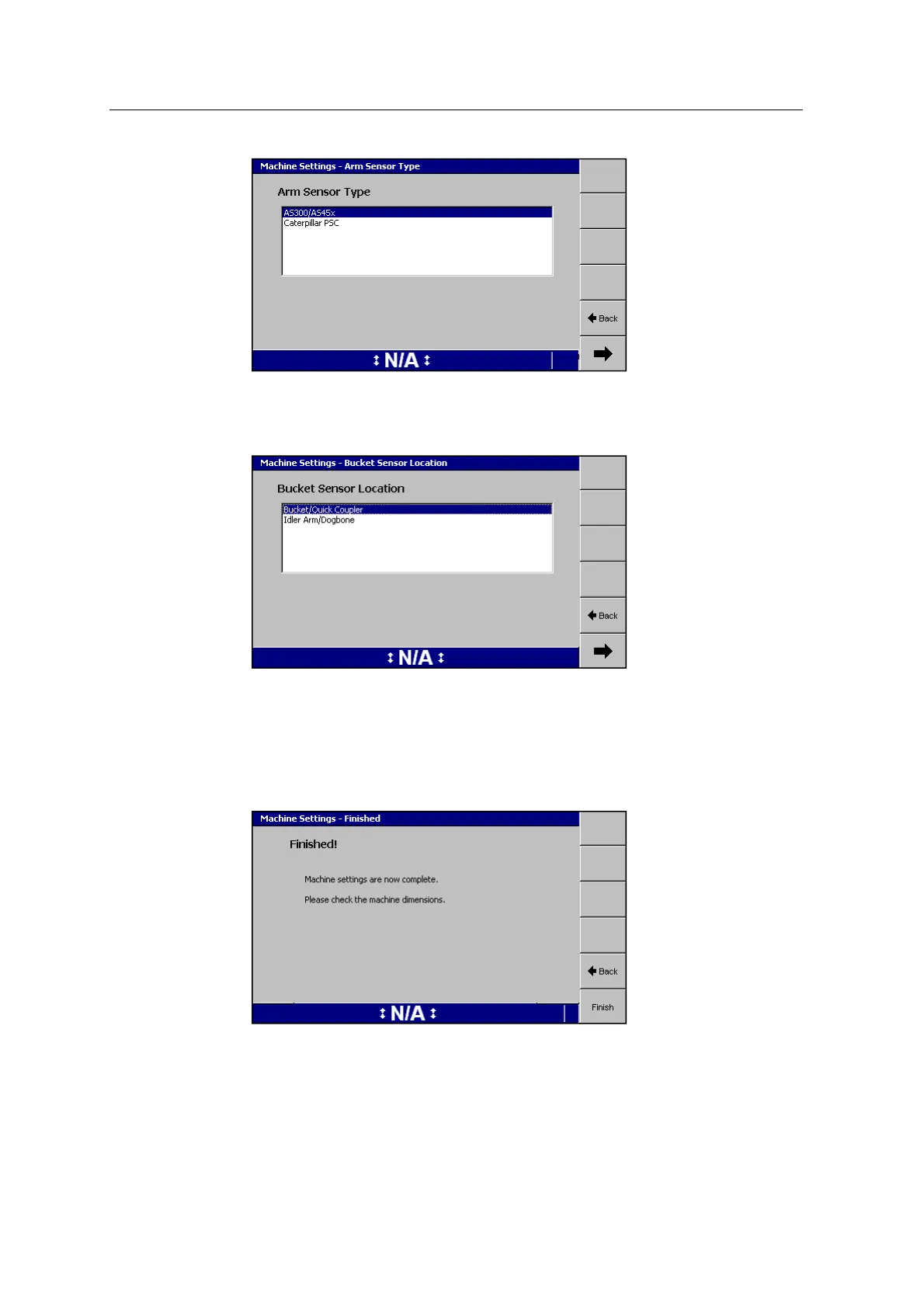
When the Arm Sensor Type AS300/AS45x is selected, select the bucket sensor
location as either being on the Bucket/Quick Coupler or on the Idler
Arm/Dogbone:
Once the location of the sensor is set, the Machine Dimensions and Sensor
Calibration dialogs change to reflect the required dimensions and calibration.
Note – Four drum compactors with the Machine Type of Default do not display
the Compaction Sensor dialog.
Once you have configured all of the settings, the Finished page appears:
4. Press Finish to save the settings. The Machine Settings summary screen
appears.
142 GCS900 GradeControl System for Excavators Installation Manual



 To Next Page