SetupMenus A
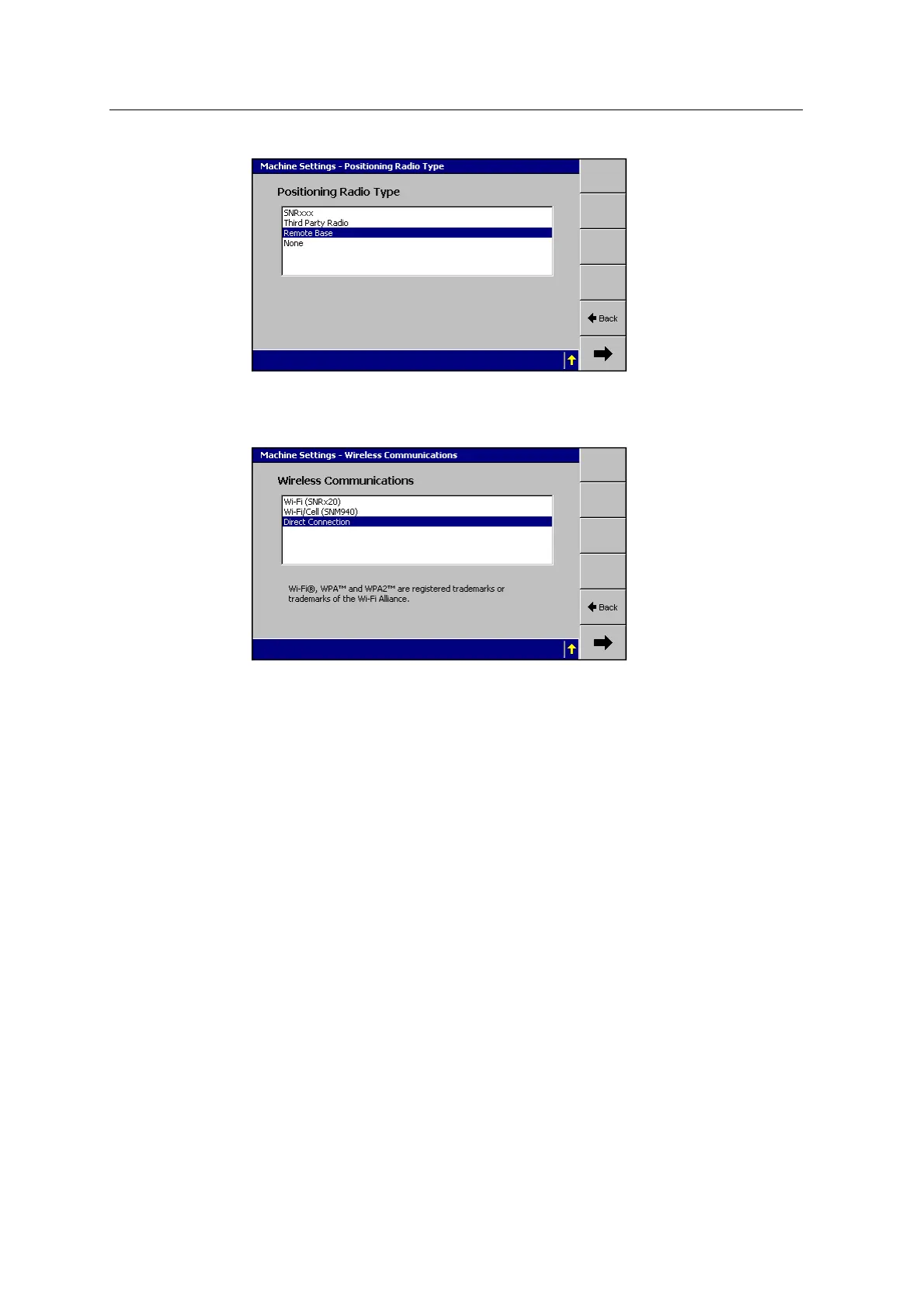
5. Select Remote Base.
6.
Press 7. The Machine Settings–Wireless Communications dialog appears.
7. Select Direct Connection.
Configuring for wireless communications
To configure the system to use a cellular modem for wireless communications:
1. Start the control box in Manager mode.
2. From the Setup Menu - Installation menu, select Machine Settings.
3. Press Edit Machine.
4.
Press 7 until you reach the Machine Settings–Wireless Communications
dialog:
GCS900 Grade Control System for Excavators Installation Manual 149



 To Next Page