USTER®
HVI 900
Instruction Manual
Uster Technologies, Inc.
Chapter 8
Version 4.0 (1.99) 940 DataManager - Page 8-24
6.7.1 User-Named Disk File
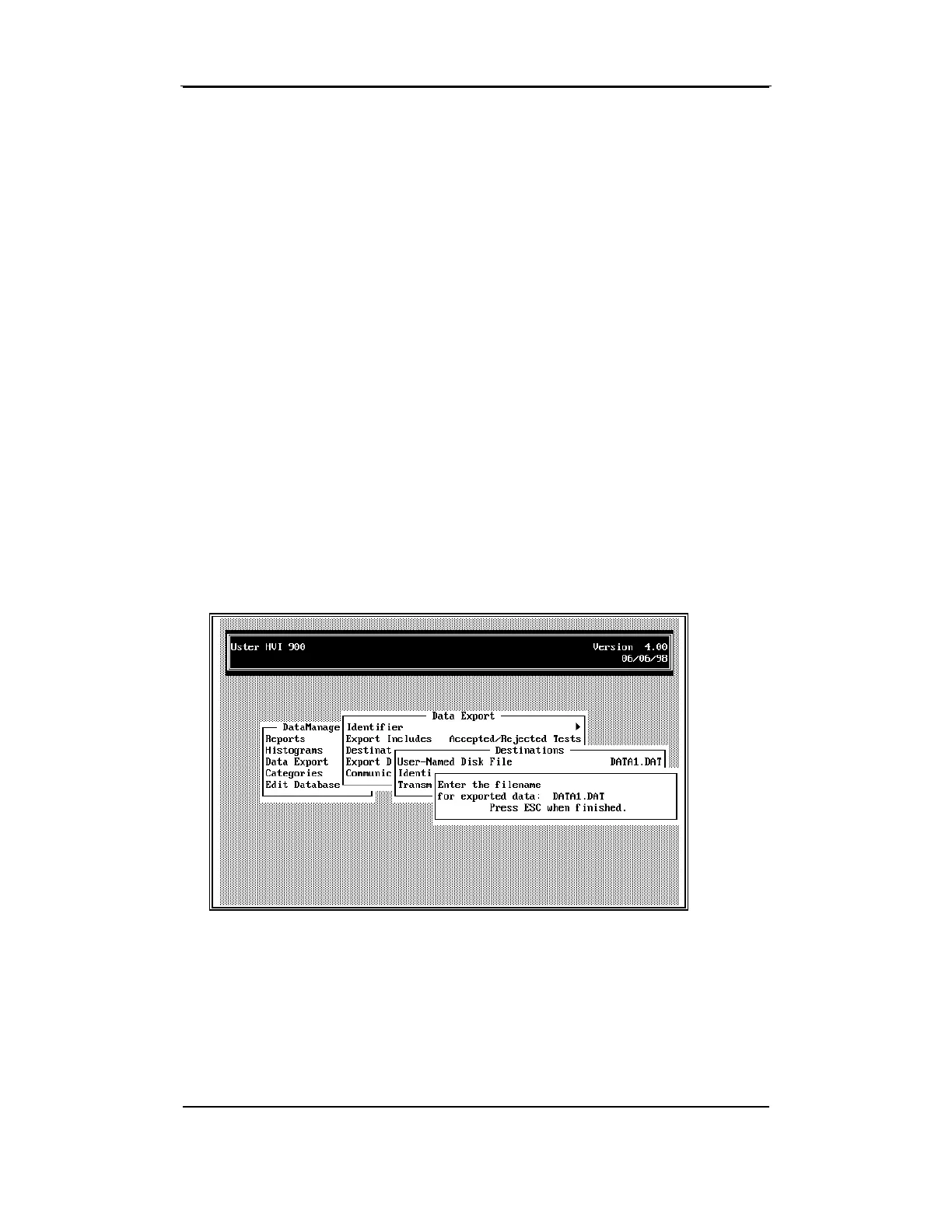
• To enter the name of the file where data will be exported, select
User-Named Disk File
and press ENTER.
A window is displayed where the filename (and path, if required)
should be entered (e.g., if you want the exported data to be stored in a
file named EXPORT.DAT and written to a floppy disk in the A:\ drive,
you would type: A:\EXPORT.DAT).
If no path is entered, the software will put the file in the directory where
the 940 DataManager program files are located.
• After entering the filename, press ESCAPE to return to the DATA
EXPORT MENU.
User-Named Disk File is displayed on the Destination line. When
Export
Data
is selected, all the data for the selected Identifiers will be placed in
one file.



 To Next Page