USTER®
HVI 900
Instruction Manual
Uster Technologies, Inc.
Chapter 10
Version 4.0 (1.99) Synthetic Fiber Testing - Page 10-5
In typical daily operation, the metal standard does not need to be used.
It should only be done when there is a Fail situation in the Calibration
procedure every time a test is performed.
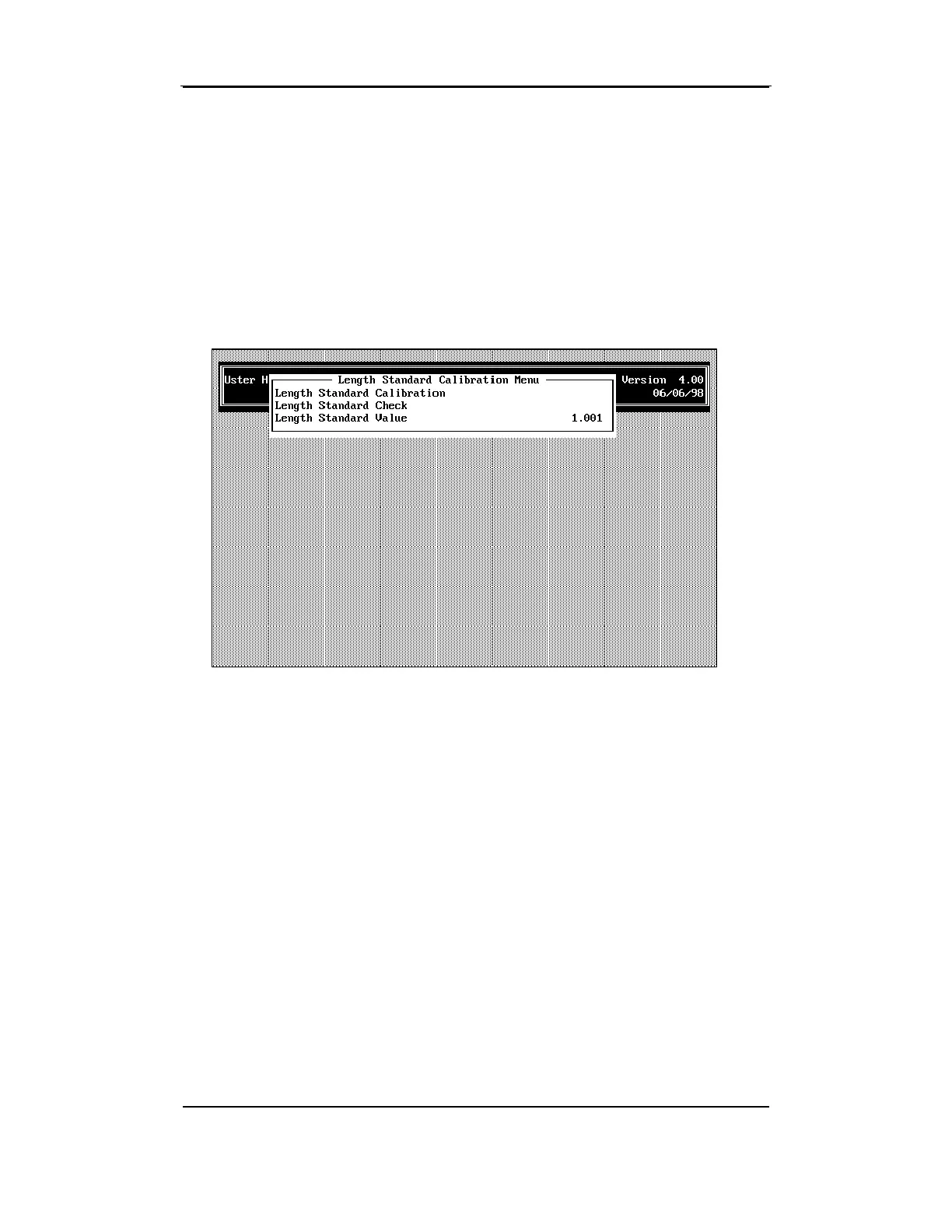
3.5.1 Length Standard Calibration
Length Standard Calibration is performed following these steps.
• Use the arrow keys to highlight the LENGTH STANDARD CALIBRATION
item from the LENGTH STANDARD CALIBRATION MENU, then press
ENTER.
•
Insert the metal length standard into the right side of the comb track
of the Length/Strength module. Press the comb in a left direction
through the opening at the right side of the track to position it in front
of the clamping mechanism.
•
Remove your hands and other objects from the area and press
ENTER to begin the test. The instrument will perform the test using
the length standard and then display the results indicating whether
the value measured
Passed
or
Failed
.
• After the test is complete, remove the metal length standard by
pushing it from the left side of the track the right side using your



 To Next Page