USTER®
HVI 900
Instruction Manual
Uster Technologies, Inc.
Chapter 4
Version 4.0 (1.99) Status - Page 4-14
4.14.2 Modify an Existing Chart
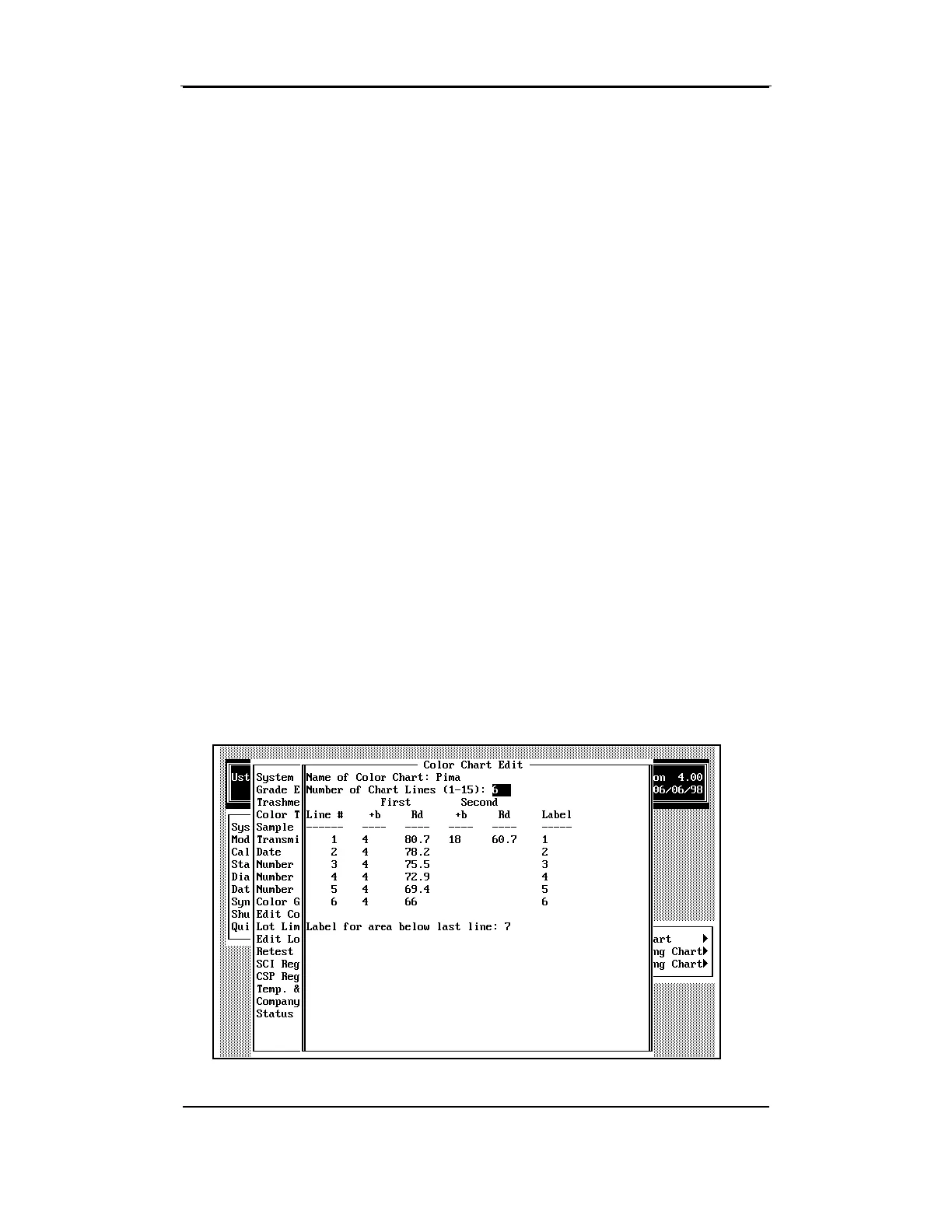
• Select
Modify an Existing Chart
when you want to change a chart
that you have created.
The chart selected is displayed on screen showing the current values.
• Using the arrow keys to move the cursor, edit the data as necessary.
Every field can be modified with the exception of the chart name field.
• When you have finished editing the chart, press the ESCAPE key.
A box will displayed with the following options:
♦ Save—will prompt the system to save the changes you have made
to the chart.
♦ Do Not Save—will discard the changes made to the chart and
save its original format.
♦ Continue Editing—will return to the edit mode to allow you to
make additional changes to the chart.



 To Next Page