USTER®
HVI 900
Instruction Manual
Uster Technologies, Inc.
Chapter 4
Version 4.0 (1.99) Status - Page 4-20
4.16.3 Defining Lot Limit Color Grades
If Color Grades are set to "Off," all color grades are considered to be
acceptable even if a list of acceptable grades has been defined. Also,
the
Define Grades
menu item is shaded. When Color Grades is set to
"On," a list of the color grades that will be acceptable should be
specified.
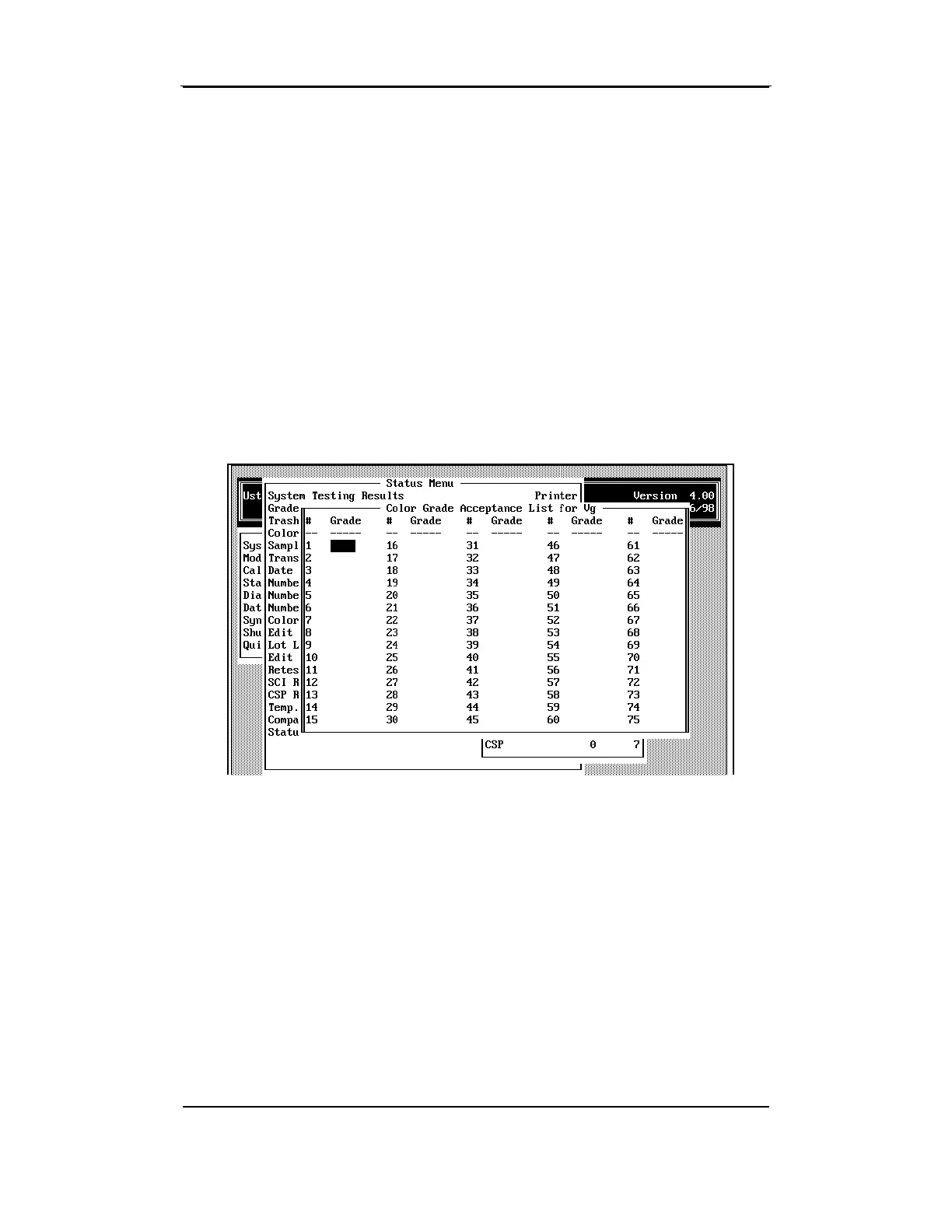
• To enter the acceptable grades, select the
Define Grades
menu
item.
Space is provided to enter the value for up to 75 acceptable
grades according to your color grade chart.
Enter each valid color grade in the appropriate Color Grade field, and
then press ENTER to position the cursor in the next grade field.
Continue to enter the applicable grades; then save the data and exit
from the Acceptance list by pressing the ESCAPE key.



 To Next Page