USTER®
HVI 900
Instruction Manual
Uster Technologies, Inc.
Chapter 4
Version 4.0 (1.99) Status - Page 4-23
• Select the value to set/edit, then press ENTER. A box will be
displayed where the new value should be entered. Press ESCAPE
when you have completed setting/editing the values.
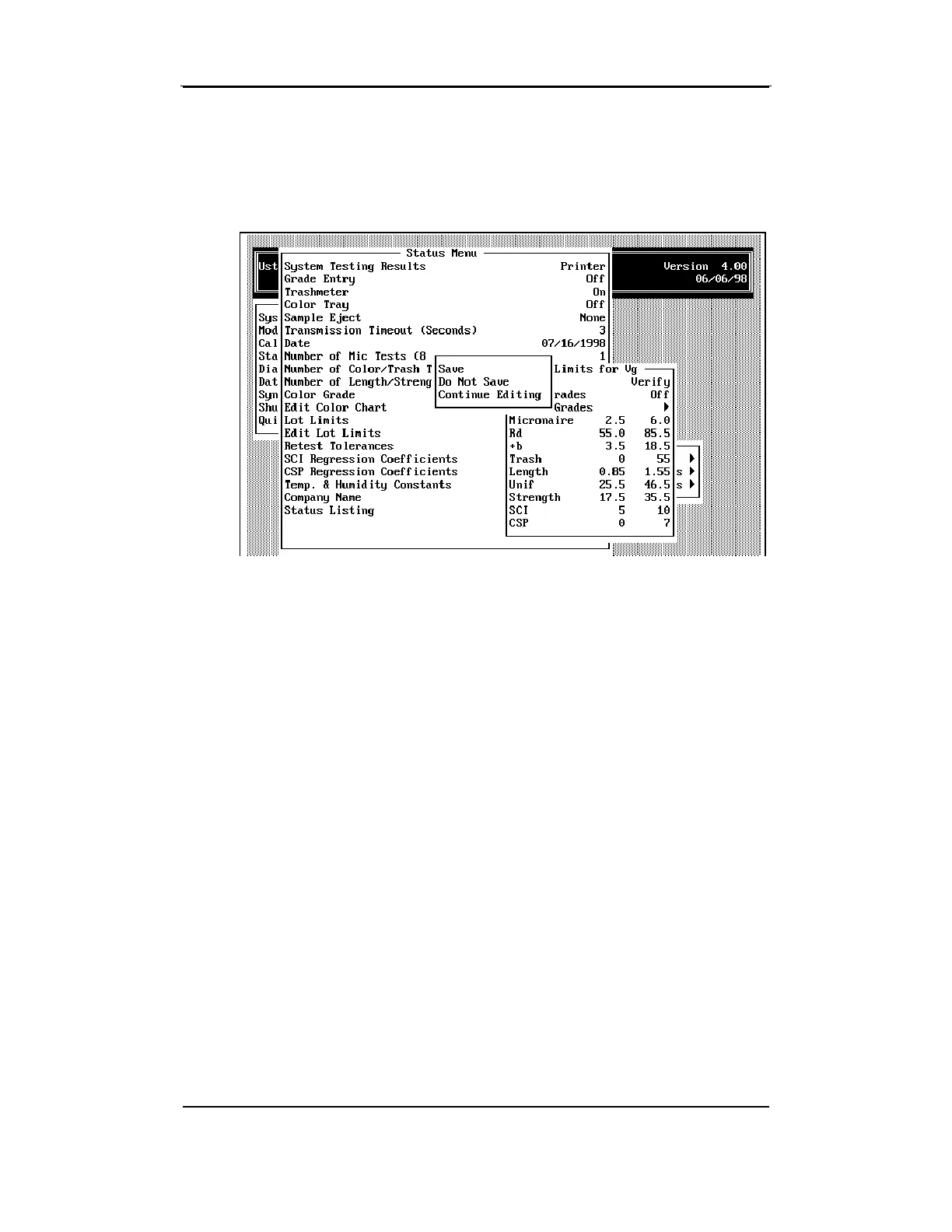
A box will display listing the following options:
♦ Save — Changes made to the specification are saved.
♦ Do Not Save — Changes made to the specification are discarded
and the lot limit is saved with the original data.
♦ Continue Editing — The screen returns to the edit mode where
additional changes can be made to the specification.



 To Next Page