USTER®
HVI 900
Instruction Manual
Uster Technologies, Inc.
Chapter 4
Version 4.0 (1.99) Status - Page 4-24
4.16.5 Modify Existing Lot Limits
The
Modify Existing Lot Limits
item is used to change a specification that
has been previously created. The lot limit name currently listed on the
Lot Limits line of the S
TATUS MENU is the one that will be modified.
• Use the arrow keys to move the cursor to the Limits to be changed.
When you have finished modifying the specification, press
ESCAPE.
If you did not make any changes, the STATUS MENU will reappear. If
any changes were made, a box is displayed with the following options.
♦ Save — Changes made to the specification are saved.
♦ Do Not Save — Changes made to the specification are discarded,
and the lot limit is saved with the original data.
♦ Continue Editing — The screen return to the edit mode where
additional changes can be made to the specification.
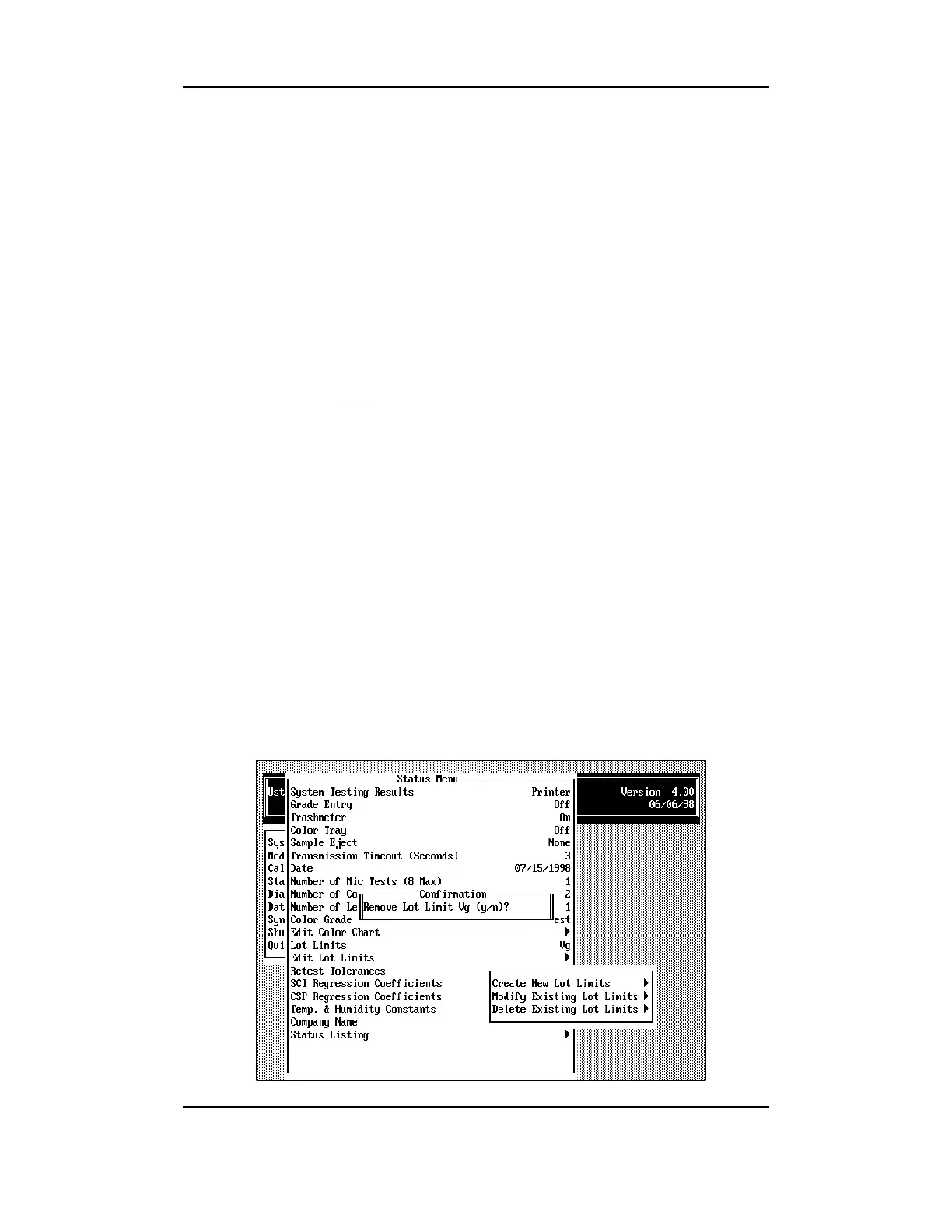
4.16.6 Remove Existing Lot Limits
Specification



 To Next Page