Chapter 4 Screen Operation
4-4
The buttons available on the function menu will vary depending on the
installed options and software. The following table shows the relation
between available buttons and installed options.
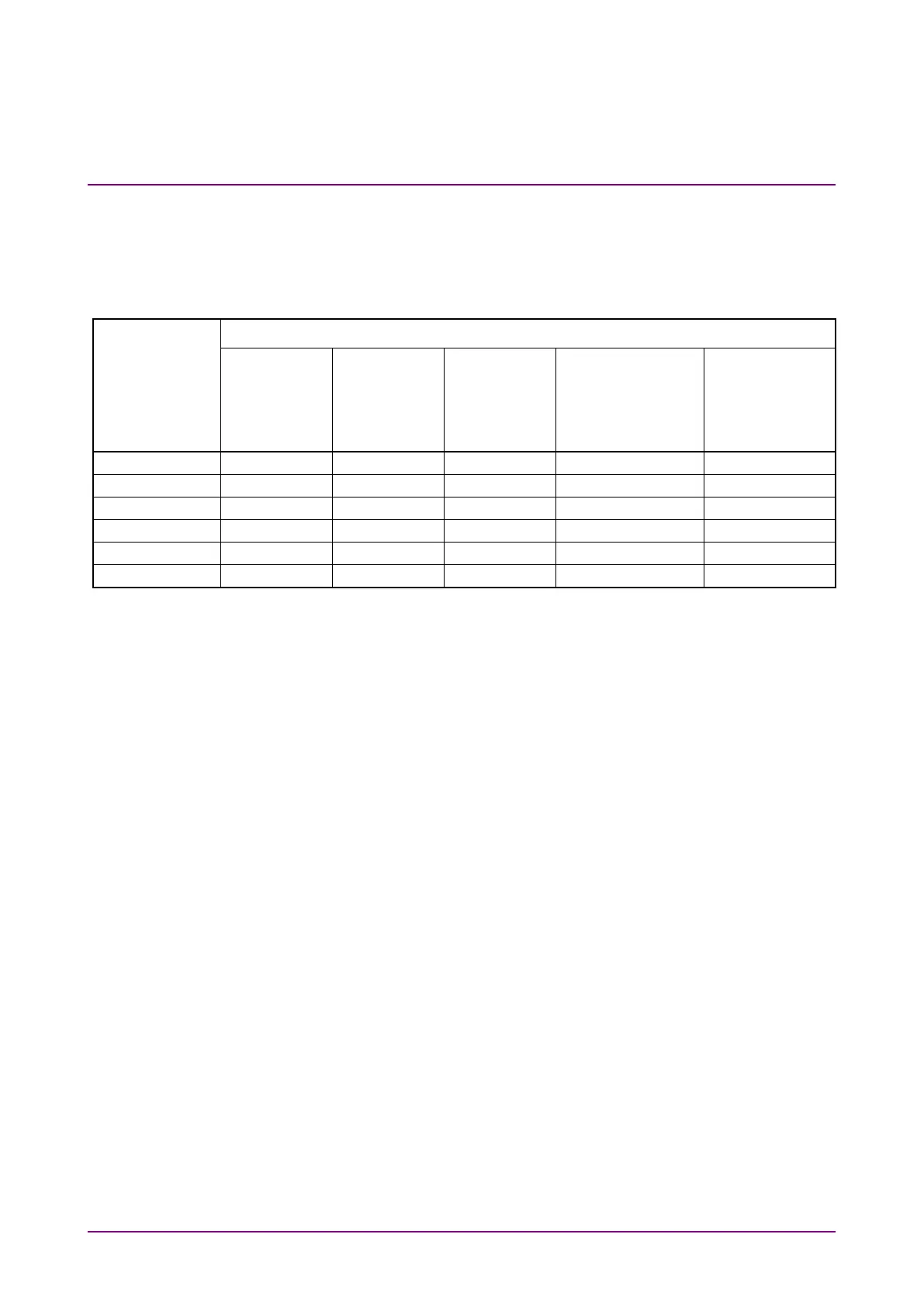
Table 4.1-2 Buttons Displayed on Function Menu
Function Menu
Button
Option Number
MP2110A-011
MP2110A-012
MP2110A-014
MP2110A-021, 022,
023, 025, 026, 030,
032, 033, 035, 036,
039, 040, 042, 043,
045, 046, 049
MP2110A-055
*: Displayed only when not any scope option but MP2110A-055 is
installed.
Clicking a Function Menu button displays the child window for displaying
the measurement conditions and results.
Refer to the following chapters for the child window operations.
PPG/ED: Chapter 5
Scope, CRU: Chapter 6














 To Next Page