6.2 Explanation of Windows
6-11
6
How to Operate Sampling Scope
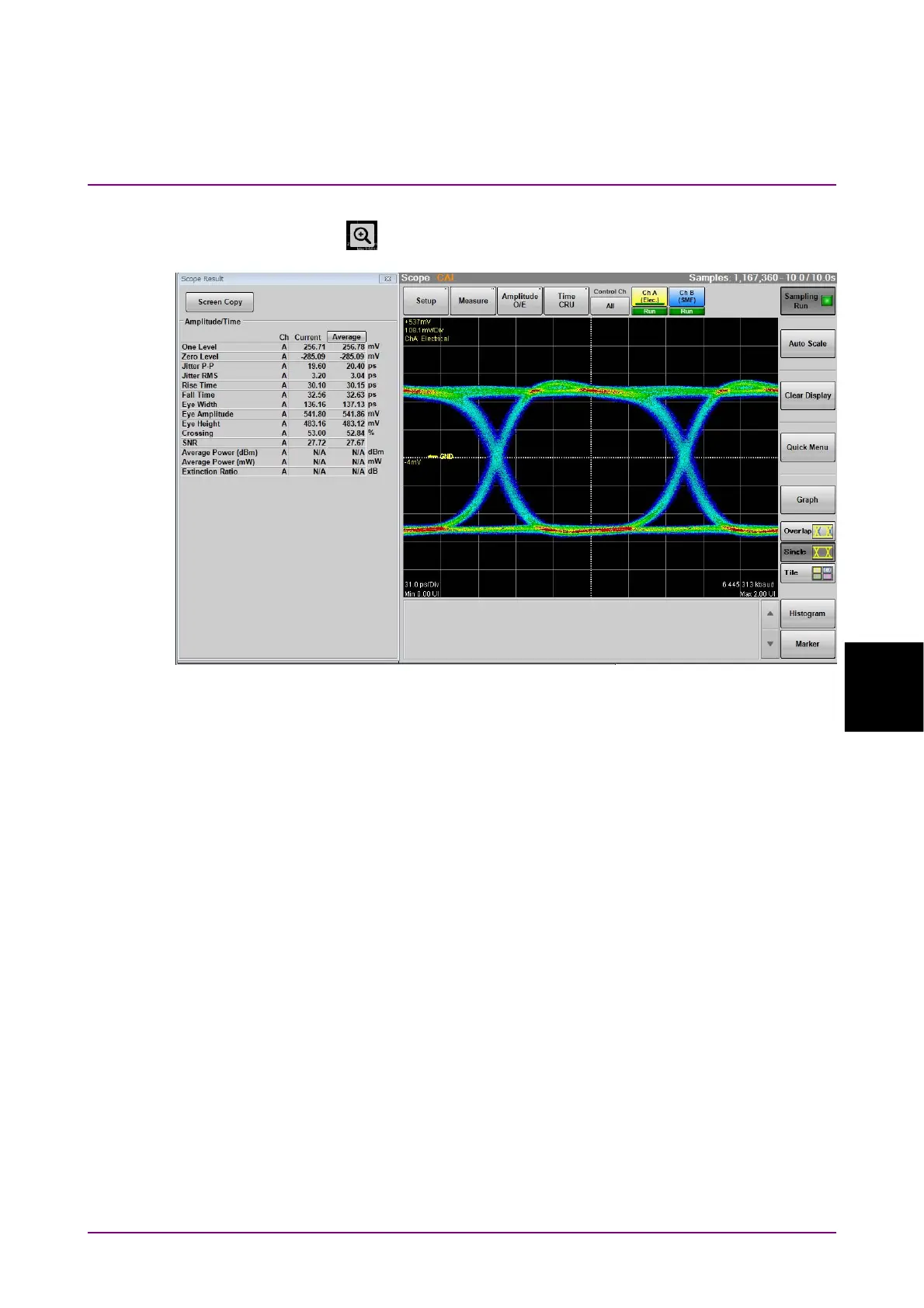
When the number of measurement items is nine or more, Zoom display
icon ( ) is shown. Clicking this icon displays Scope Result dialog box
and the waveform is displayed larger.
Figure 6.2.1-11 Enlarging Display of Result Window
(Number of measurement items is nine or more)
Click Screen Copy in the Scope Result dialog box to save the images of the
Result window and Scope Result dialog box to a file.
For the method of saving files and the destination folder, refer to 4.3.3
“Screen Copy”.














 To Next Page