6.9 Measuring Waveform
6-85
6
How to Operate Sampling Scope
To set measurement items:
1. Click Measure to open the Measure dialog box.
2. Click Amplitude/Time tab.
3. Click on the right column of an item or items you want to add. The
column of the selected item turns into light blue.
4. Click Add, and the light blue column is selected by
.
Click All Add Select Items, and the selected items are added to all
channels.
5. Click the Off button of Display to turn it On.
Make sure all the selected items are displayed in the Result window.
6. Click the Measure Setup button.
7. The item selected for the Item Selection list is added.
8. The measurement result is displayed in the button of the screen.
If the added item is the same as an item selected already for the same
channel, that item cannot be added using Item Selection.
To display measurement area
Set the range to measure One level and Zero level of the NRZ waveform
respectively.
1. Click the Setup (NRZ Amplitude Time) at Measure Setup. The Setup
(NRZ Amplitude Time) dialog box appears.
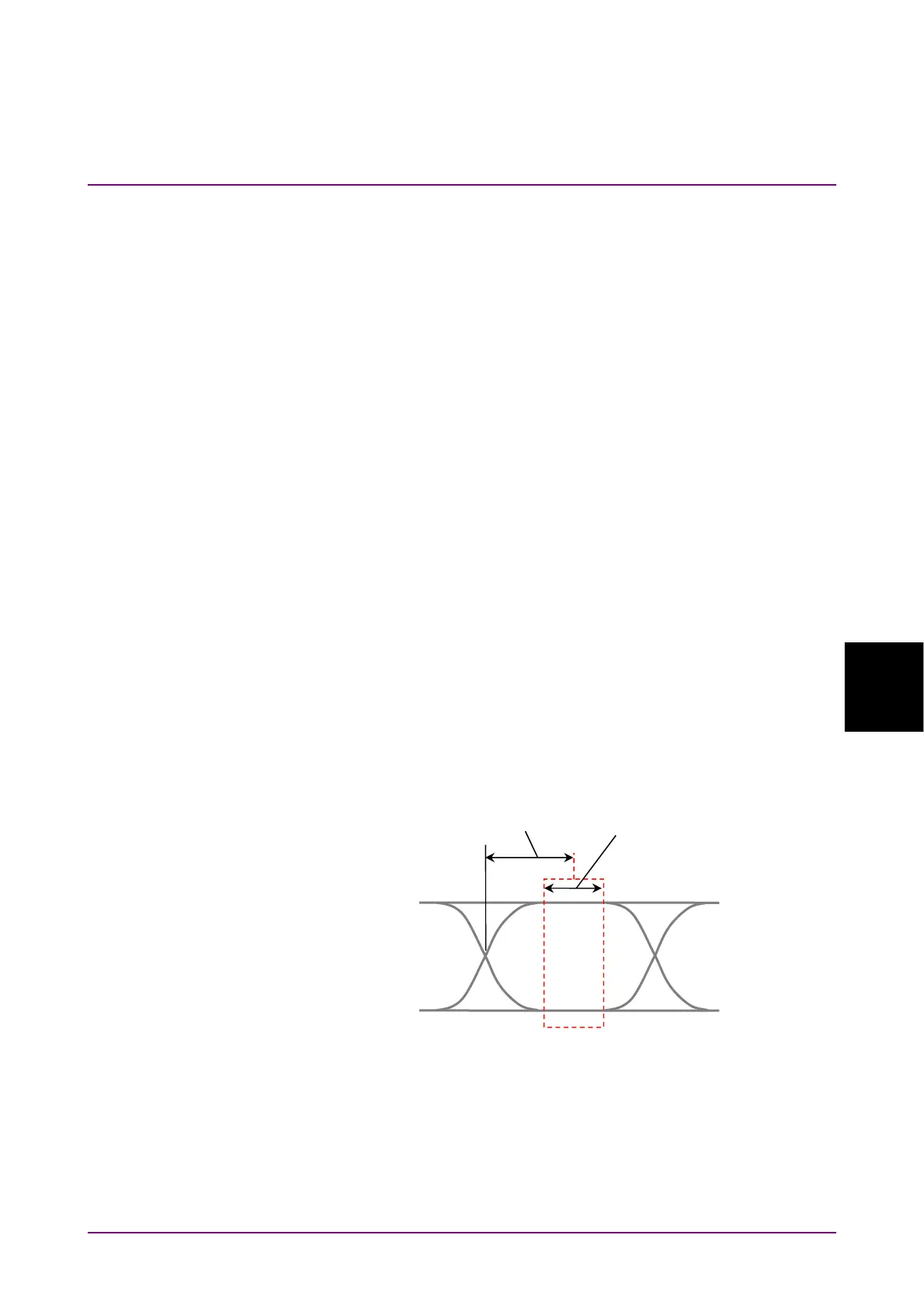
2. Click Offset from Crossing and Width of EYE Boundary and set the
values respectively. Refer to “Figure 6.9.1.1-2 Setting Item of EYE
Boundary”.
Offset from Crossing Width














 To Next Page