Chapter 6 How to Operate Sampling Scope
6-88
6.9.1.1 NRZ
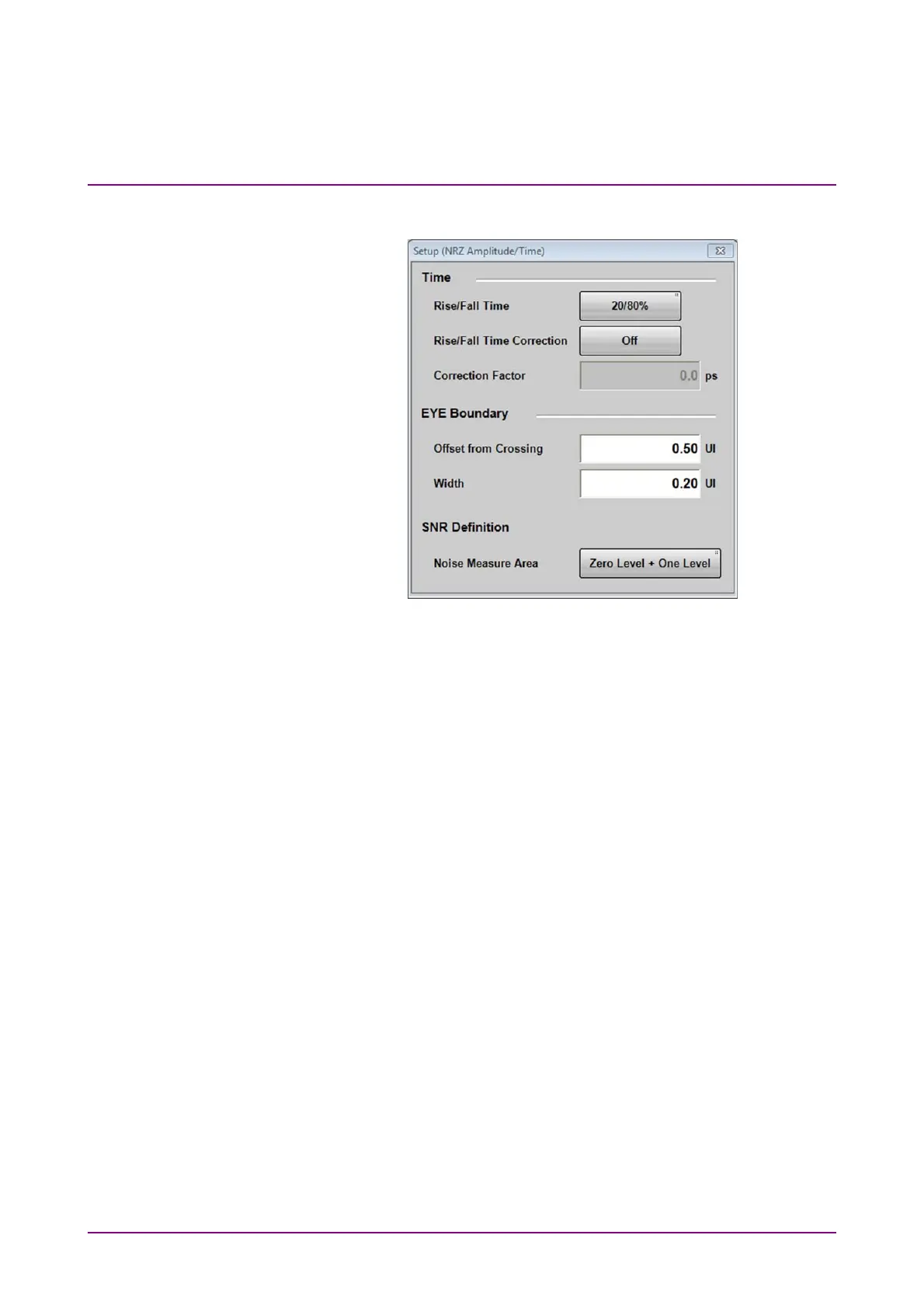
Figure 6.9.1.1-1 Setup (NRZ Amplitude/Time) Dialog Box
To change EYE Boundary
The 1 and 0 level measurement area can be changed.
1. Click NRZ at Measure Setup on Figure 6.9.1-1.
2. Click the Offset from Crossing text box to set the area center
position.
3. Click the Width text box to set the area width.














 To Next Page