6.9 Measuring Waveform
6-87
6
How to Operate Sampling Scope
Figure 6.9.1-4 Example of PAM4 Display
Deleting items
1. Click Measure. The Measure dialog box appears. The Measure dialog
box is displayed.
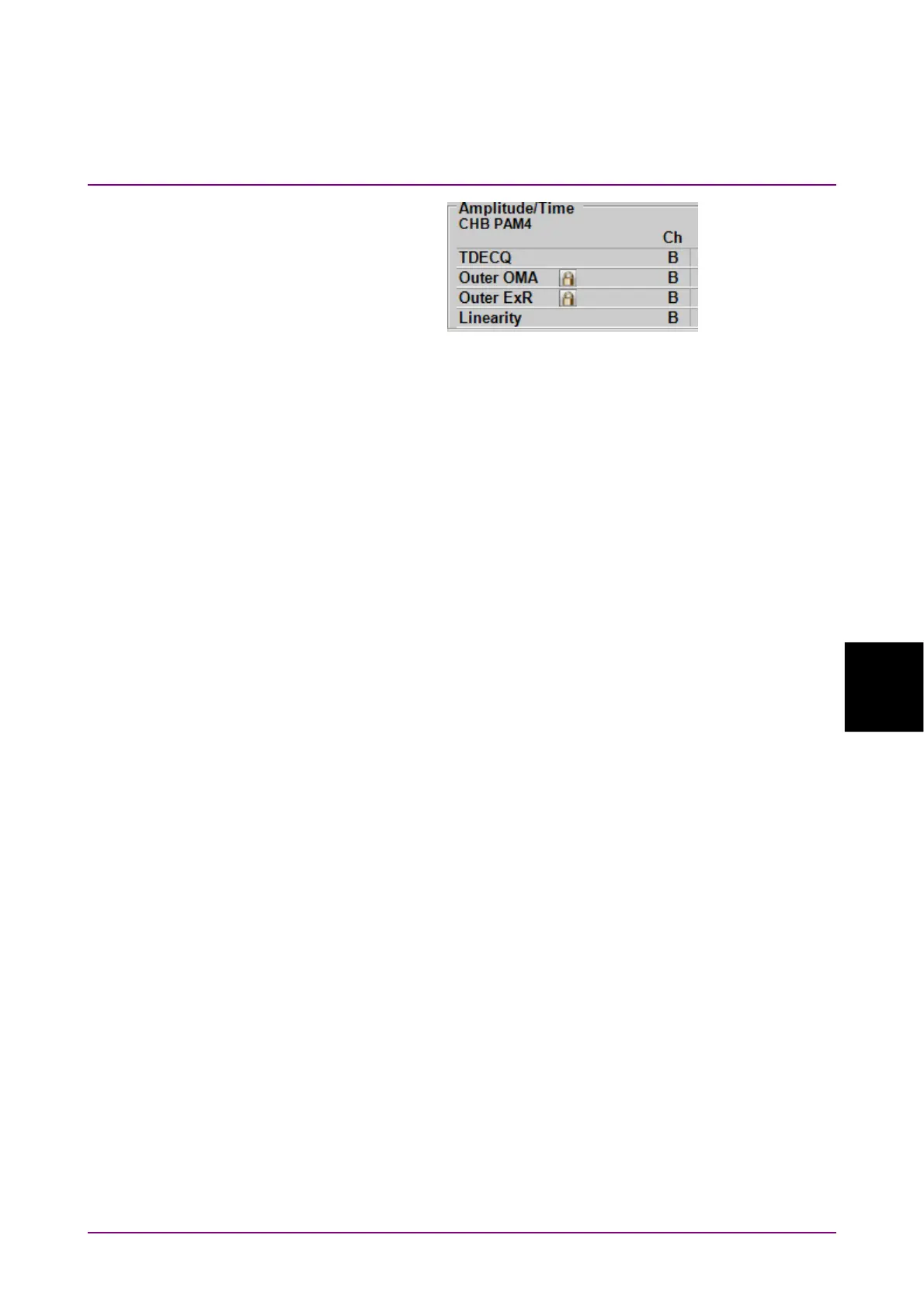
2. Click Amplitude/Time tab.
3. Click
in the right column of the item(s) you want to delete.
4. Click Delete. The Results window items are removed.
To delete all the items selected for the active channel, click All Delete
Channel Item.
To delete the items selected for all channels, click All Delete.














 To Next Page