6.9 Measuring Waveform
6-95
6
How to Operate Sampling Scope
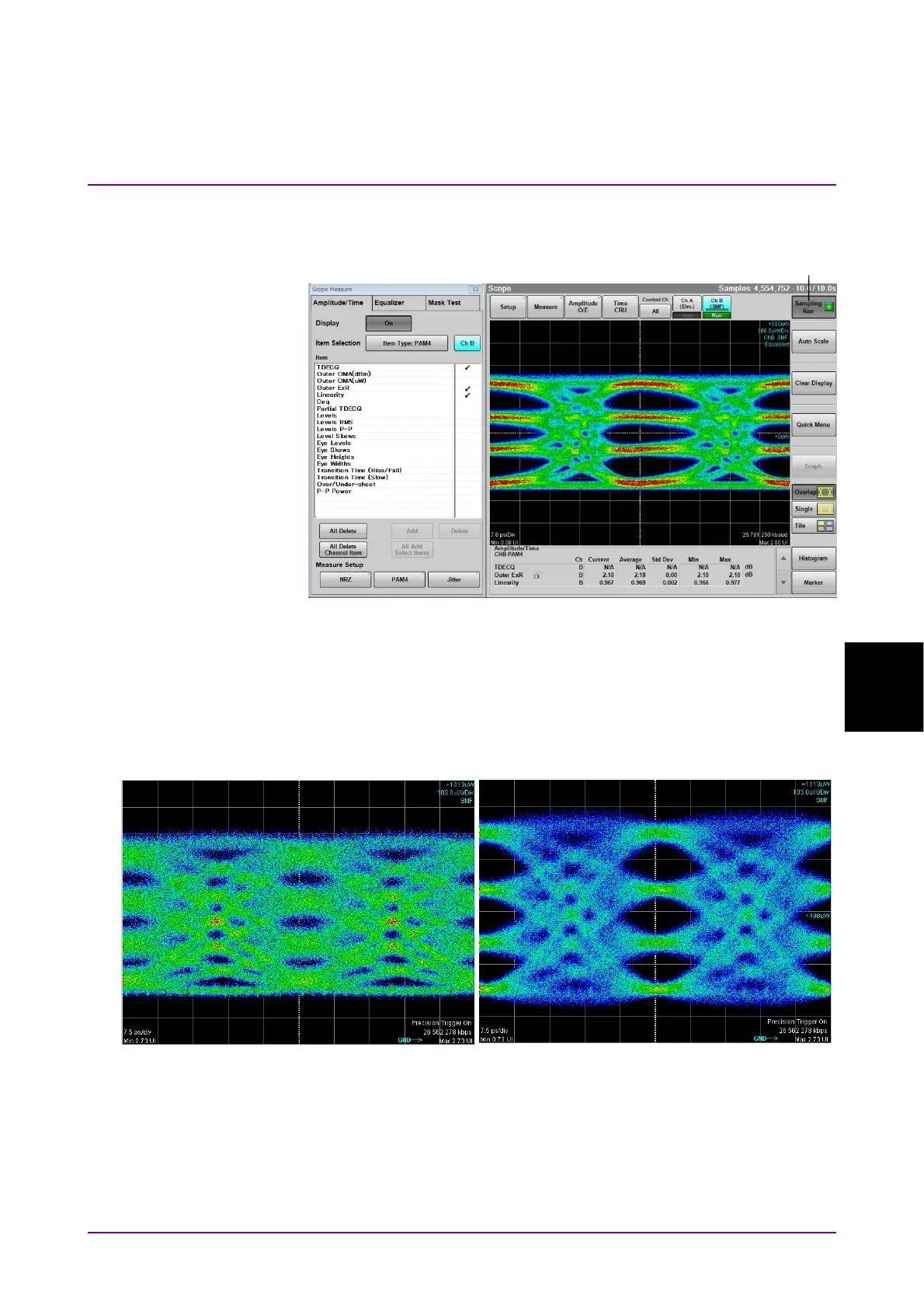
20. Click Sampling, and you will see that Sampling is followed by Run.
Set Target SER and Optimize Threshold as needed.
Figure 6.9.1.2-8 Display Example of Measurement Results
21. To display the not-equalized waveform, set Display Equalized
Waveform shown in Figure 6.9.1.2-7 to Off.
To change the waveform color, on the Utilities tab shown in Figure
6.9.1.2-1, set Waveform Color to Gray Scale, and then click Color
Select.
Figure 6.9.1.2-9 Example of TDECQ Improvement by Reference Equalizer
20
Equalized Waveform Not Equalized Waveform














 To Next Page