Chapter 7 Performance Test
7-28
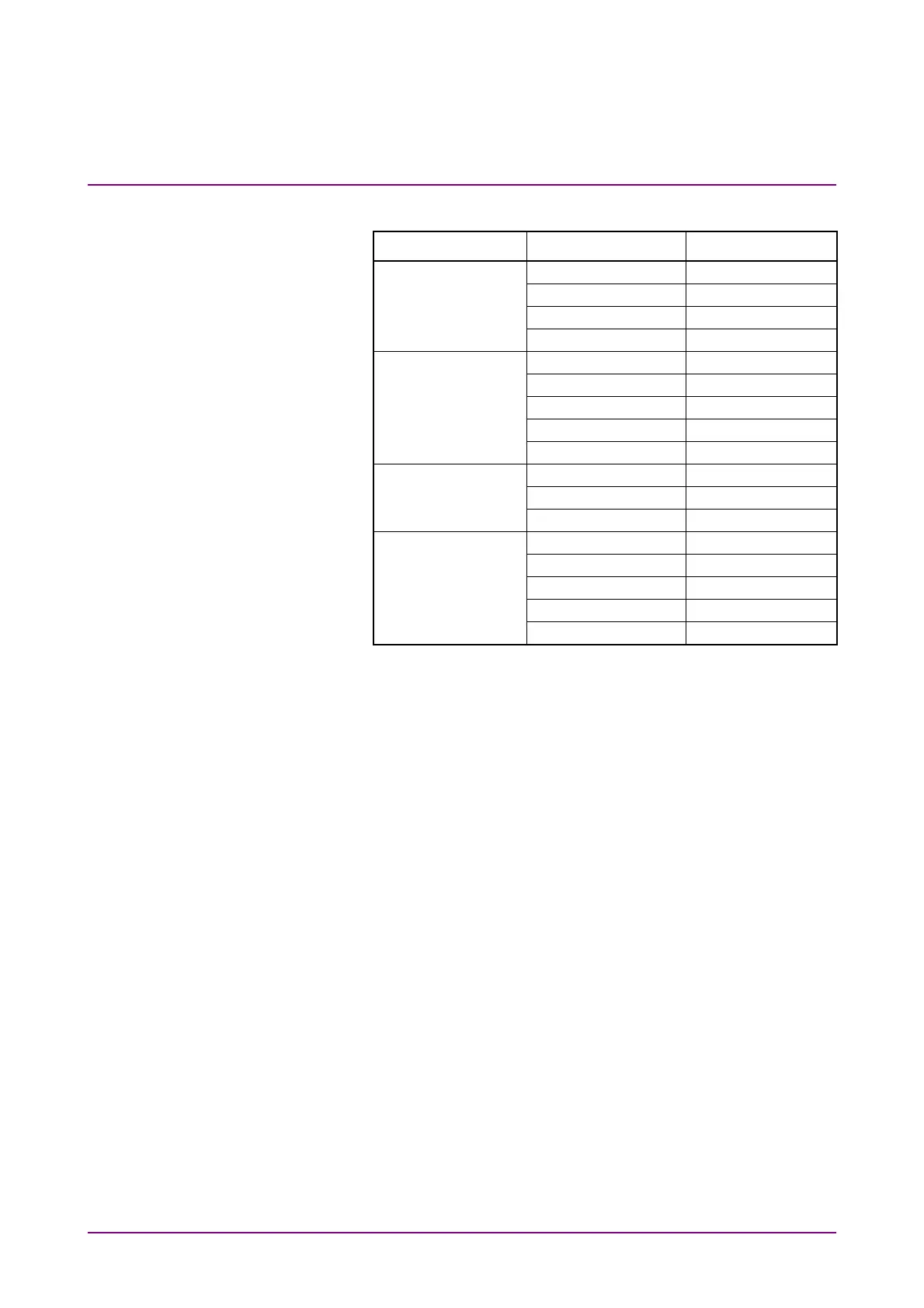
3. Click Scope. Configure the settings as shown below:
Dialog Box Item Setting Value
Setup Signal Type NRZ
Sampling Mode Eye
Number of Samples 2048
Accumulation Time None
Time Tracking Off
Divide Ratio 8
Unit UI
UI On Screen 2
Software Delay 0
Amplitude Ch A Scale 50 mV/Div.
Ch A Offset 50 mV
Ch A Attenuation 0 dB
Histogram Axis Amplitude
X1 0
X2 2
Y1 –250 mV
Y2 250 mV
4. Set the Current Limit of DC Power Source to 20 mA.
5. Set the DC voltage to 0 V.
6. Connect the DC Power Source to
Ch A In
connector.
Connect the center conductor of the coaxial cable to plus
terminal and the shield to minus terminal.
7. Click Ch A to set to On.
8. Click Sampling to set to Run.
9. Record a standard deviation (Std Dev) and an average value
(Mean) of the histogram measurement result.
10. Set the DC voltage to 200 mV.
11. Record the average value of the histogram measurement result.
12. Set the DC voltage to –200 mV.
13. Record the average value of the histogram measurement result.














 To Next Page