8.7 System Recovery Function
8-17
8
Maintenance
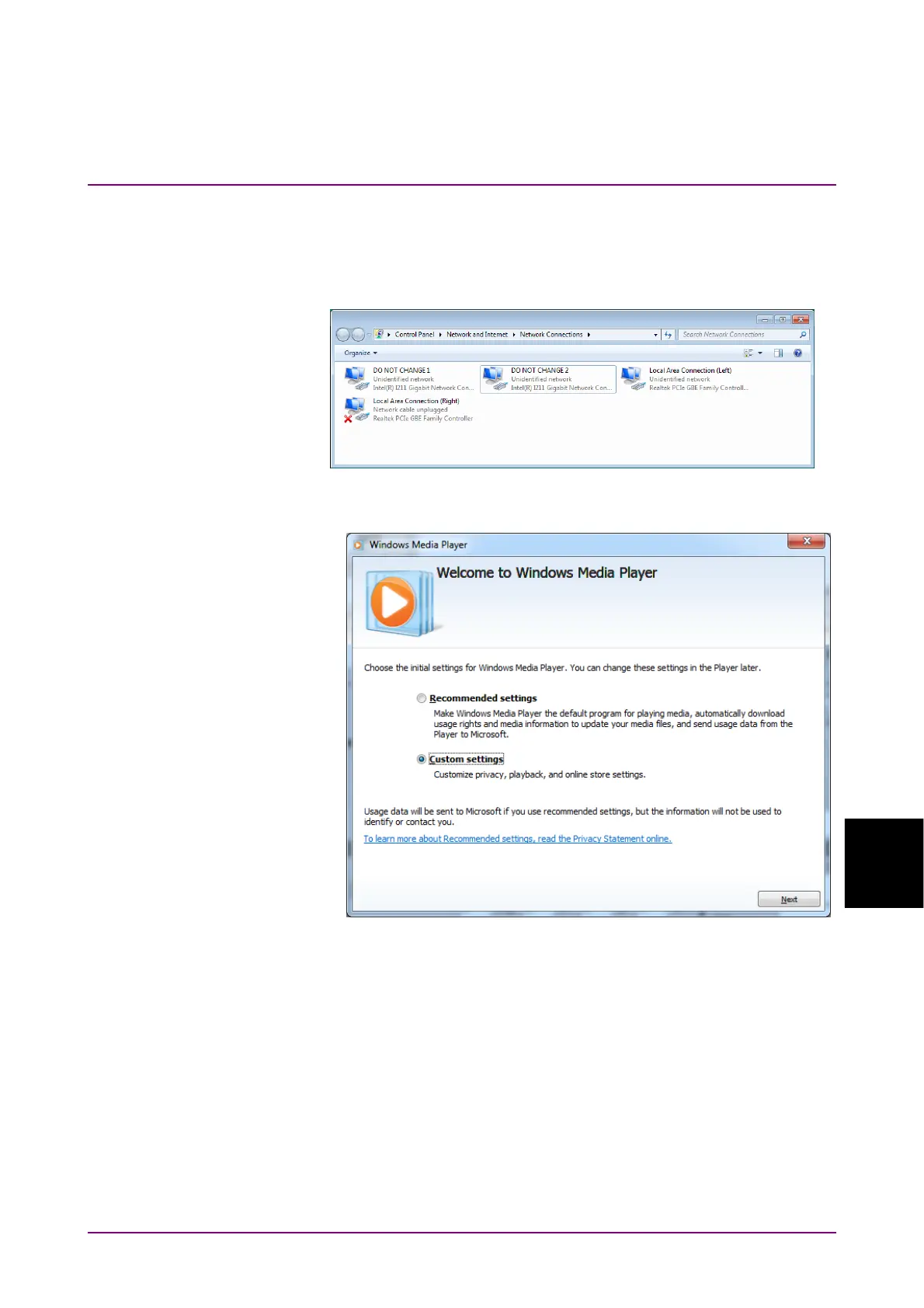
25. When there are two Intel ® I211 Gigabit Network Connection icons,
right-click other Intel ® I211 Gigabit Network Connection icon.
26. Click Rename.
27. Change the name to “DO NOT CHANGE 2”.
28. Click All Programs → Windows Media Player from the start menu.
29. Click Custom Settings, and click Next.














 To Next Page