Chapter 2 Before Use
2-6
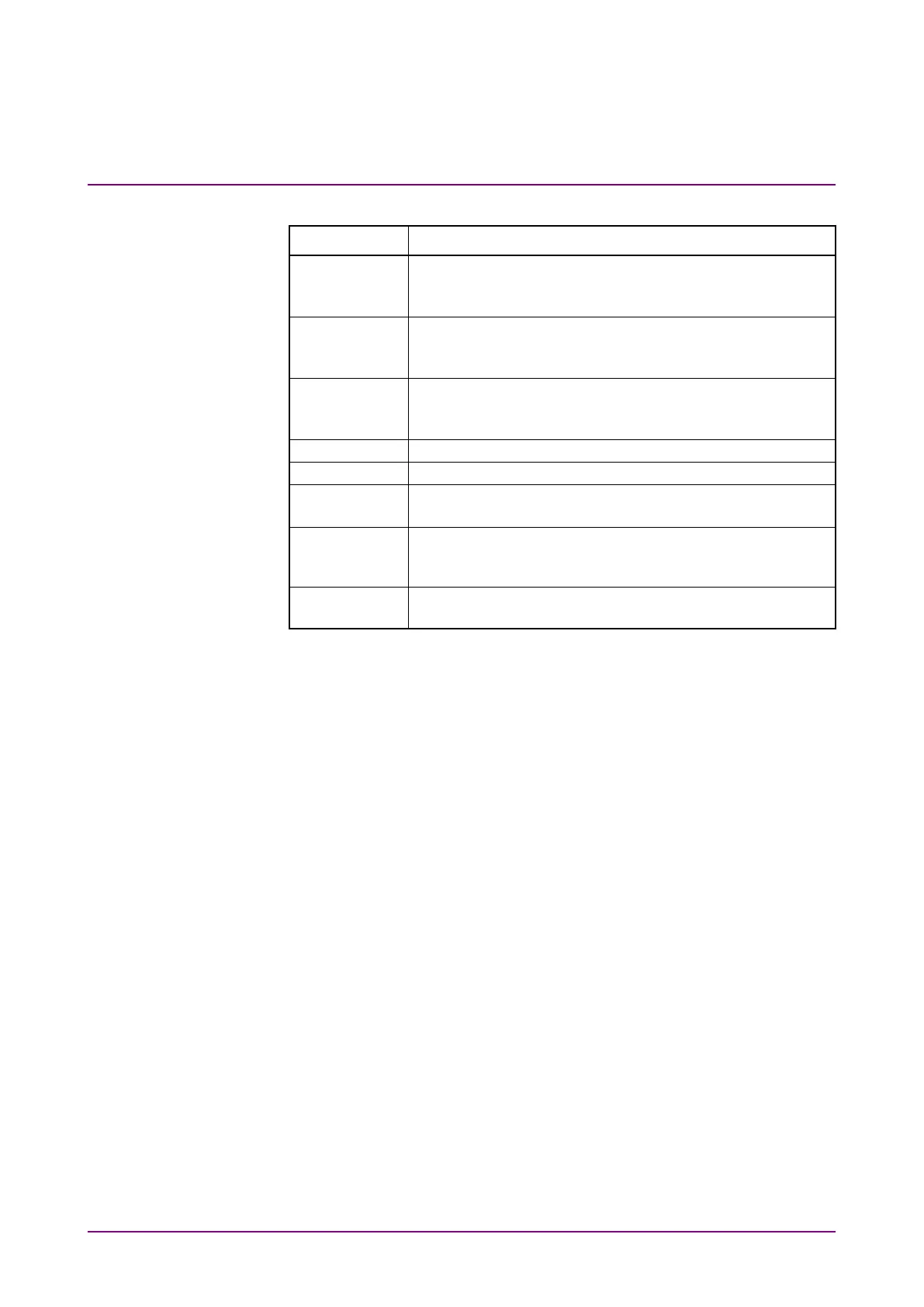
Table 2.2.1-1 Front Panel Description
Name Description
Panel of the sampling oscilloscope
If no scope option is installed, this slot is filled with a
blank panel.
Panel of the bit error rate tester
If neither BERT option nor MP2110A-055 is installed,
this slot is filled with a blank panel.
Panel of the clock recovery unit
If neither BERT option nor MP2110A-055 is installed,
this slot is filled with a blank panel.
Lights in green when MP2110A is under remote control.
Lights in orange when power is supplied to MP2110A.
Lights in green when MP2110A is powered-on.
Flashes while shutting down MP2110A.
Ground
Terminal
For connecting wrist strap, ESD Discharger, or DUT.
USB 2.0 connectors for connecting peripheral accessories
including mouse and keyboard.














 To Next Page