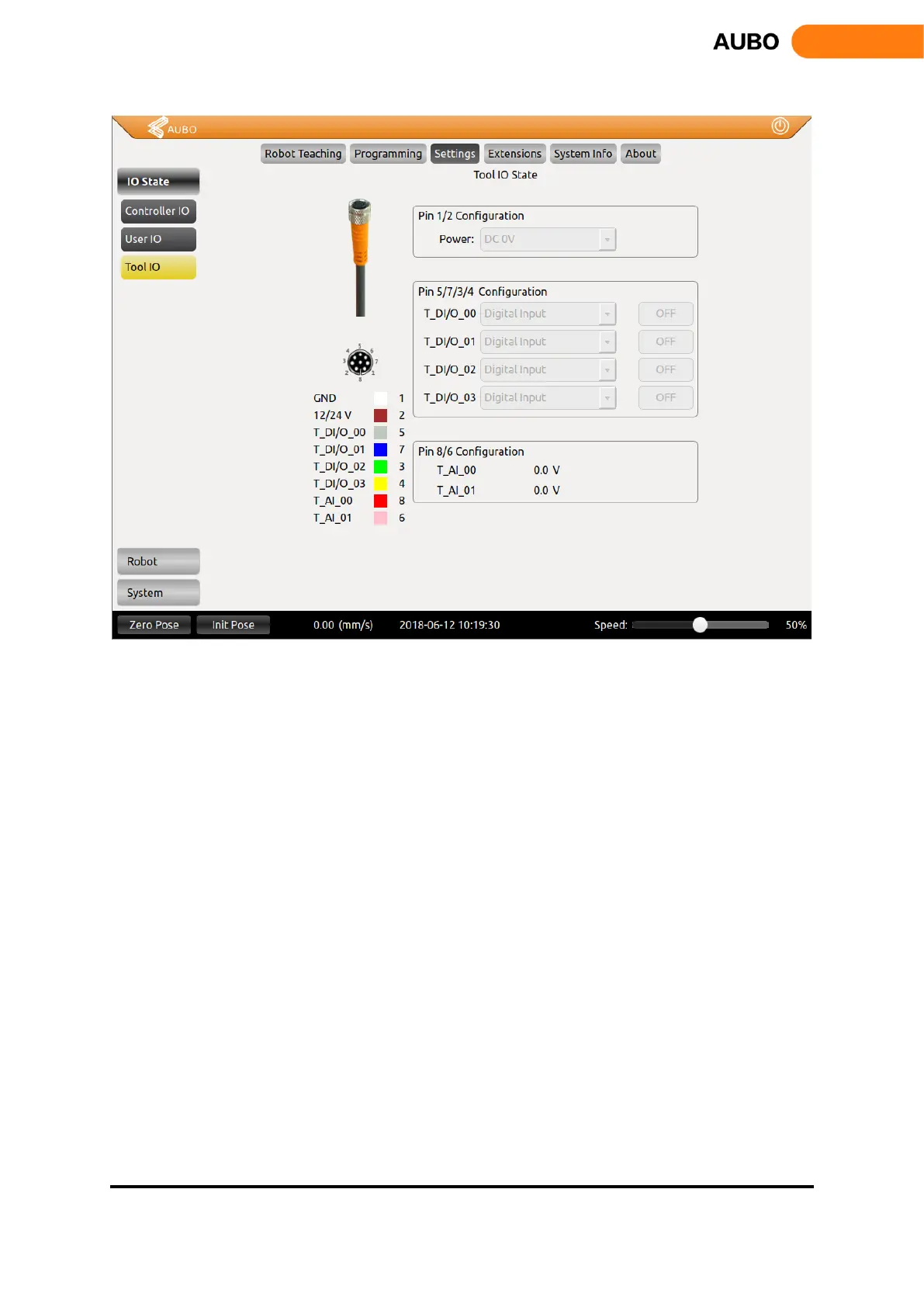
Figure 10.20 Tool I/O Setting interface.
Tool I/O Tab: It is the display of end-effect’s setting status. Users can configure 4 digital I / O by pin
3/4/5/6, and pin 7/8 can be configured as an analog input. Pin 2 can be configured to three kinds of
output voltages: 0v, 12V and 24V.
Users need to configure the voltage of pin 2 and states of pin 3/4/5/6 based on the actual usage before
using this function.



 To Next Page