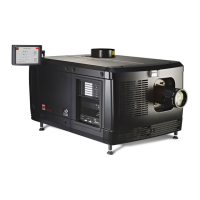
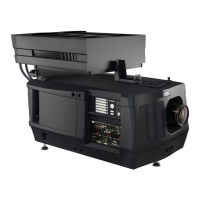
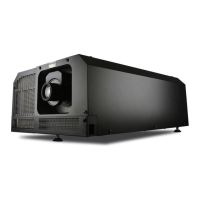
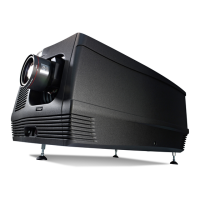
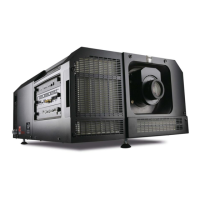
7. Lenses & lens holder
7. LENSES & LENS HOLDER
About this chapter
This chapter gives an ove rview of available lenses for the DPxK BL P series p rojector and explains how you c an select the best suited
lens for your specifi c situation using the lens ca lculator. Also, it is explained ho w to install and remov e a lens from the p rojector
lens holder and how you can s hift, zoom and focus the lens. Furthermore, it is described how you can perform the Sc heimpflug
adjustment.
CAUTION: Never transport the pro jector with a L ens mounted in the L ens H older. Always remove the L ens
before transp orting the projector. Neglecting this can damage the Lens Holder and Prism.
Each time a lens is manipulated (e.g. removed an d installed in a projector), it n eeds to be homed and returned.
Overview
• Available lenses
• Lens selection
• Lens installation
• Lens rem oval
• Lens shift, zoom & focus
• Back Focal Length adjustme nt
• Scheimpfl ug adjustment
• Fixation of the Lens Holder front plate
7.1 Available lenses
Which lenses are available for my projector?
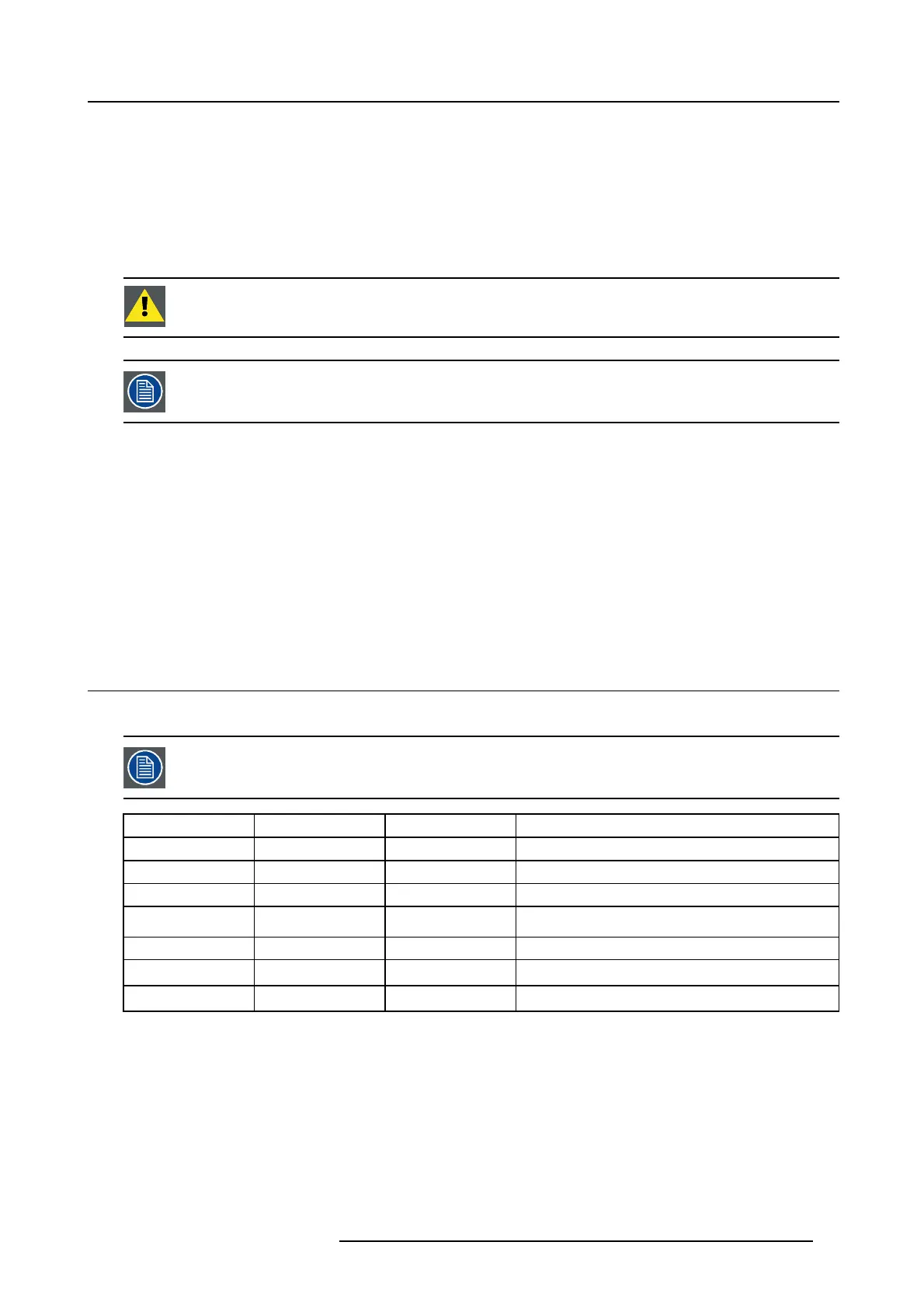
The table below is subject to changes and was last u pda ted on 30/08/2017. Consult B arco’s w eb site and click
on myBarco for the m ost recent information about available lenses.
Product Number 2K zoom range 4K zoom range Image
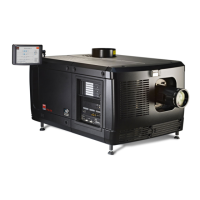
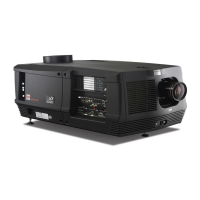
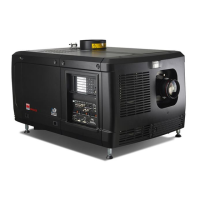
R9856504 1.25-1.90 1.13-1.72 image 7-1
R9856506 1.25-1.91 1.13-1.72 image 7-2
R9856294 1,49 – 2,05 1,35 – 1,86 image 7-3
R9856297 1,6 – 2,31 1,46 – 2,10 image 7-4
R9856300 1,82 – 2,86 1,65 – 2,60 image 7-5
R9856303 2.21-3.70 2.00-3.35 image 7-6
R9855947 2,8 – 5,5 2,53 – 4,98 image 7-7
R5906753 DPXK BLP SERIES 20/11/2017 63


 To Next Page