5.7.1.1 Edit
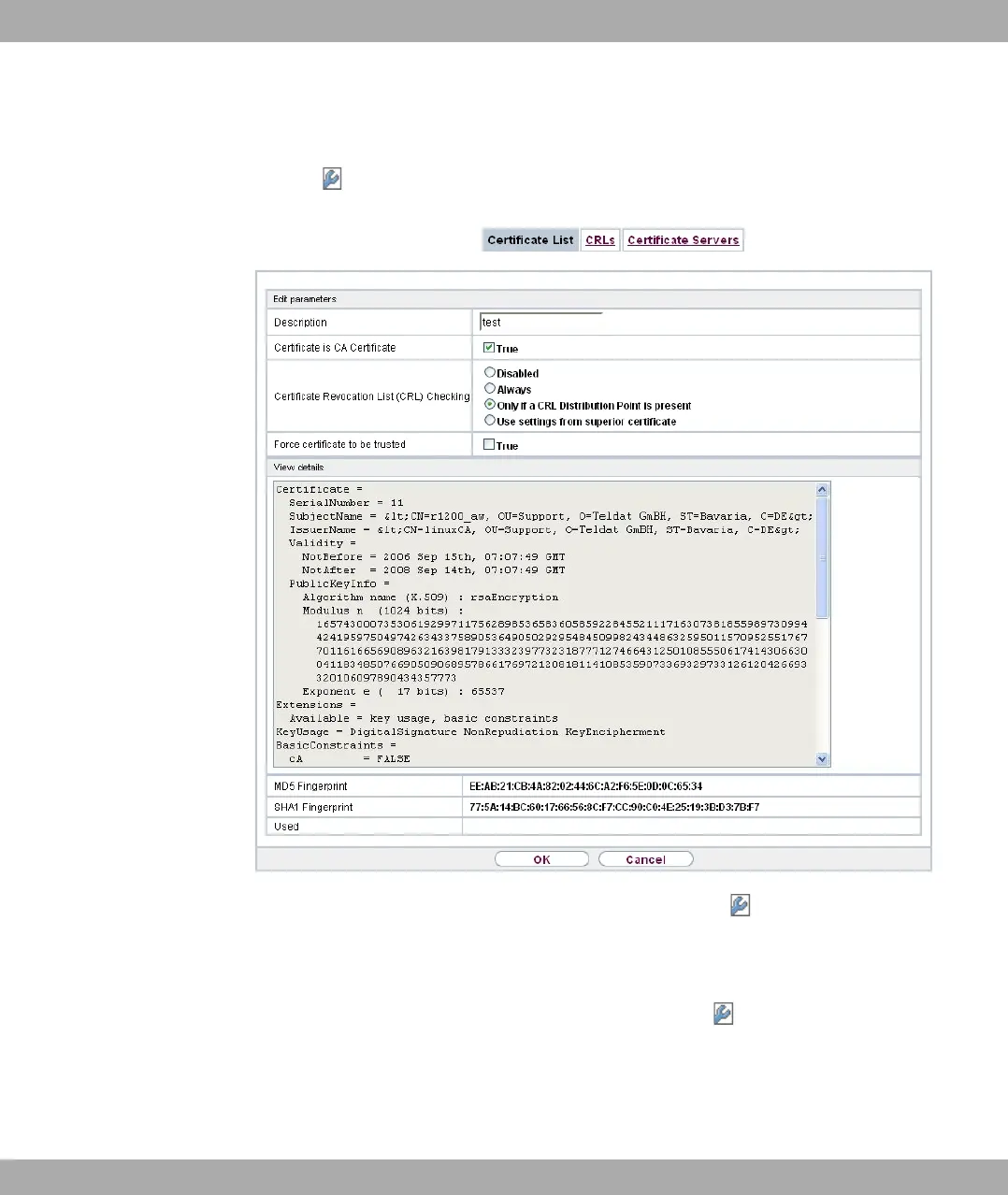
Click the icon to display the content of the selected object (key, certificate, or request).
Fig. 44: System Management->Certificates->Certificate List->
The certificates and keys themselves cannot be changed, but a few external attributes can
be changed, depending on the type of the selected entry.
The System Management->Certificates->Certificate List-> menu consists of the fol-
lowing fields:
Fields in the Edit parameters menu.
5 System Management bintec elmeg GmbH
100 bintec RS Series



 To Next Page