can be reached.
Fields in the Ping Test menu
Field Description
Test Ping Mode Select the IP version to be used for the ping test.
Possible values:
•
•
Test Ping Address Enter the IP address to be tested.
Use Interface Only for Test Ping Mode =
For link local addresses select the interface to be used for the
ping test. 5$1 can be used for global addresses.
Pressing the Go button starts the ping test. The Output field displays the ping test mes-
sages.
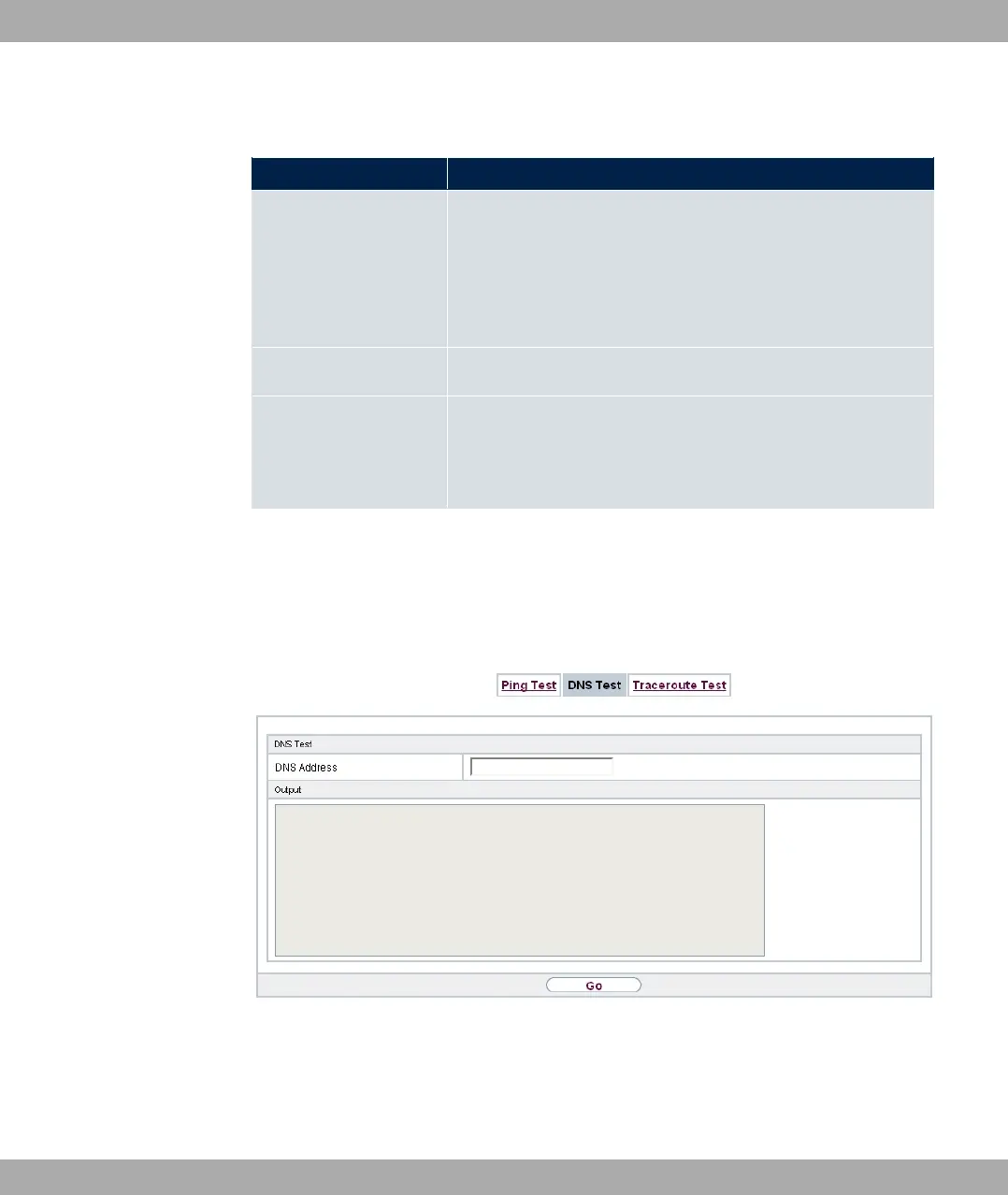
18.2.2 DNS Test
Fig. 209: Maintenance->Diagnostics->DNS Test
The DNS test is used to check whether the domain name of a particular host is correctly re-
solved. The Outputfield displays the DSN test messages. The ping test is launched by en-
tering the domain name to be tested in DNS Address and clicking the Go button.
bintec elmeg GmbH
18 Maintenance
bintec RS Series 543



 To Next Page