Field Description
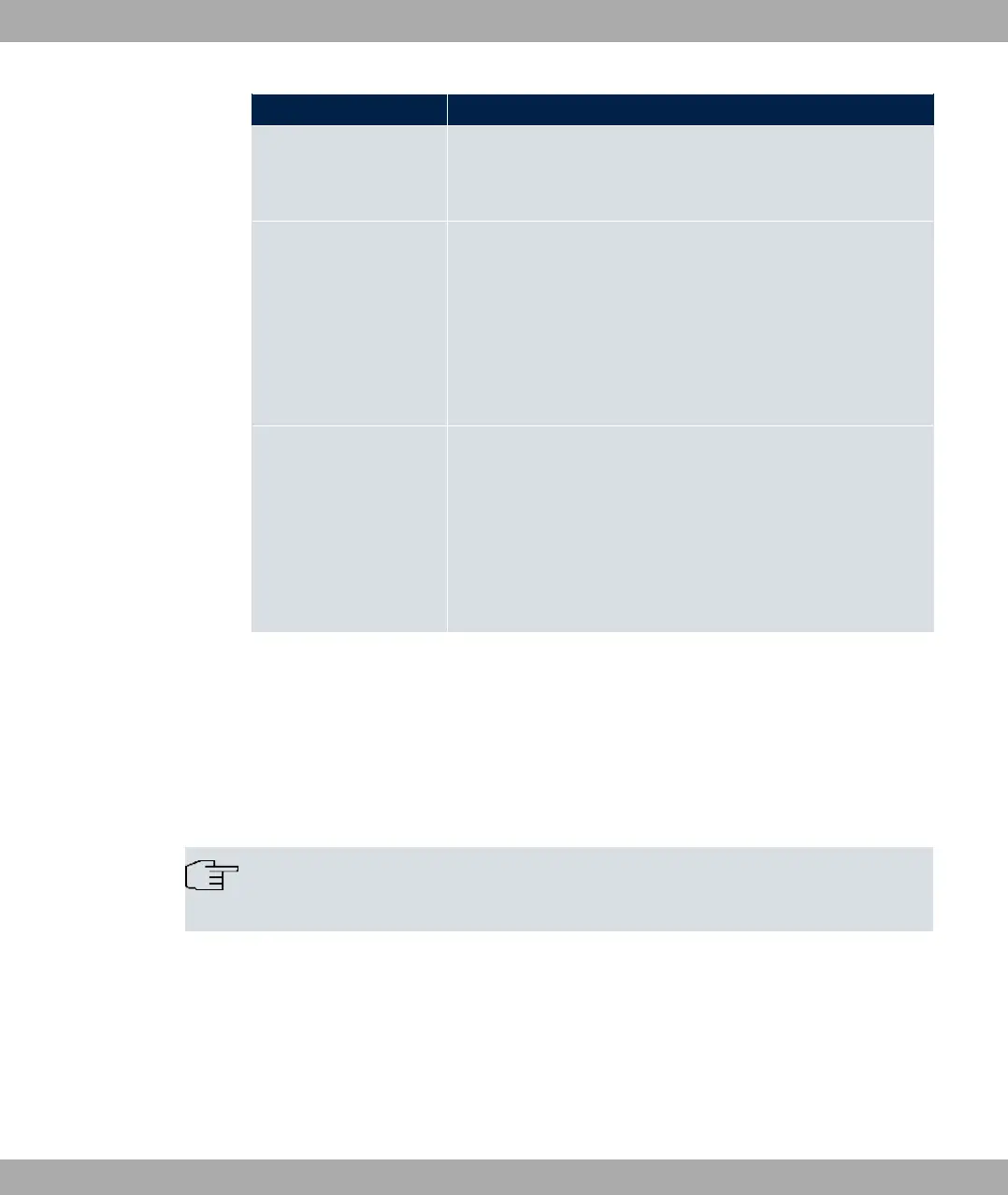
MSN Enter the number used to check the called party number. For
the call to be accepted, it is sufficient for the individual numbers
in the entry to agree, taking account of MSN Recognition.
MSN Recognition Select the mode your device is to use for the number comparis-
on for MSN with the called party number of the incoming call.
Possible values:
• A# 0$ (default value)
• 0$ A# 55!: Always select if your device is con-
nected to a point-to-point connection.
Bearer Service Select the type of incoming call (service detection).
Possible values:
• 5 > E% (default value): Both data and voice calls.
• 5: data call
• E%: Voice call (modem, voice, analog fax)
6.3 DSL Modem
6.3.1 DSL Configuration
In this menu, you make the basic settings for your xDSL connection.
Note
You require a licence for devices in the RS series to activate VDSL.
6 Physical Interfaces bintec elmeg GmbH
120 bintec RS Series



 To Next Page