Note
You may need a serial to USB driver for the CP210x component. You can download it
from www.bintec-elmeg.com .
1.5.2 Ethernet interface
The devices have an Ethernet interface with integrated 4 port switch. This is used to con-
nect individual PCs or other switches.
The connection is made via an RJ45 connector (yellow). The devices also have a fifth Eth-
ernet interface (white).
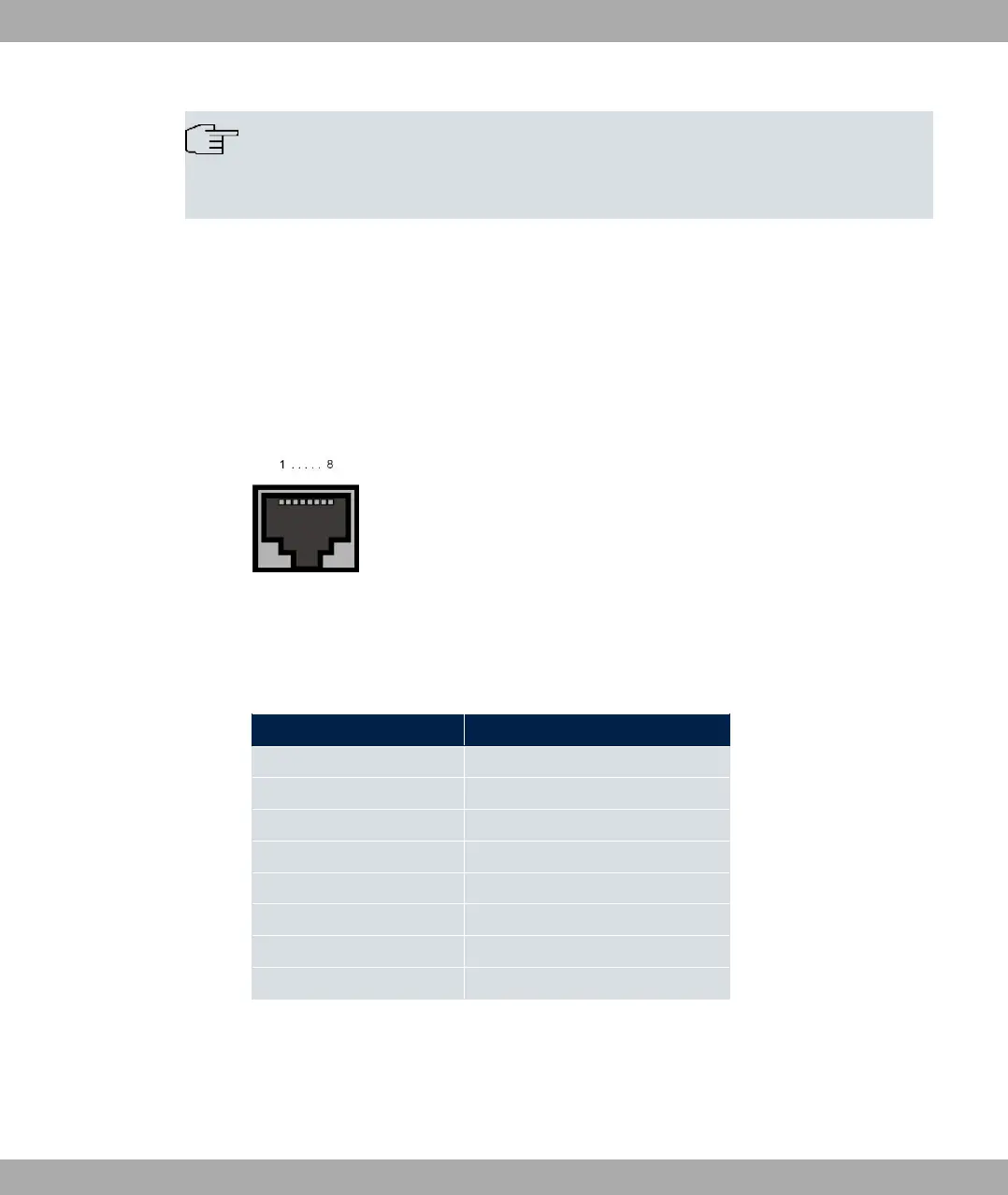
Fig. 12: 10/100/1000 Base-T Ethernet interface (RJ45 connector)
The pin assignment for the 10/100/1000 Base-T Ethernet interface (RJ45 connector) is as
follows:
RJ45 socket for LAN connection
Pin Position
1 Pair 0 +
2 Pair 0 -
3 Pair 1 +
4 Pair 2 +
5 Pair 2 -
6 Pair 1 -
7 Pair 3 +
8 Pair 3 -
1.5.3 xDSL interface
The xDSL interface is connected via an RJ45 plug.
Only the two inner pins are used for the xDSL connection.
bintec elmeg GmbH
1 Installation
bintec RS Series 21



 To Next Page