Field Description
type of encoding.
• :
• :(
Password Enter the password required for the import.
5.7.3 Certificate Servers
A list of certificate servers is displayed in the System Management->Certificates->Certi-
ficate Servers menu.
A certification authority (certification service provider, Certificate Authority, CA) issues your
certificates to clients applying for a certificate via a certificate server. The certificate server
also issues the private key and provides certificate revocation lists (CRL) that are accessed
by the device via LDAP or HTTP in order to verify certificates.
5.7.3.1 New
Choose the New button to set up a certificate server.
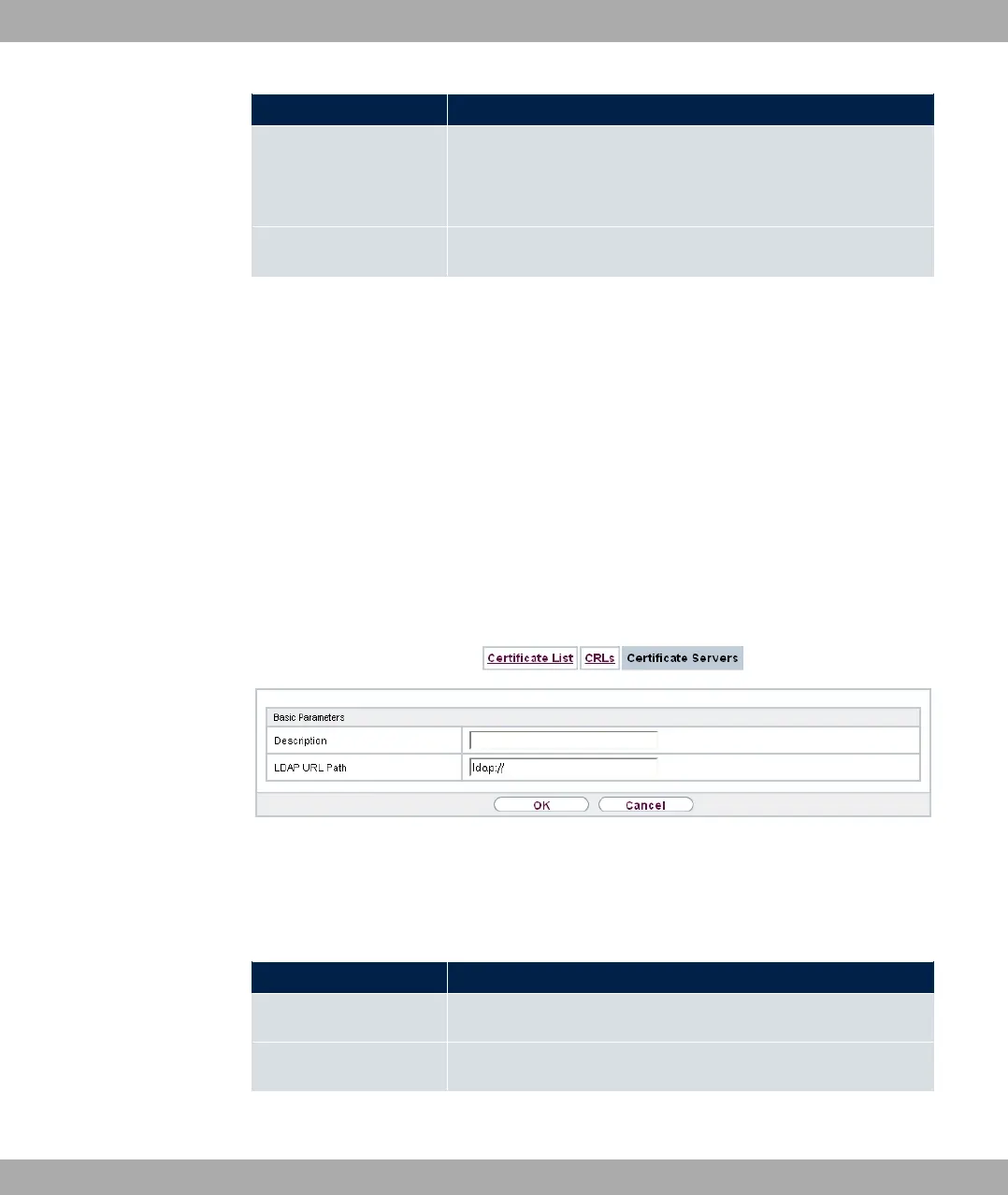
Fig. 48: System Management->Certificates->Certificate Servers->New
The System Management->Certificates->Certificate Servers->New menu consists of
the following fields:
Fields in the Basic Parameters menu.
Field Description
Description Enter a unique description for the certificate server.
LDAP URL Path Enter the LDAP URL or the HTTP URL of the server.
5 System Management bintec elmeg GmbH
110 bintec RS Series



 To Next Page