8.2.1 Basic Settings
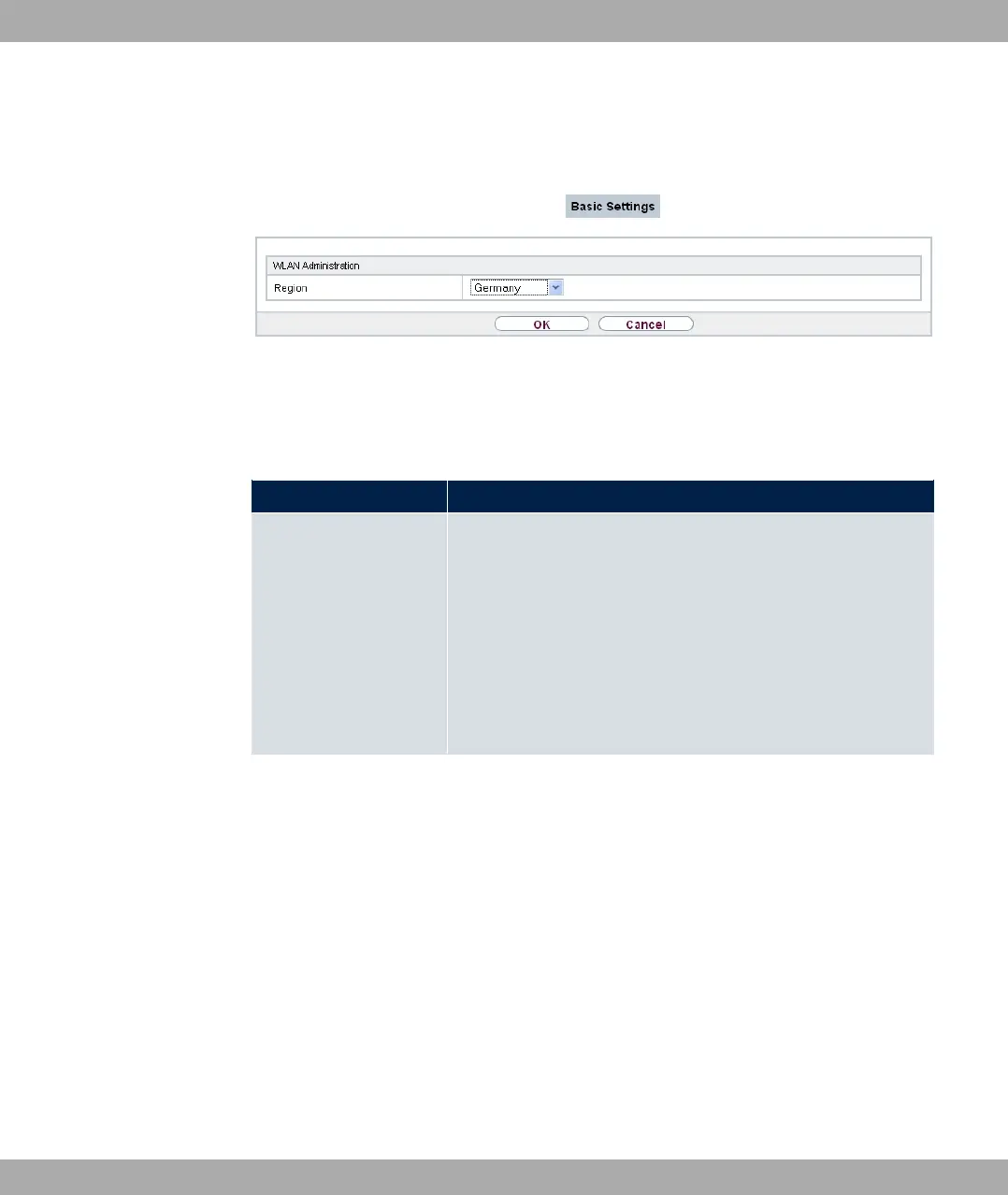
Fig. 70: Wireless LAN->Administration->Basic Settings
The Wireless LAN->Administration->Basic Settingsmenu consists of the following
fields:
Fields in the WLAN Administration menu.
Field Description
Region Select the country in which the access point is to be run.
Possible values are all the countries configured on the device's
wireless module.
The range of channels available for selection (Channel in the
Wireless LAN->WLAN->Radio Settings menu) changes de-
pending on the country setting.
The default value is (.
8.3 Configuration
8.3.1 WLAN - Configuration example
Requirements
• Your LAN is connected over the first Ethernet interface (Port 1) of your device
• A client with Windows XP operating system and a WLAN card
• A DHCP server in the LAN distributes IP addresses from the network /
for clients from the LAN and WLAN.
• A WAN connection.
8 Wireless LAN bintec elmeg GmbH
178 bintec RS Series



 To Next Page