Field Description
• +
Additional services are created in Firewall->Services->Service
List.
In addition, the service groups configured in
Firewall->Services->Groups can be selected.
Action
Select the action to be applied to a filtered packet.
Possible values:
• 3%% (default value): The packets are forwarded on the
basis of the entries..
• 5( : The packets are rejected.
• AN% : The packets are rejected. An error message is is-
sued to the sender of the packet.
15.1.3 Options
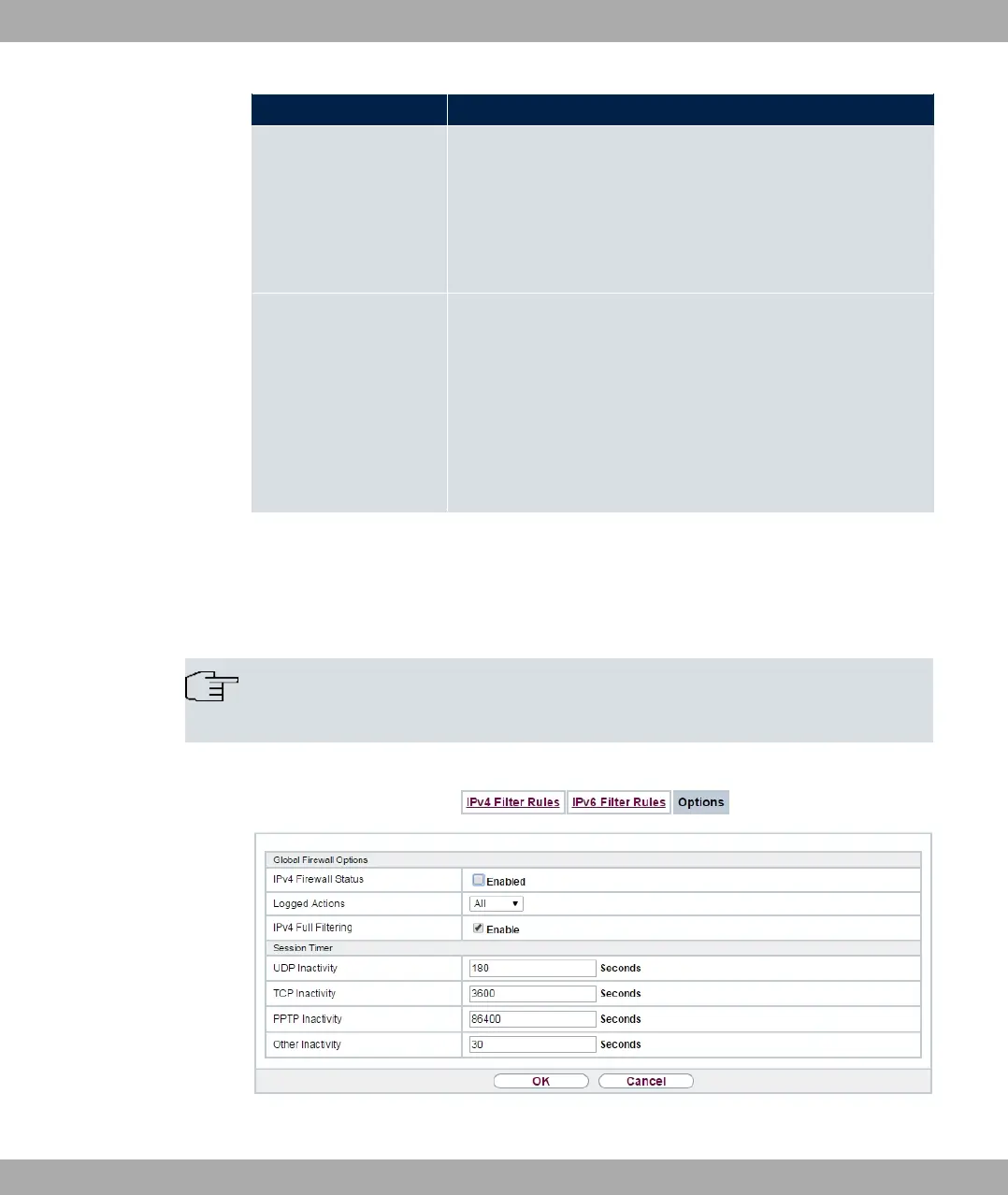
In this menu, you can disable or enable the IPv4 firewall and can log its activities. In addi-
tion, you can define after how many seconds of inactivity a session shall be ended.
Note
The IPv6 firewall is always active and cannot be disabled.
Fig. 155: Firewall->Policies->Options
15 Firewall bintec elmeg GmbH
422 bintec RS Series



 To Next Page