Activating extra licences
You activate extra licences by adding the received licence information in the System Man-
agement->Global Settings->System Licences->New menu.
The menu System Management->Global Settings->System Licences->New consists of
the following fields:
Fields in the Basic Settings menu.
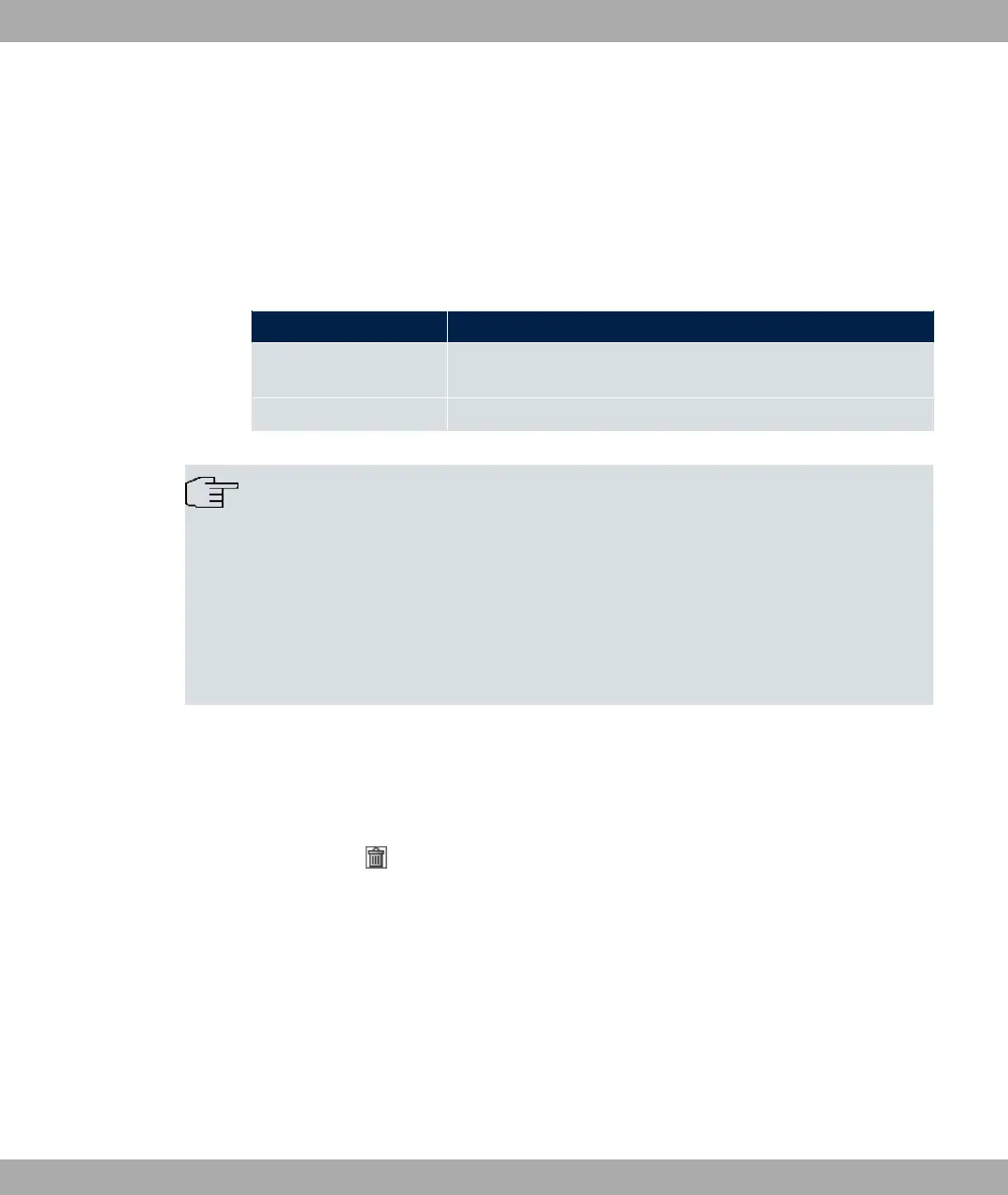
Field Value
Licence Serial Number Enter the licence serial number you received when you bought
the licence.
Licence Key Enter the licence key you received by e-mail.
Note
If ) -4 is displayed as the status:
• Enter the licence data again.
• Check your hardware serial number.
If ) ++ is displayed as the status, you have entered a license for a sub-
system that your device does not support. This means you cannot use the functions of
this licence.
Deactivating a licence
Proceed as follows to deactivate a licence:
(1) Go to System Management->Global Settings->System Licences->New.
(2) Press the icon in the line containing the licence you want to delete.
(3) Confirm with OK.
The licence is deactivated. You can reactivate your additional licence at any time by enter-
ing the valid licence key and licence serial number.
5.3 Interface Mode / Bridge Groups
In this menu, you define the operation mode for your device's interfaces.
Routing versus bridging
5 System Management bintec elmeg GmbH
68 bintec RS Series



 To Next Page