Field Description
Possible values for Condition Settings in Condition Type =
5( $ ':
... &.
Start Time Enter the time from which the initiator is to be activated. Activa-
tion is carried on the next scheduling interval. the default value
of this interval is 55 seconds.
Stop Time Enter the time from which the initiator is to be deactivated. De-
activation is carried on the next scheduling interval. If you do not
enter a Stop Time or set a Stop Time = Start Time, the initiat-
or is activated, and deactivated after 10 seconds.
17.8.2 Actions
In the Local Services->Scheduling->Actions menu is displayed a list of all operations to
be initiated by events or event chains configured in Local
Services->Scheduling->Trigger.
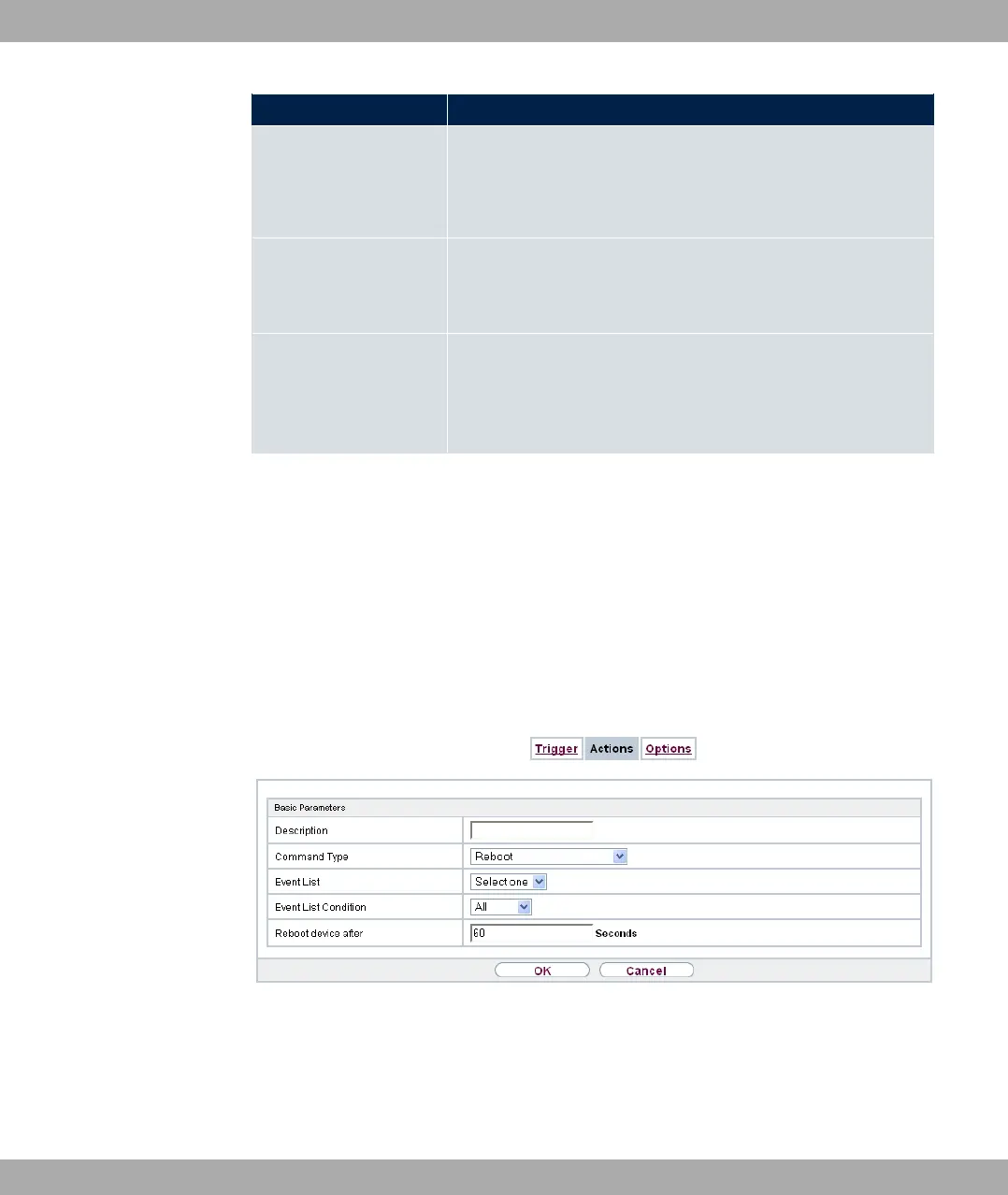
17.8.2.1 New
Choose the New button to configure additional operations.
Fig. 189: Local Services->Scheduling->Actions->New
The menu Local Services->Scheduling->Actions->New consists of the following fields:
Fields in the menu Basic Parameters
bintec elmeg GmbH
17 Local Services
bintec RS Series 491



 To Next Page