Field Description
terface.
The schedule interval is disabled by default.
Enter the period of time in seconds after which the system
checks whether configured events have occurred.
Possible values are to &.
The value & is recommended (5 minute accuracy).
17.8.4 Configuration example - Time-controlled Tasks
(Scheduling)
Requirements
• Basic configuration of the gateway.
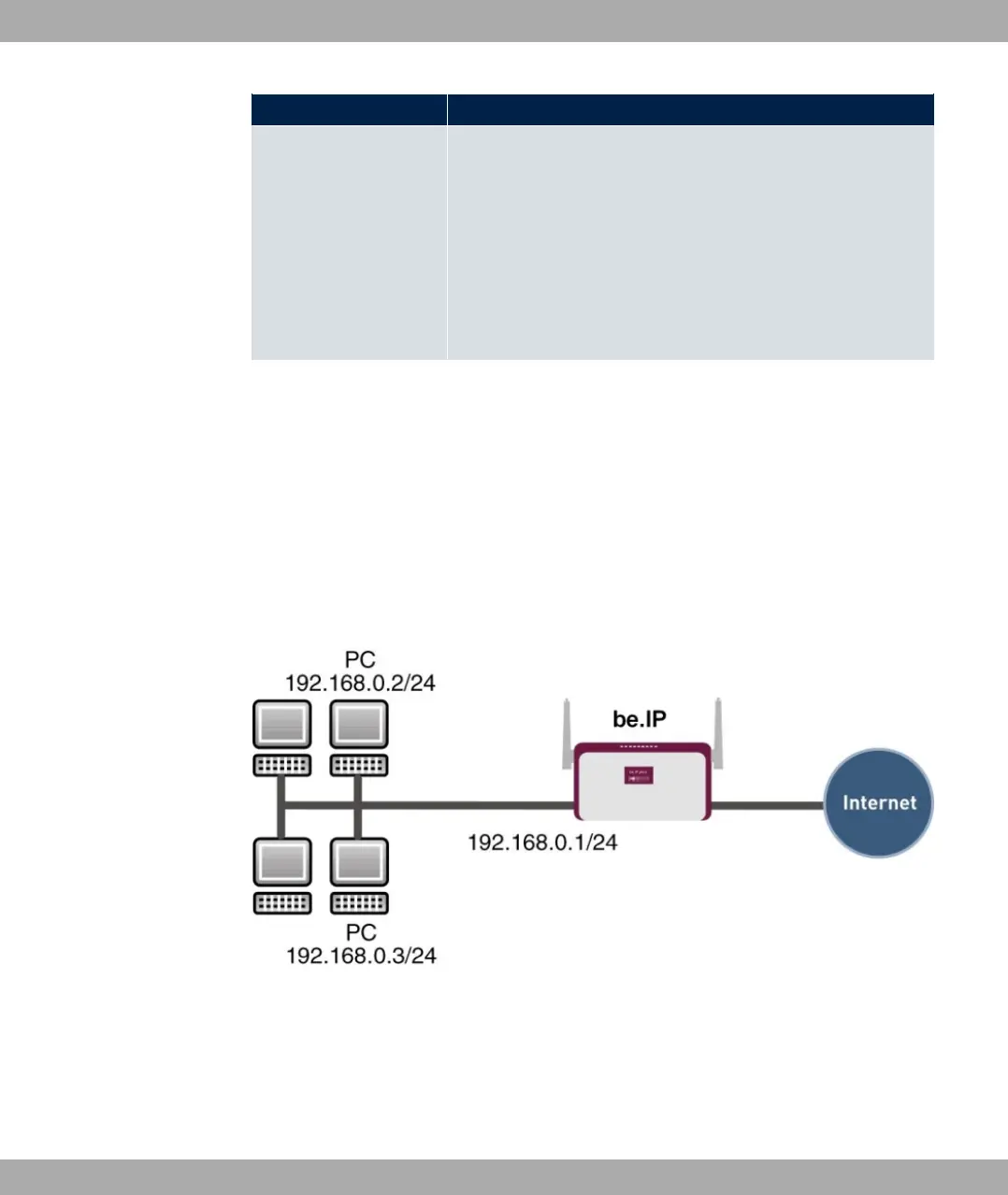
Example scenario
Example scenario Time-controlled Tasks
Configuration target
• You want to reboot your gateway automatically overnight.
• The WLAN interface is to be suspended at the weekend.
bintec elmeg GmbH
17 Local Services
bintec RS Series 503



 To Next Page